All-New Event Presentation Switching Solutions
User Manual
After input backup settings, the capacity and type of the related connectors
cannot be changed.
Menu Orientation
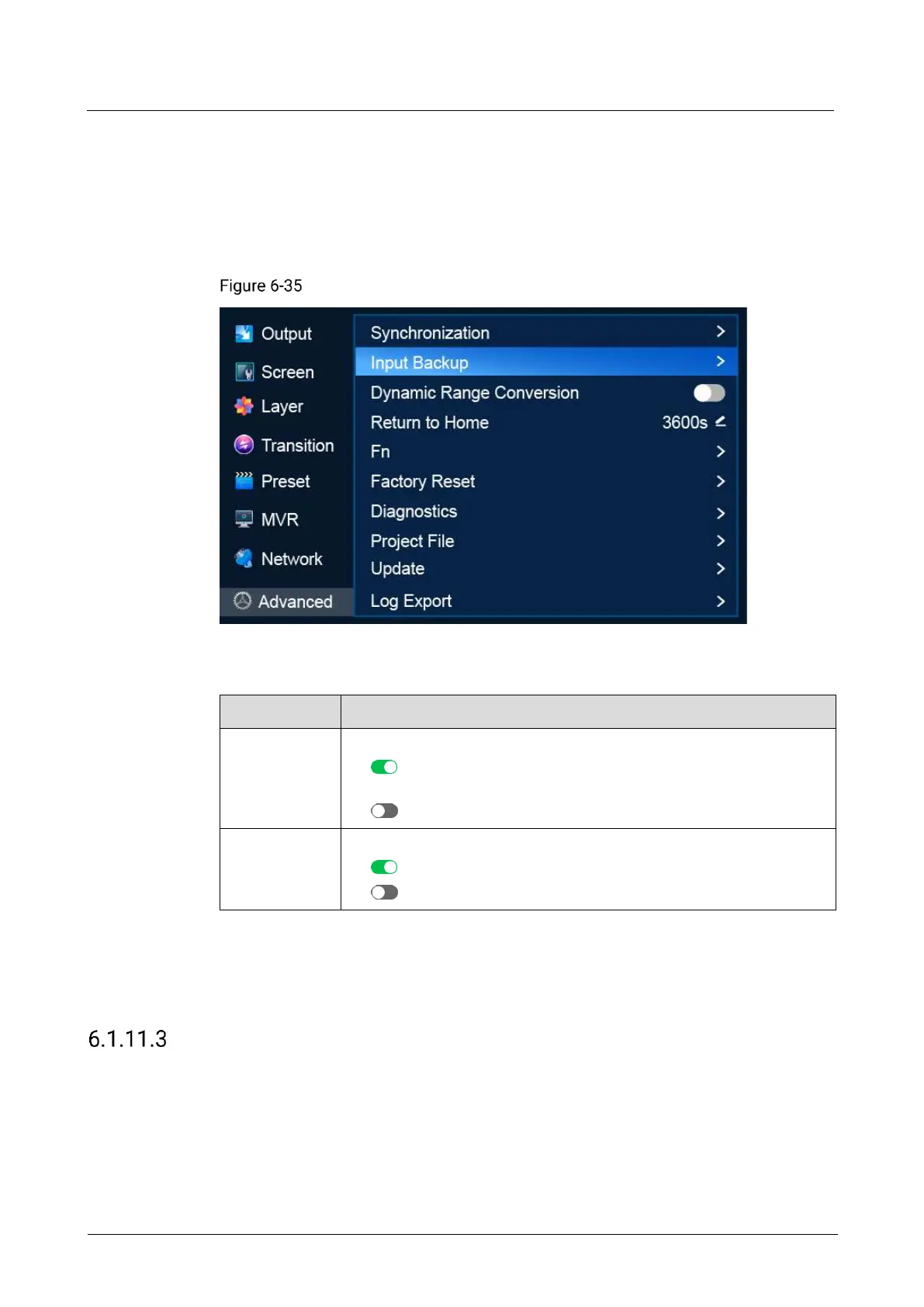
On the main menu screen, scroll to and select Advanced > Input Backup.
Input backup (P20)
Description
Turn on/off input source backup.
: On. When the current source has no signal, the backup source
takes over automatically.
: Off
Turn on/off primary source preferred.
: On. The primary source is preferred.
: Off
From the drop-down options on the left and right, select primary and backup sources
to establish input backup relationships.
If you want to reset Primary Preferred status and all backup relationships to the
defaults, select Reset.
Turn on/off Dynamic Range Conversion
Turn on or off the dynamic range conversion feature.
Prerequisites
The device is P20.



 To Next Page