All-New Event Presentation Switching Solutions
User Manual
Set Synchronization Signal Source
Select a synchronization signal source for the output signal.
Prerequisites
Before Genlock settings, the synchronization signal source is connected to the
Genlock connector on the rear panel of the P20/P10.
Menu Orientation
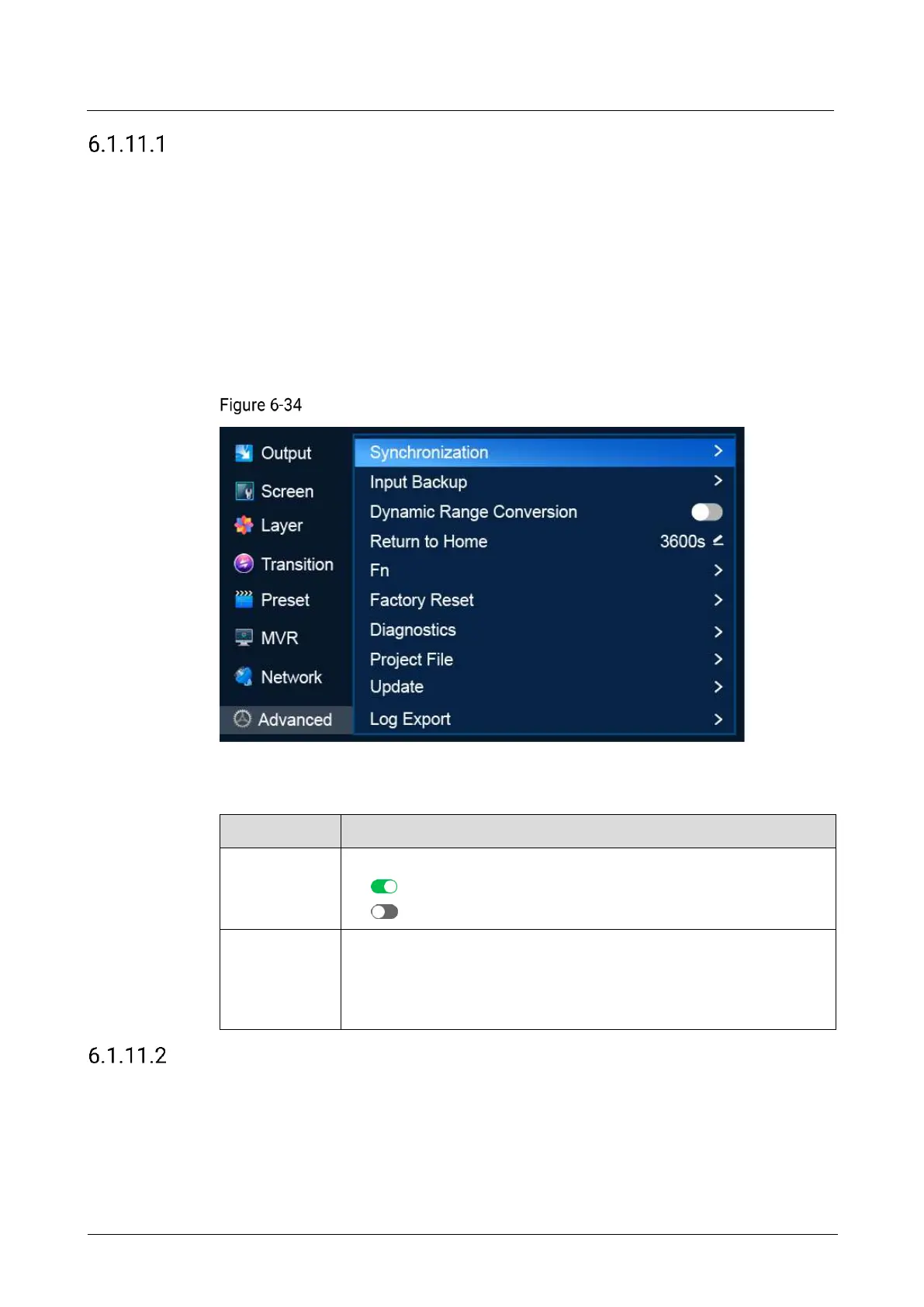
On the main menu screen, scroll to and select Advanced > Synchronization.
Synchronization signal source (P20)
Description
Turn on/off synchronization.
: On
: Off
Select a synchronization source.
Genlock: Sync to the frame frequency of the Genlock input signal.
Input X: Sync to the frame frequency of the selected input source.
X stands for the input source number.
Set Input Backup
Set input source backup relationships. When the primary source fails, the backup
source takes over automatically without downtime.
Note
The capacity of the primary and backup input connectors must be the same.



 To Next Page