All-New Event Presentation Switching Solutions
User Manual
Menu Orientation
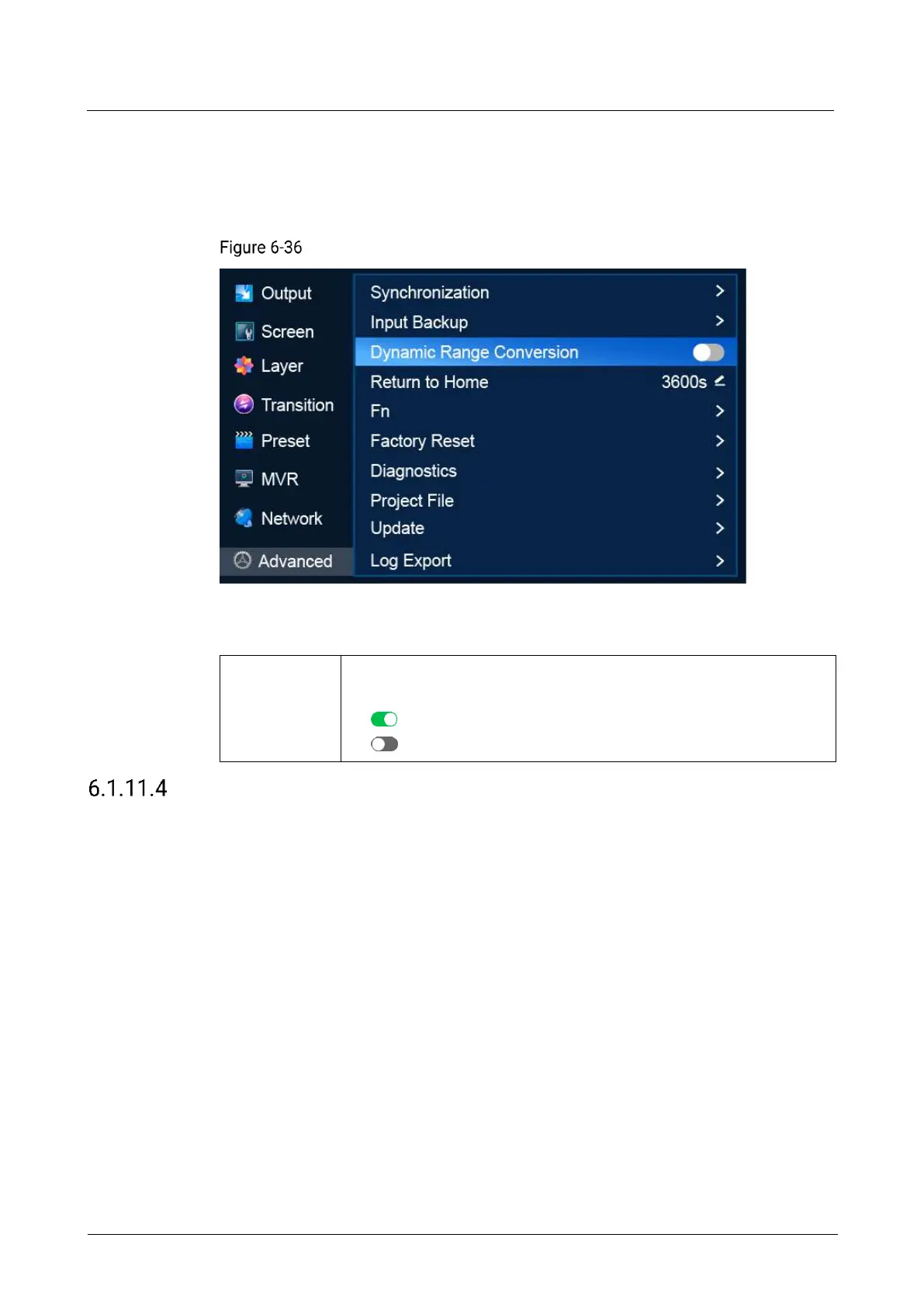
On the main menu screen, scroll to and select Advanced > Dynamic Range
Conversion.
Dynamic range conversion (P20)
Description
Turn on/off dynamic range conversion
This function enables free conversion between SDR, HDR10 and HLG.
: On
: Off
Return to Home
Set the period during which the system stays at the current screen before returning to
the home screen automatically when no operation is performed.
Note
If a dialog box is displayed, the system will not return to the home screen
automatically after the specified period of time.
Menu Orientation
On the main menu screen, scroll to and select Advanced > Return to Home.



 To Next Page