All-New Event Presentation Switching Solutions
User Manual
Return to Home (P20)
Description
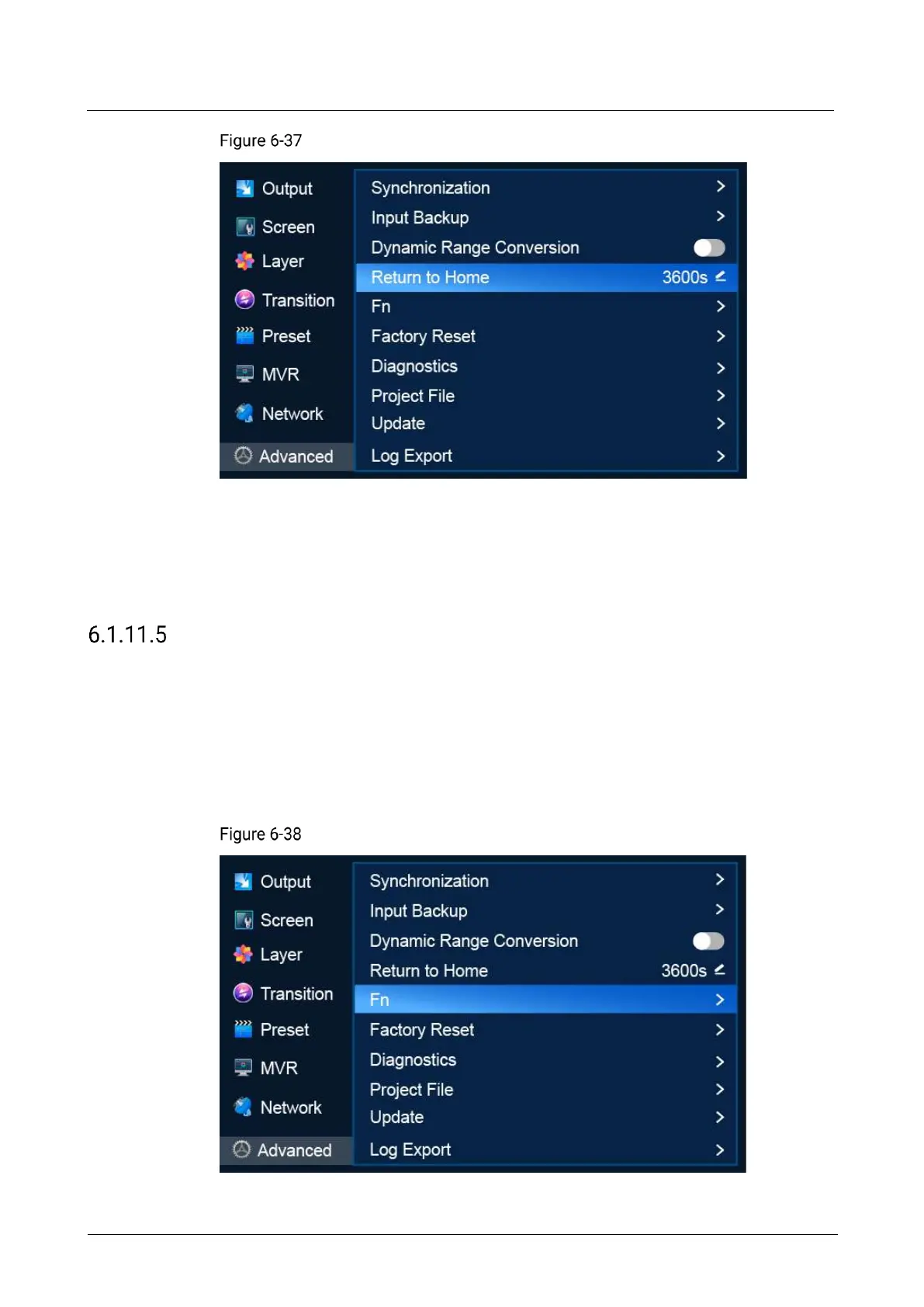
Scroll to Return to Home and press the knob to make the parameter value editable.
Rotate the knob to adjust the parameter to the desired value and press the knob to
apply the parameter.
Set Fn Button
Assign a function to the FN shortcut button on the front panel of the P20/P10 so that
users can quickly access the assigned function. Functions that can be assigned to
the FN button include turning on/off Genlock synchronization, freeze and FTB.
Menu Orientation
On the main menu screen, scroll to and select Advanced > Fn.
FN button settings (P20)



 To Next Page