All-New Event Presentation Switching Solutions
User Manual
Description
Select Fn to access the submenu. Select Synchronization, Freeze or FTB to assign
the selected function to the FN button.
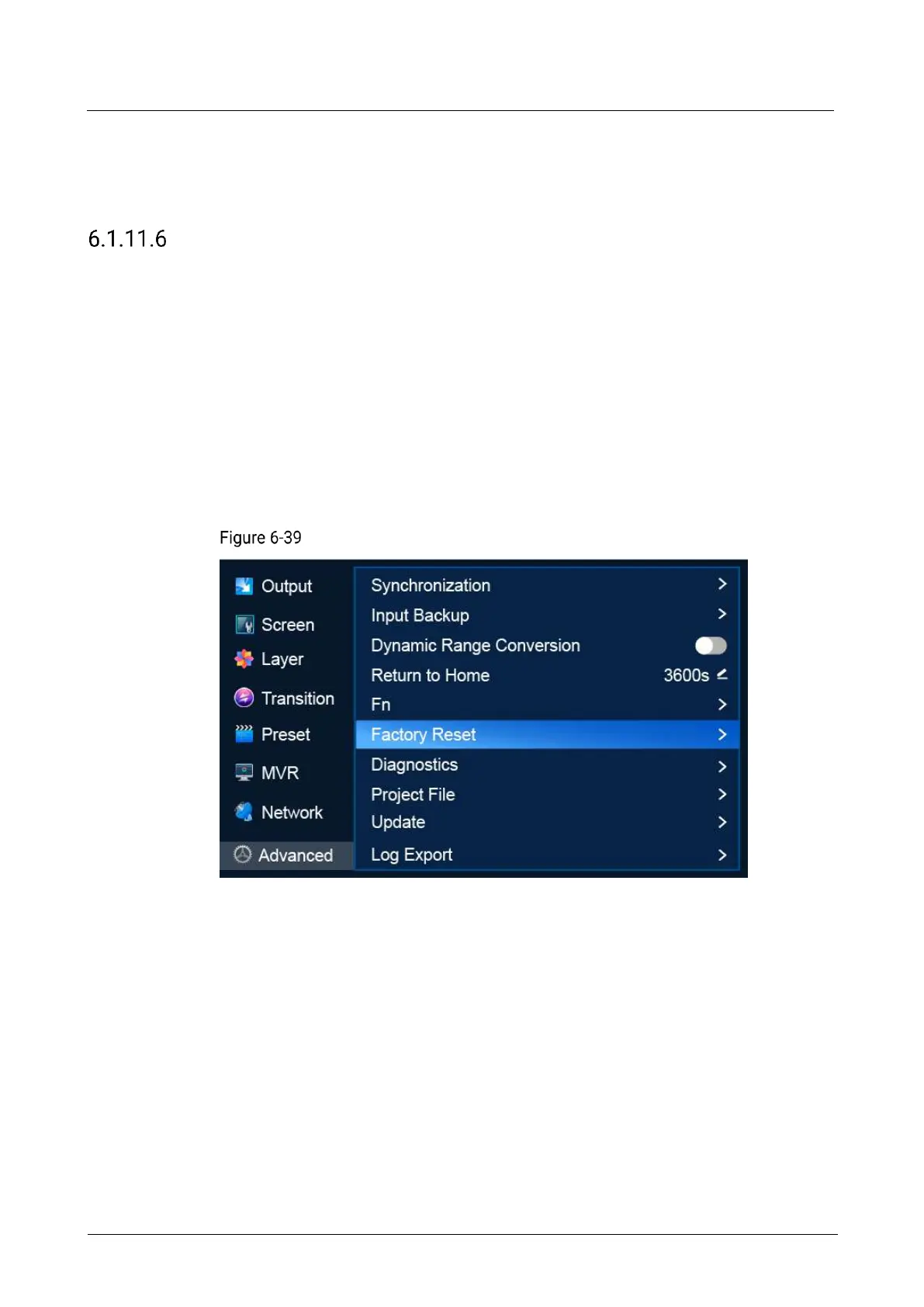
Reset to Factory Settings
Reset the P20/P10 parameter settings to the factory defaults.
Note
This action does not change the firmware version of the device.
Do not disconnect the power supply during the process.
After factory reset, the device restarts automatically.
Menu Orientation
On the main menu screen, scroll to and select Advanced > Factory Reset.
Factory reset (P20)
Description
Keep User Data
Reset all the parameters to their default values except the network parameters,
project files, EDID files, gallery files, and display language.
a. Select Factory Reset to access the submenu.
b. Select Keep User Data.
c. Select OK in the dialog box that appears.
Reset All
Reset all the parameters to default values, except network parameters and project
files.
a. Select Factory Reset to access the submenu.



 To Next Page