All-New Event Presentation Switching Solutions
User Manual
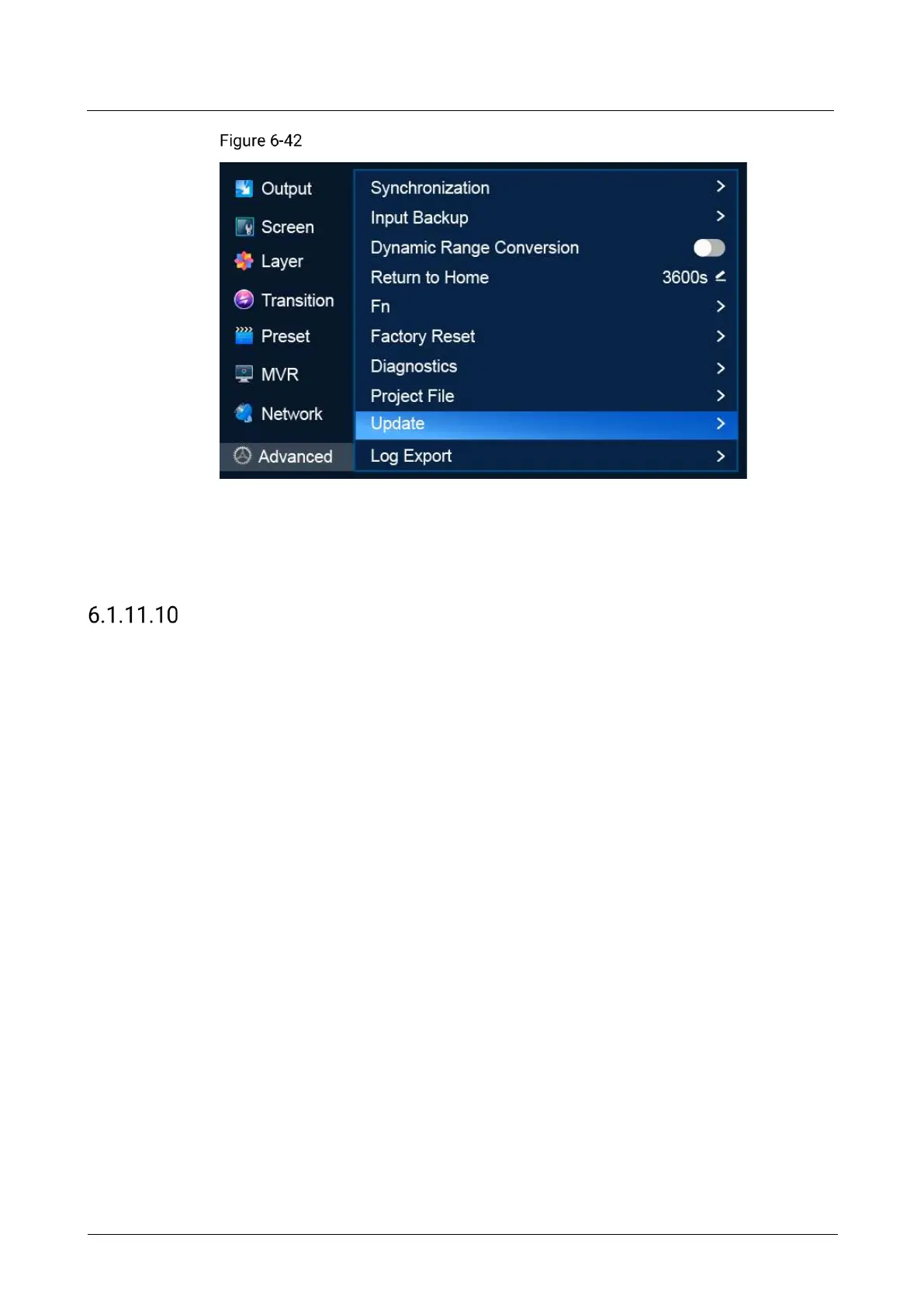
Firmware update (P20)
Description
Select Update to open the update file screen. Select a file and select OK in the dialog
box that appears.
Export Logs
Export logs from the P20/P10 to a USB drive.
Prerequisites
A USB drive is inserted into the USB port on the front panel of the P20/P10.
Notes
The USB port on the front panel of the P20/P10 does not support USB HUB.
Menu Orientation
On the main menu screen, scroll to and select Advanced > Log Export.



 To Next Page