All-New Event Presentation Switching Solutions
User Manual
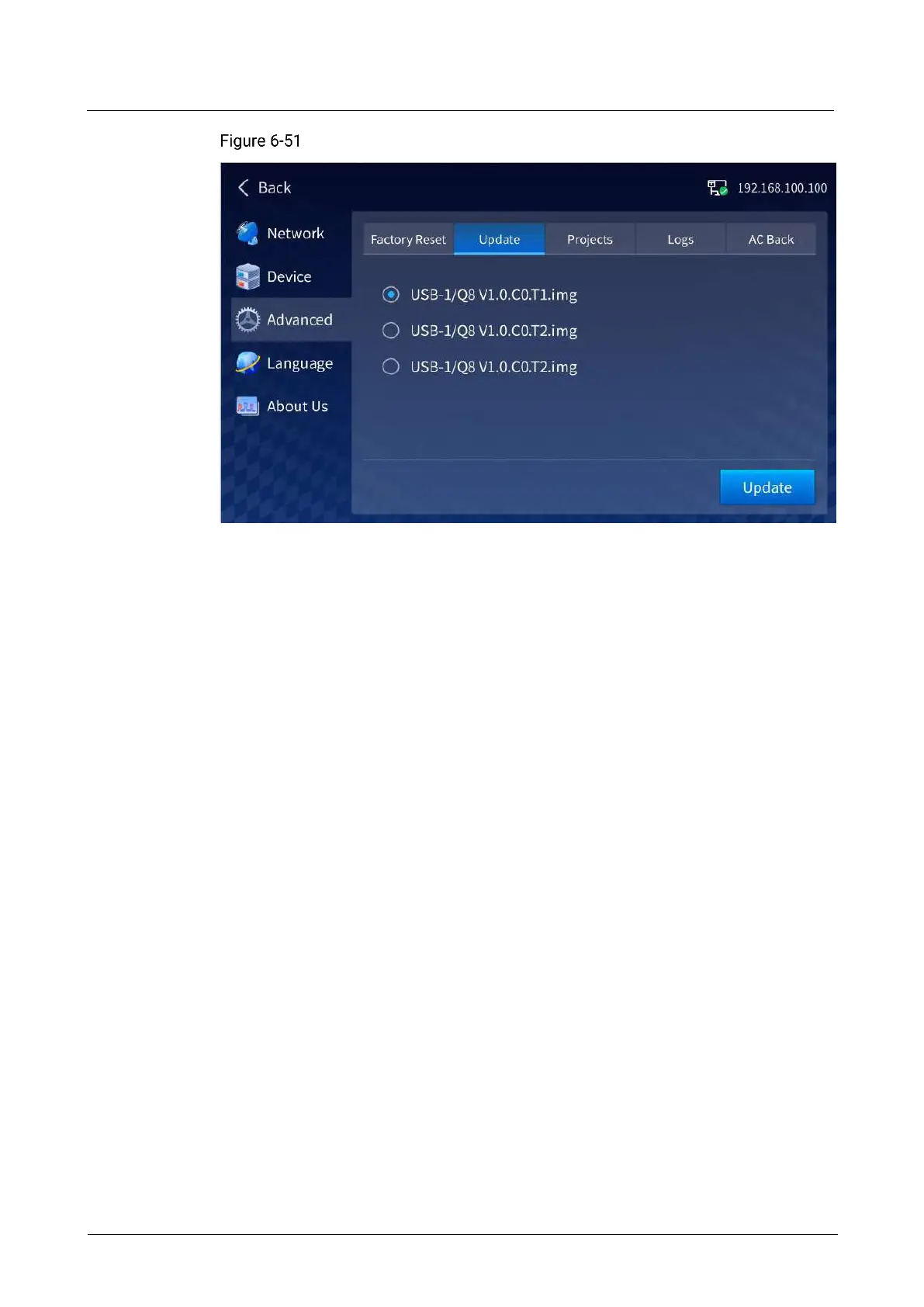
Firmware update
Select the target update file, tap Update, and the system will automatically update the
device.
After the update is complete, the device will automatically restart.
Import and Export Project Files
The Q8 supports import and export of configured project information via USB drive,
allowing you to quickly complete device configuration.
To export project files, insert the USB drive that is used to save the files into the
USB port on the control card of the Q8.
To import project files, save the files in the root directory of the USB drive and then
insert the drive into the USB port on the control card of the Q8.
On the Advanced screen, tap Projects to enter the project file import and export
screen.



 To Next Page