All-New Event Presentation Switching Solutions
User Manual
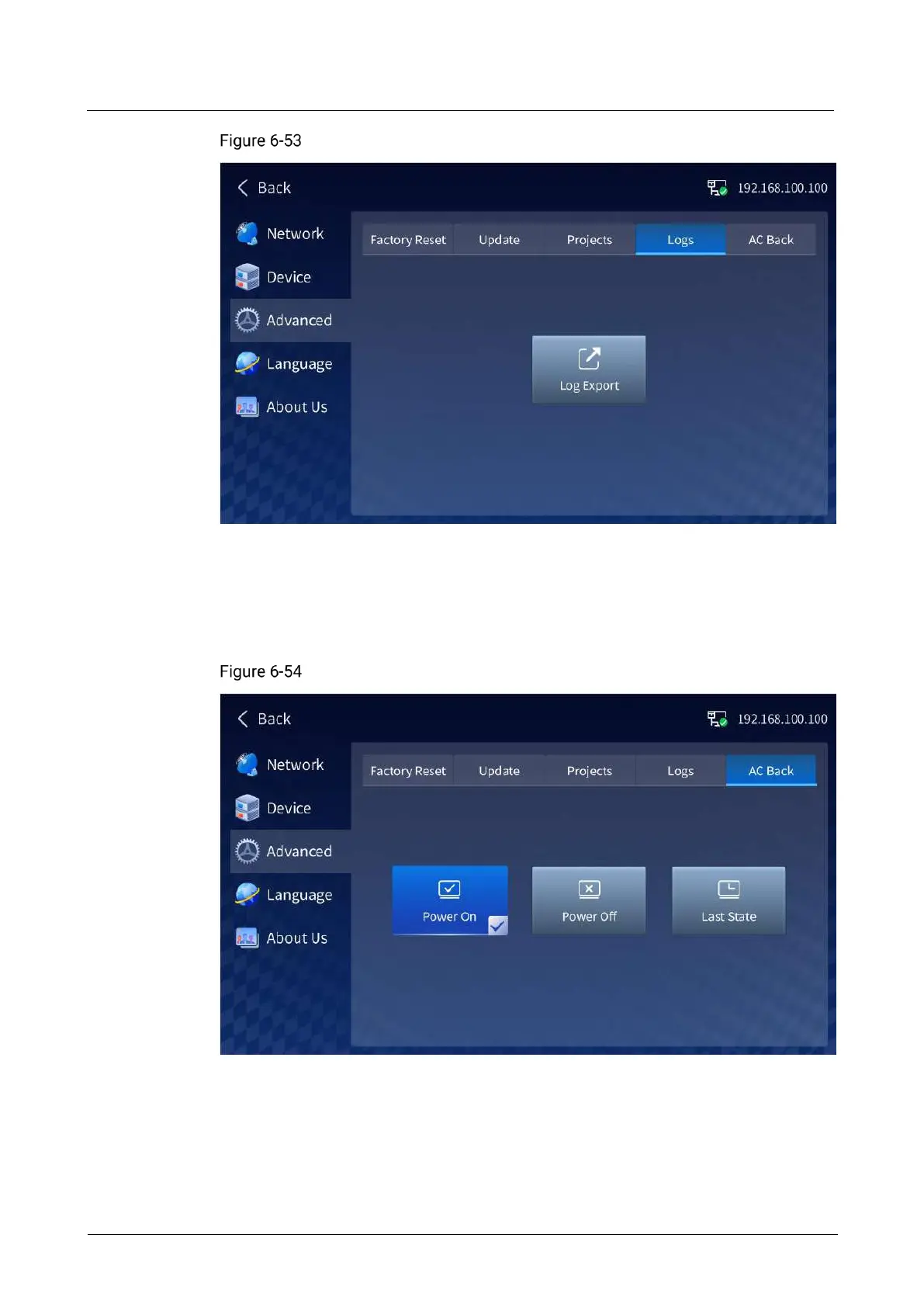
Exporting logs
Tap Log Export to export the device logs to the selected USB drive.
Set Device Status After AC Back
Set whether the device automatically powers on after the power is supplied.
AC back
Power On: After the power is supplied, the device automatically powers on.
Power Off: After the power is supplied, the device remains in the power-off state.
To power on the device, press the power button on the device front panel.
Last State: After the power is supplied, the device remains in the last state.



 To Next Page