All-New Event Presentation Switching Solutions
User Manual
7 Event Management Software PixelFlow
Create new virtual projects
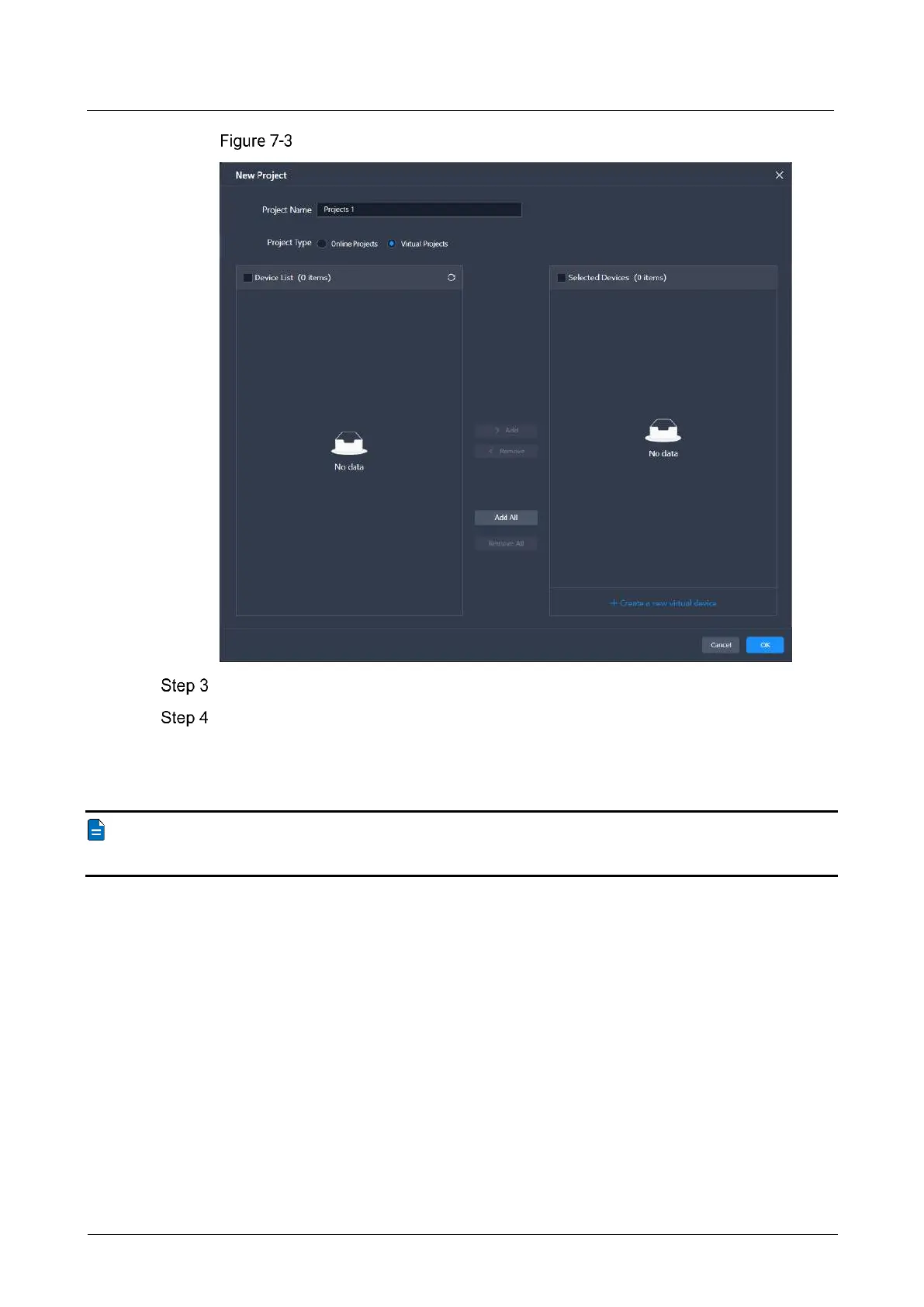
Name the project.
Select the devices that you want to include in this project, and click Add.
For a virtual project, you can click Create a new virtual device. In the dialog box that
appears, set the name, model, and IP address for the virtual device, then click OK to
add it to the selected devices list.
Note
A device can be added to one project only.



 To Next Page