All-New Event Presentation Switching Solutions
User Manual
7 Event Management Software PixelFlow
output area and the beginning of V sync
The vertical sync width in rows (or between rows)
The polarity of the vertical sync pulse
Import and Export EDID
When compatibility problem occurs on an input connector, import an intact EDID file
into the device; or export an EDID file from a device and provide the EDID file to other
devices or input connector to solve the compatibility problem.
Prerequisites
The input connector must be DP 1.2 or HDMI 2.0. 12G-SDI does not support this
function.
Notes
Each input connector supports importing one EDID file only and the EDID file must be
less than 1 MB.
Interface Example (P20)
Description
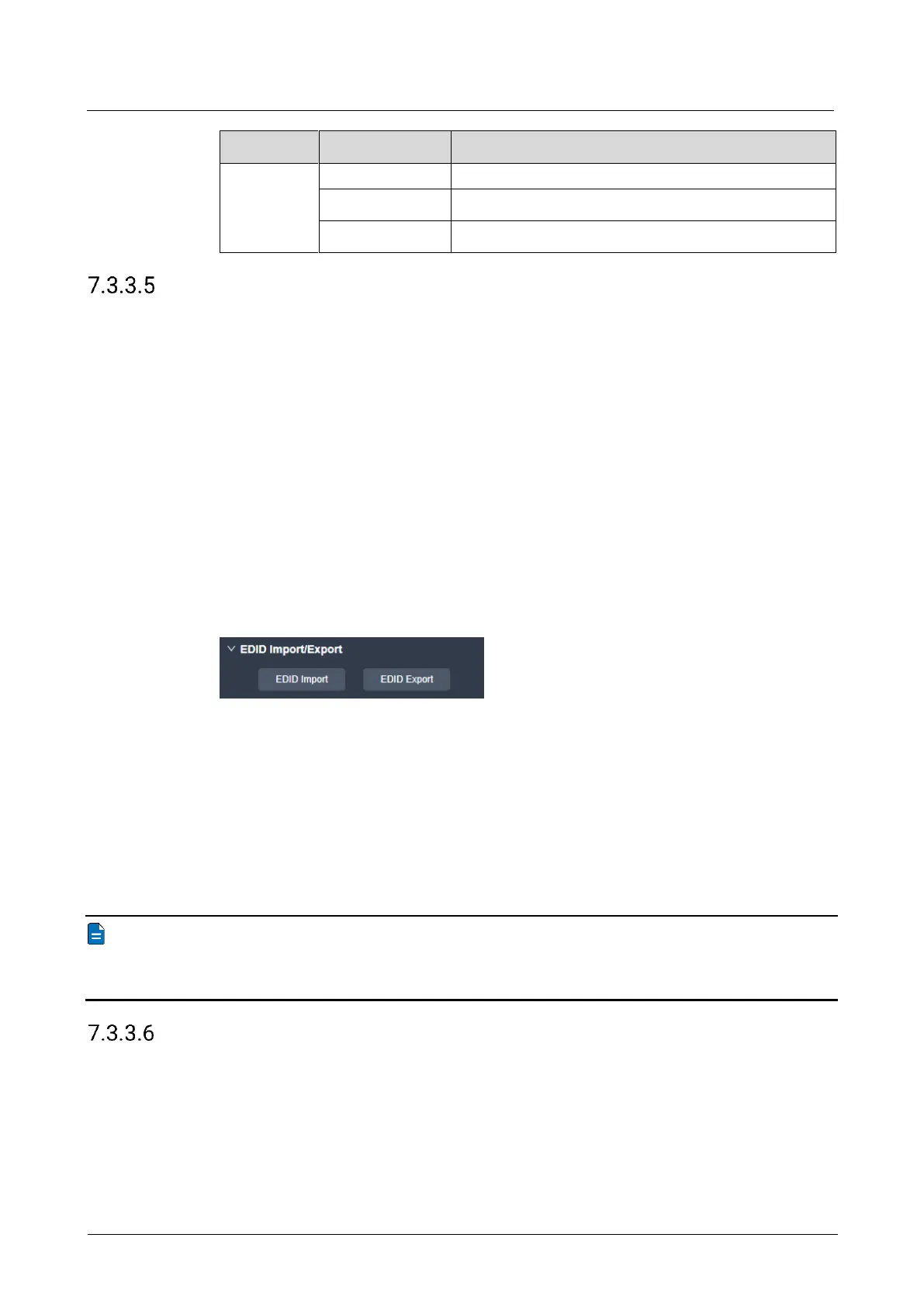
EDID Import
On the EDID tab interface, click EDID Import. In the dialog box that appears, select
an EDID file and click Open.
EDID Export
On the EDID tab interface, click EDID Export. In the dialog box that appears, select
a path and click Save.
Note
If you need to modify the content of an imported EDID file, just modify it and then re-
import it to overwrite the original one.
Configure Input Color
Set the image quality parameters of the input connector, so that all video sources
connected to it will have the same image quality.
Prerequisites
None



 To Next Page