All-New Event Presentation Switching Solutions
User Manual
7 Event Management Software PixelFlow
Turn on or turn off the function.
: On, and the layer image is show in black and white.
: Off
Turn on or turn off the function.
: On, and the layer image is show in the complementary color
of its original color.
: Off
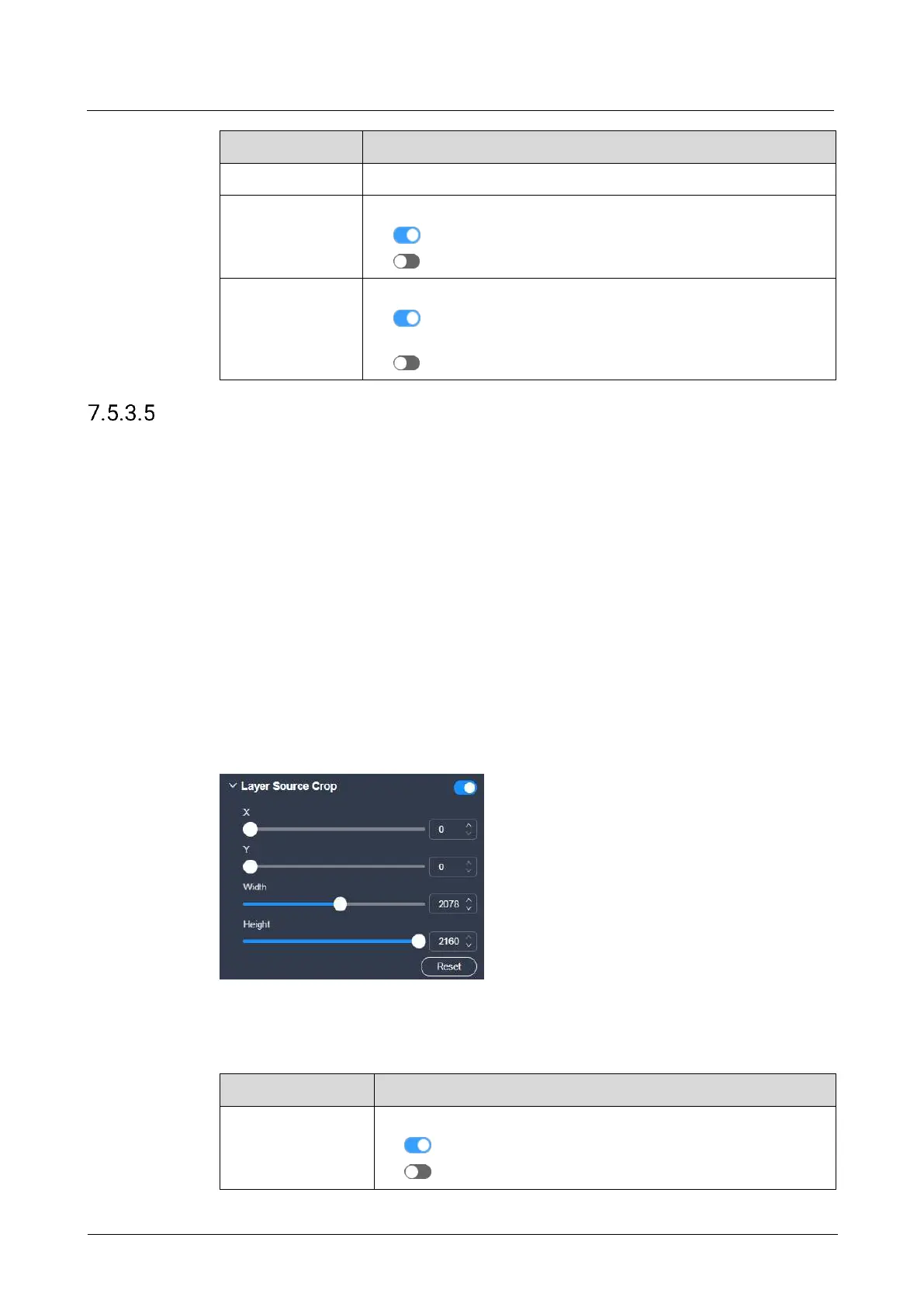
Crop Input Sources
When there are black borders or other redundant info in the input source image, the
required picture can be retained through the cropping the input source, so as to
improve the screen utilization.
Prerequisites
The device model is the P20 and P10.
The layer is a regular (not AUX) layer, and the layer input source is a good one.
Notes
The status and capacity of the cropped input source are consistent with that of the
original one.
Interface Example (P20)
Description
On the Advanced tab interface, configure the following parameters.
Turn on or turn off the function.
: On
: Off



 To Next Page