- 105 -
F
IGURE
5-72
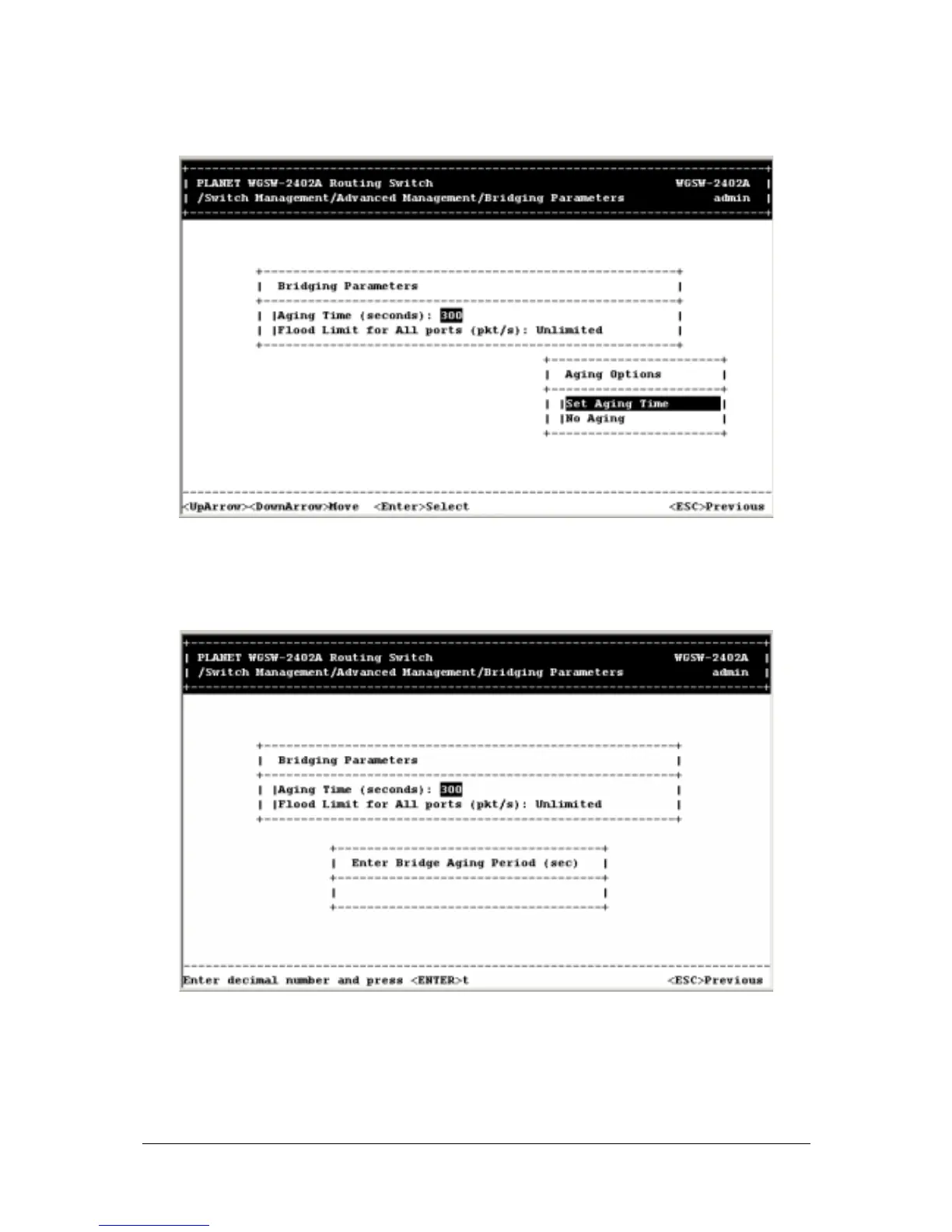
2. To set no aging time, highlight No Aging and press the Enter key. Otherwise, highlight Set Aging
Time to display the following screen. Then enter an aging time and press the Enter key.
F
IGURE
5-73
3. Flood limit option restrict the number of destination MAC address unknown packets. To set the
flood limit for all ports, highlight Flood Limit for All ports <pkt/s> and press the Enter key. The
following screen appears.



 To Next Page