- 192 -
F
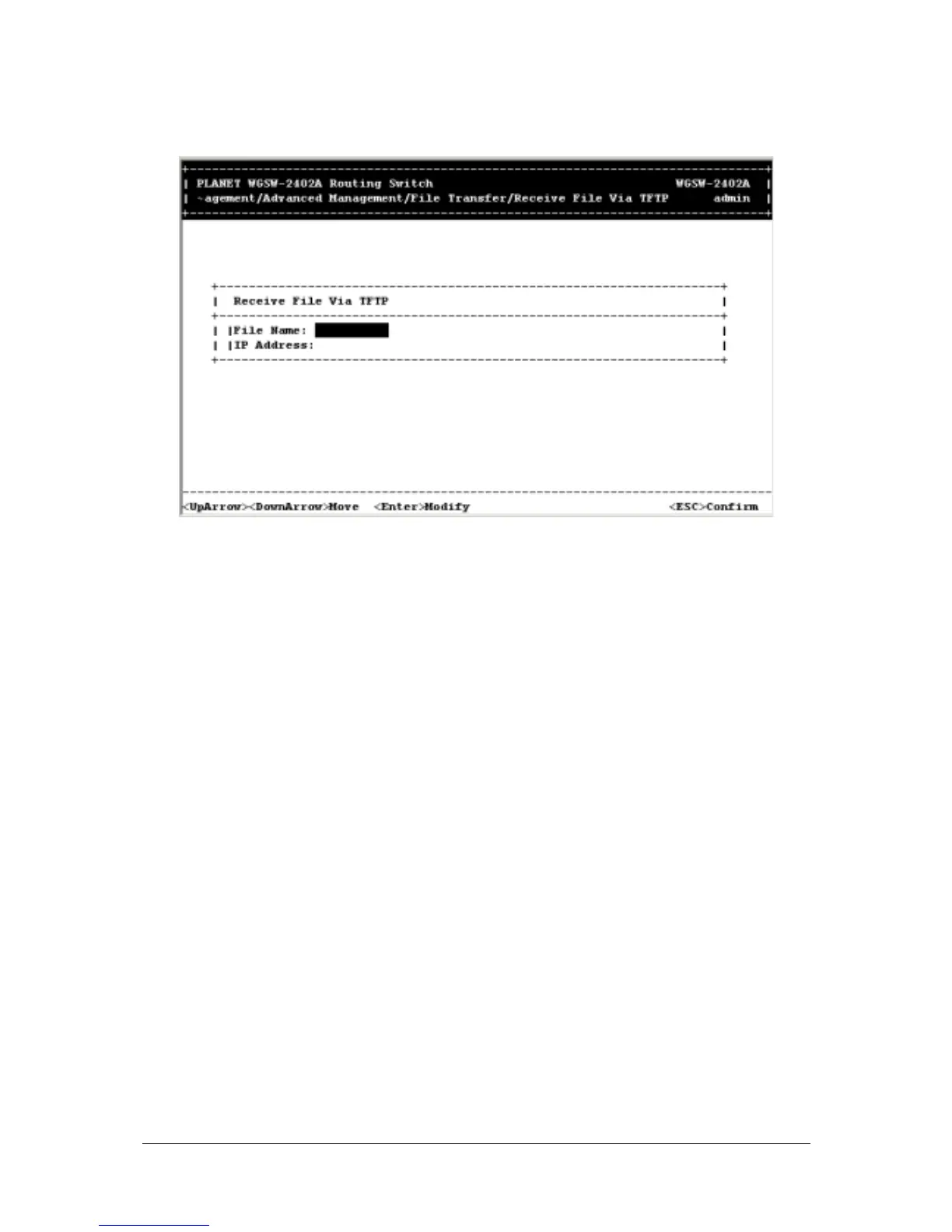
IGURE
5-180
2. If the name of the file you intend to receive is different than the default one shown, press Enter.
When the Enter File Name screen appears, type the name of the file you intend to receive and
press Enter. The name you typed appears next to File Name.
3. Use the Down Arrow key to highlight IP Address, then press Enter. When the Enter IP Address
screen appears, type the IP address from where the file will be obtained. The address consists of
numbers separated by periods. For example: 203.70.249.53
4. Press Enter. The IP address appears next to IP Address.
5. When you finish, press the Esc key. A prompt asks whether you want to transfer the file now.



 To Next Page