RealPresence Collaboration Server (RMX) 1500/1800/2000/4000 Getting Started Guide
Polycom®, Inc. 75
21 Click Next.
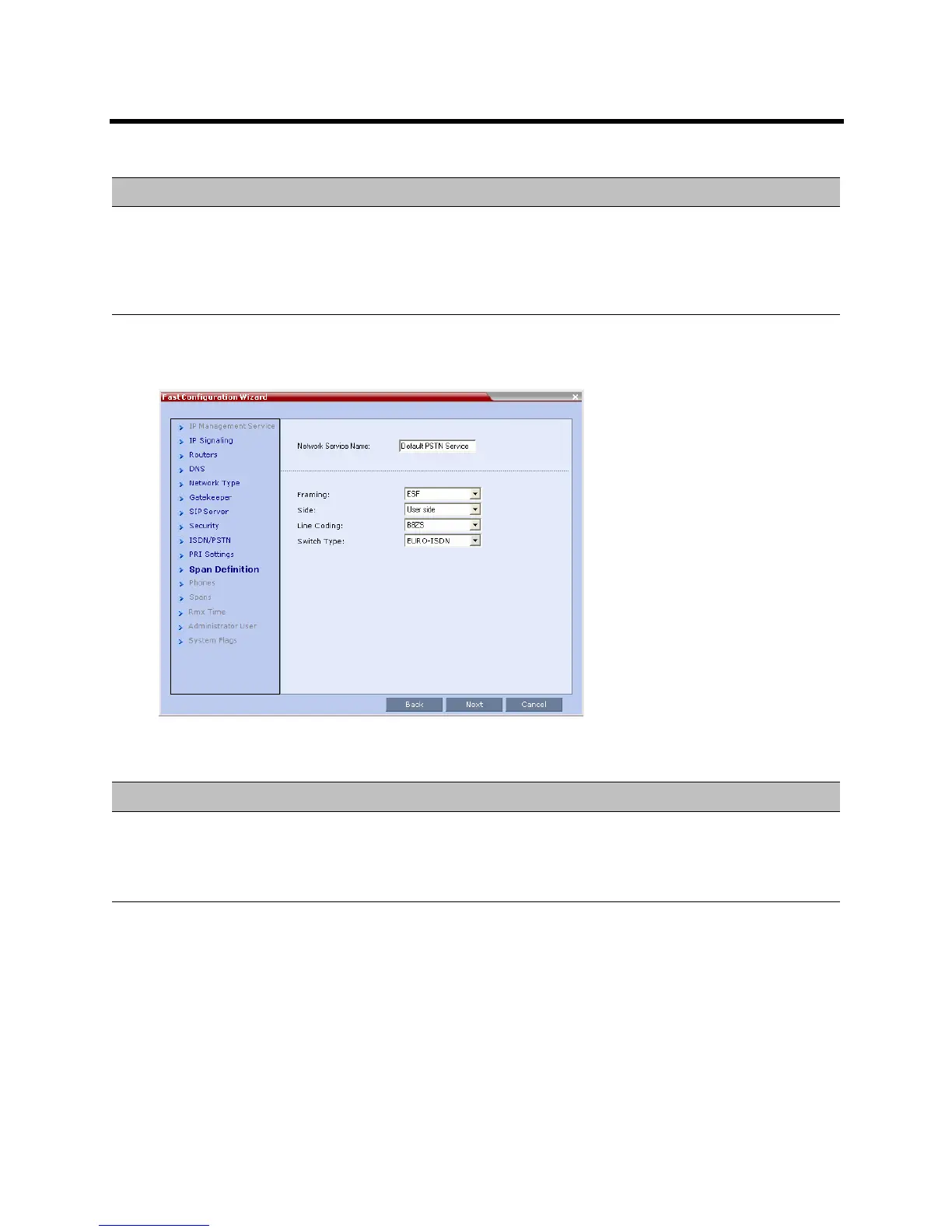
The Span Definition dialog box opens.
22 Define the following parameters:
Dial-out Prefix Enter the prefix that the PBX requires to dial out. Leave this field blank if a dial-out
prefix is not required.
The field can contain be empty (blank) or a numeric value between 0 and 9999.
Default: Blank
Fast Configuration Wizard – Spans Definition
Field Description
Framing Select the Framing format used by the carrier for the network interface from the list.
• For T1 spans, default is SFSF.
• For E1 spans, default is FEBE.
Side Select one of the following options:
• User side (default)
• Network side
• Symmetric side
Note: If the PBX is configured on the network side, then the Collaboration Server unit
must be configured as the user side, and vice versa, or both must be configured
symmetrically.
Fast Configuration Wizard – PRI Settings
Field Description














 To Next Page