RealPresence Collaboration Server (RMX) 1500/1800/2000/4000 Getting Started Guide
Polycom®, Inc. 83
37 Enter the required System Flags information in the dialog box.
These flags can be modified later, if required, by selecting the System Configuration option from the
Setup menu. For more information, see the Polycom® RealPresence Collaboration Server (RMX)
1500/1800/2000/4000 Administrator’s Guide, Modifying System Flags .
38 Click Save & Close.
The system confirms successful configuration.
39 In the Success Message box, click OK.
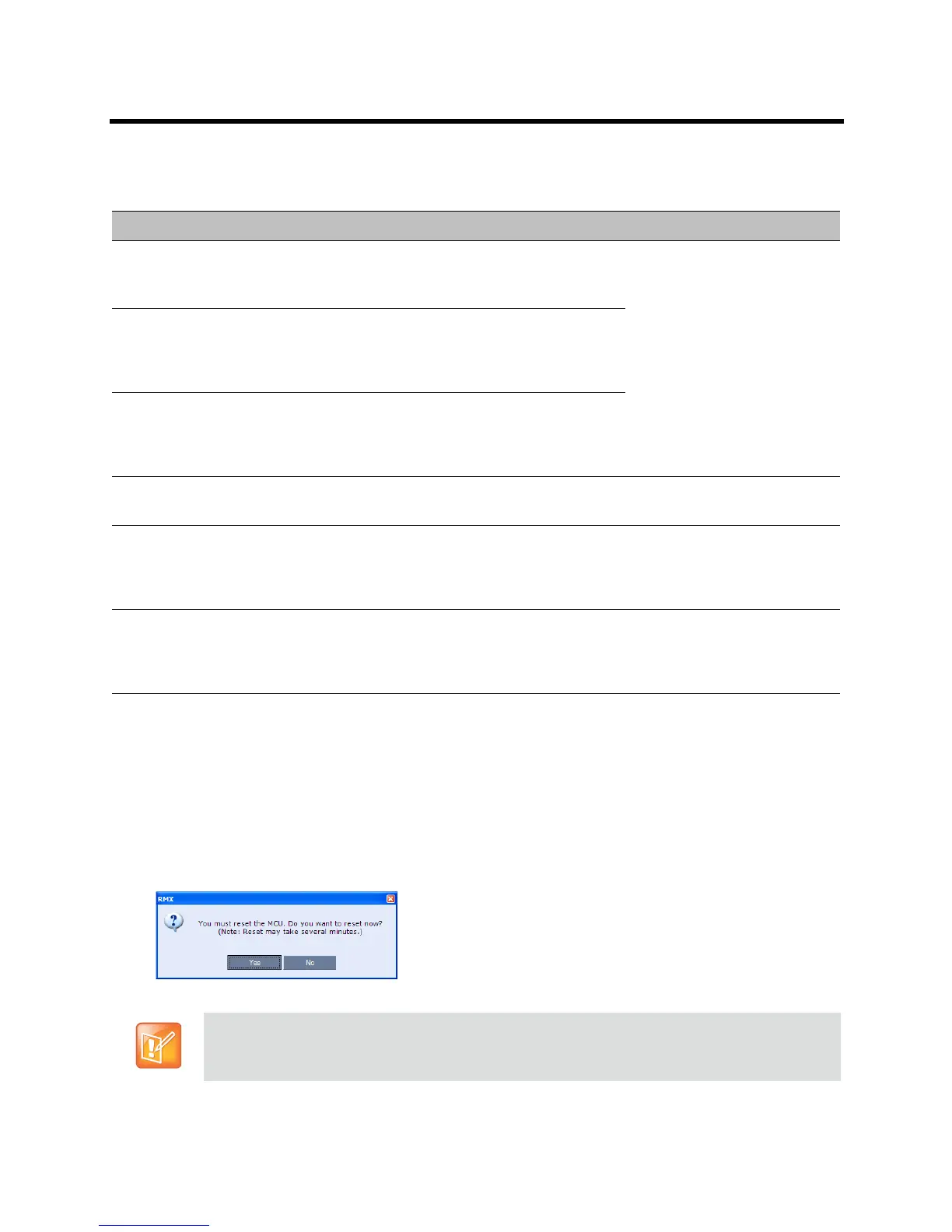
40 In the Reset Confirmation dialog box, click Yes.
41 In the Please wait for system reset message box, click OK.
Fast Configuration Wizard – System Flags
Field Description / Default
Conference ID Length
(MCU)
The number of digits of the Conference ID to be
assigned by the MCU.
Range: 2-16 (Default: 5)
Note: Selecting 2 digits limits
the number of simultaneous
ongoing conferences to 99.
Minimum Conference ID
Length (User)
The minimum number of digits that the user must
enter when manually assigning a numeric ID to a
conference.
Range: 2-16 (Default: 4)
Maximum Conference ID
Length (User)
The maximum number of digits that the user can
enter when manually assigning a Numeric ID to a
conference.
Range: 2-16 (Default: 8)
MCU Display Name The MCU name is displayed on the endpoint’s screen.
Default name: RMX 1500/2000/4000
Terminate Conference
when Chairperson Exits
When Yes is selected (default), the conference ends when the chairperson exits
even if
there are other participants connected.
When No is selected, the conference automatically ends at the predefined end time,
or when all the participants have disconnected from the conference.
Auto Extend Conferences When Yes is selected (default), allows conferences running on the Collaboration
Server to be automatically extended as long
as there are participants connected and
there are available resources.
The maximum extension time allowed by the MCU is 30 minutes.
System restart may take up to five minutes.














 To Next Page