RealPresence Collaboration Server (RMX) 1500/1800/2000/4000 Getting Started Guide
Polycom®, Inc. 82
35 Enter the required Administrator User information:
36 Click Next.
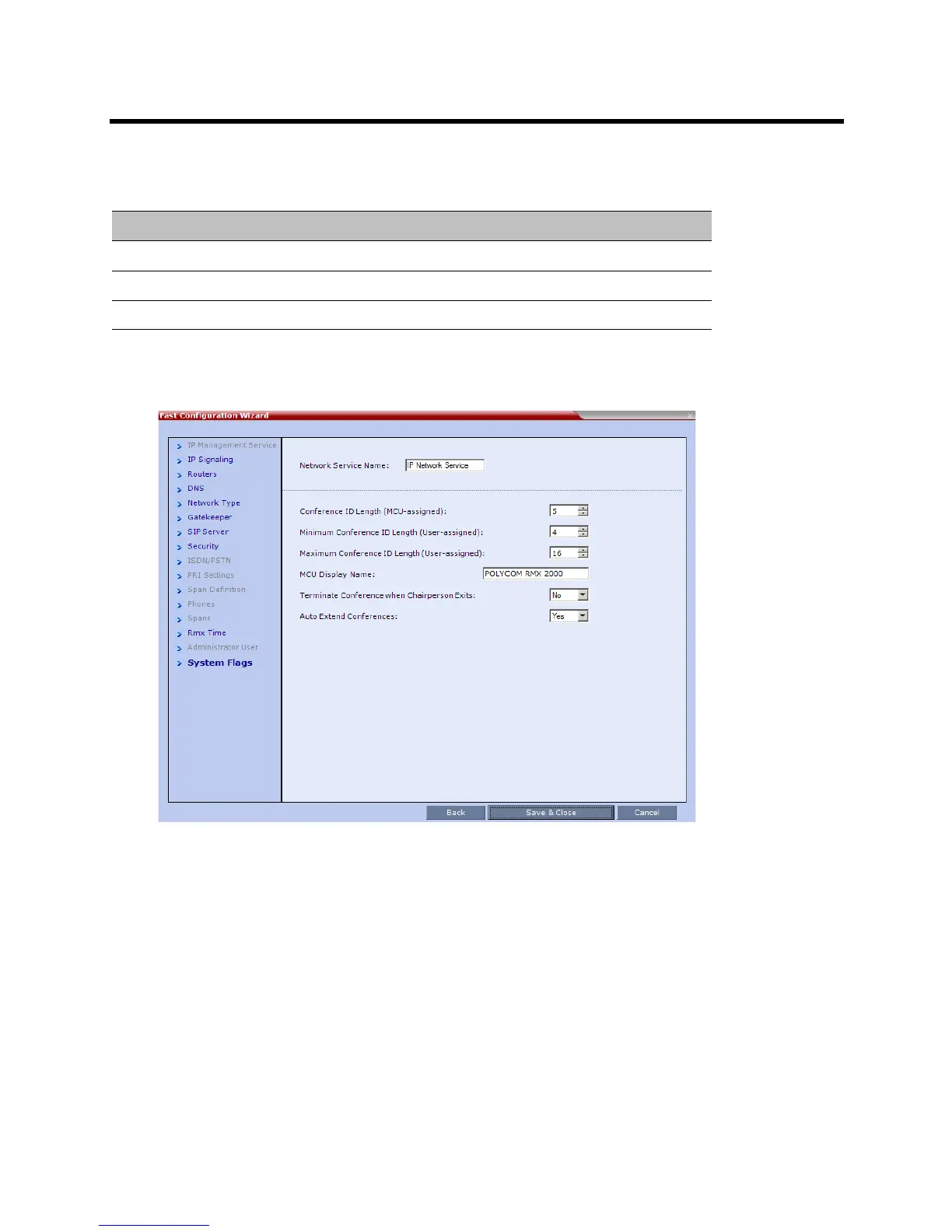
The System Flags dialog box is displayed.
Fast Configuration Wizard - Administrator User
Field Description
New User Name Enter the new user name of the new administrator user.
New Password Enter the password for the new administrator user.
Confirm Password Enter the same password again to confirm its accuracy.














 To Next Page