Configuring the Routing Table
R81.10.X Quantum Spark 1500, 1600, 1800, 1900, 2000 Appliances Locally Managed Administration Guide|188
Route Monitoring
Above the IPv4 Routing table, click Monitor.
Explanation
The Route Monitoring window opens.
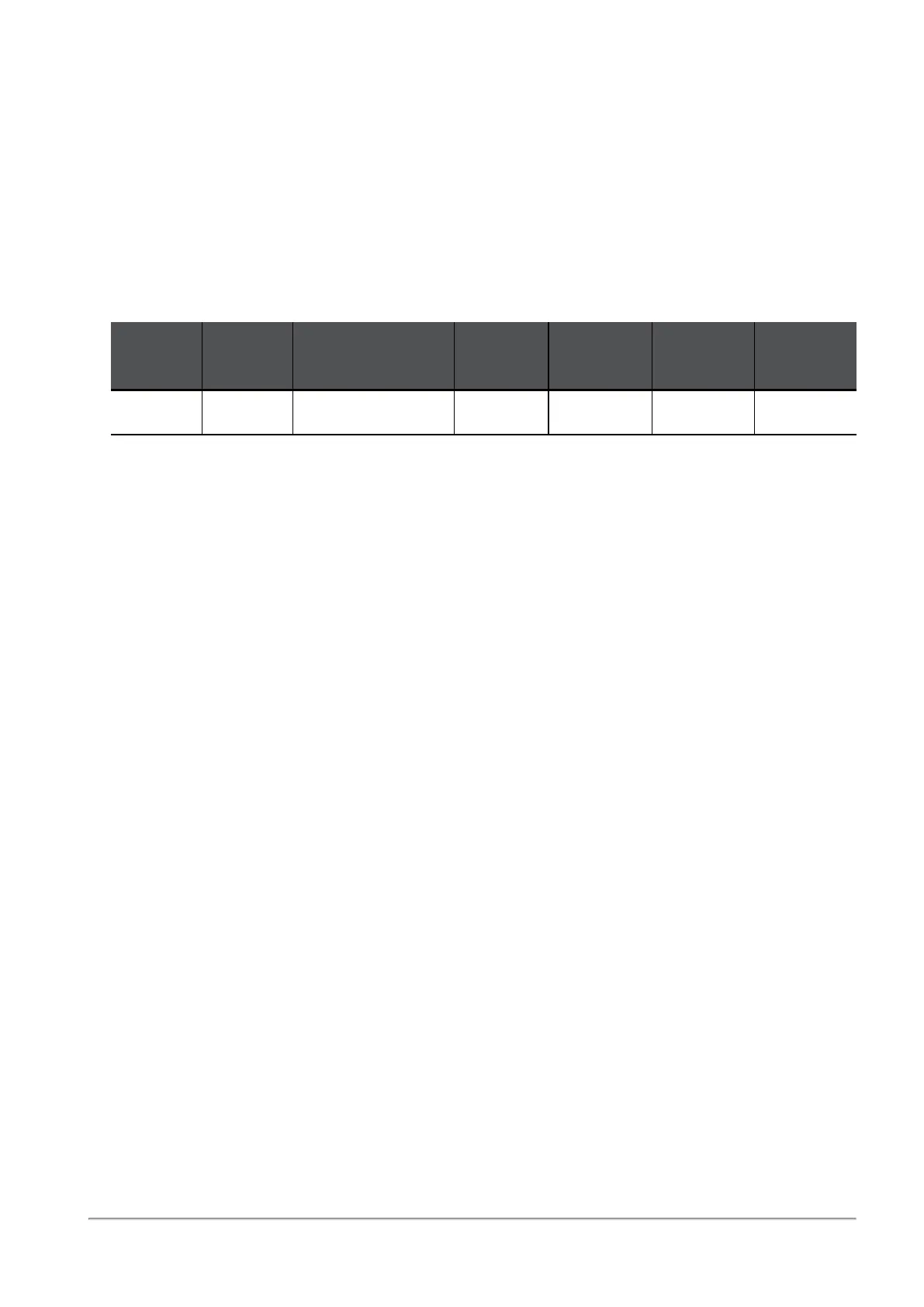
Every row represents a server that the route probes to and its statistics.
Example:
Next
Hop
Route
Status
Server
Packet
Loss
Failures
Min
Latency
Avg.
Latency
1.1.1.1 Active dns.google.com 0 0 4 5.7
Each monitored route can have a maximum of 3 rows (one for each server).
Route Status:
n
Active (green)
n
Inactive (red)
n
Reconnecting (orange)



 To Next Page