Viewing Infected Devices
R81.10.X Quantum Spark 1500, 1600, 1800, 1900, 2000 Appliances Locally Managed Administration Guide|285
Viewing Infected Devices
In the Infected Devices page you can see information about infected devices and servers in
the internal networks. You can also directly create an exception rule for a specified protection
related to an infected or possibly infected device or server.
You can access this page from the Threat Prevention tab > Threat Prevention section, or
from the Logs and Monitoring tab > Status section.
The Infected Devices table shows this information for each entry:
n
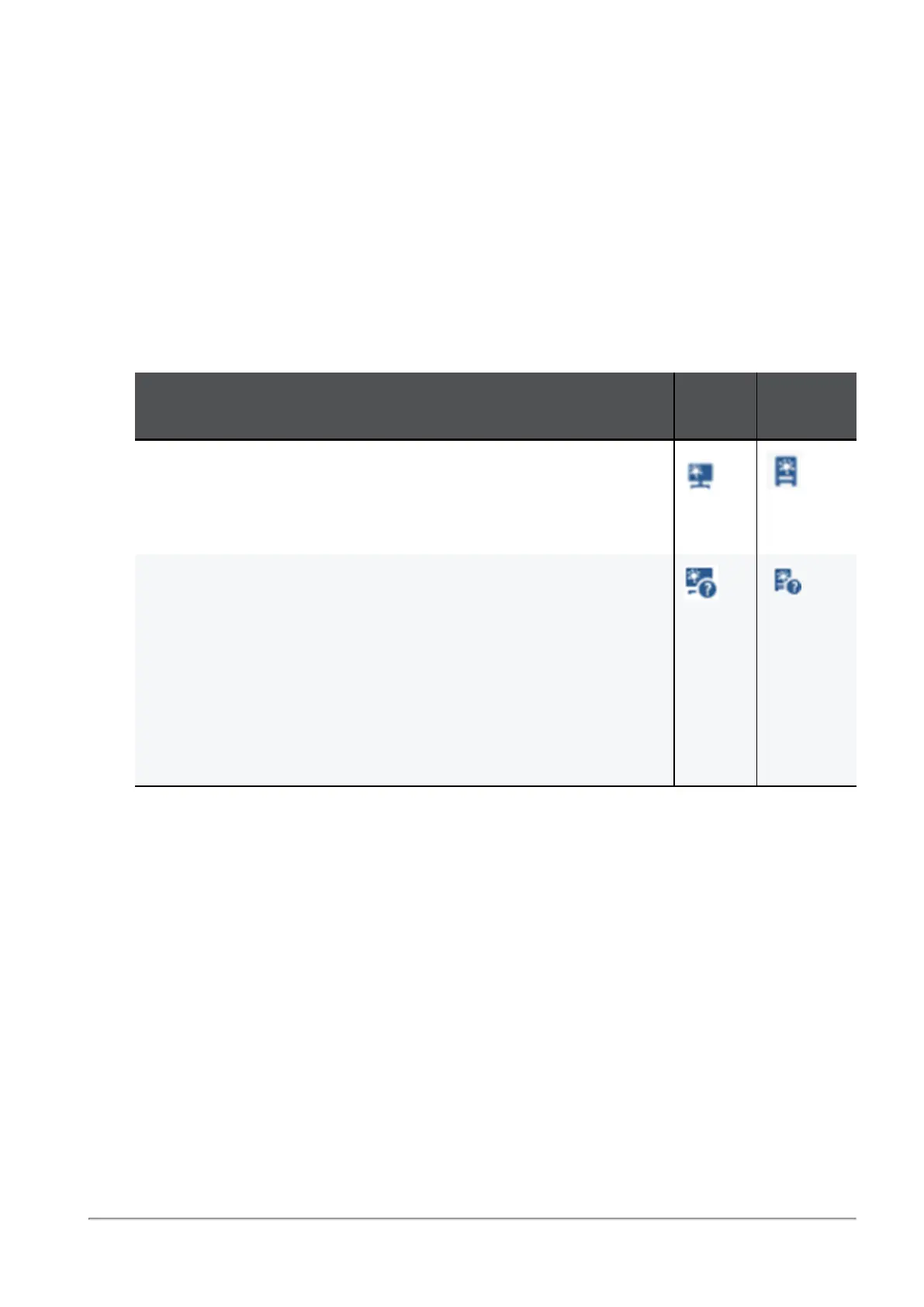
Icon - Shows icons for the different classifications of infected devices and servers.
Description
Host
Icon
Server
Icon
Infected device or server - When the Anti-Bot blade detects
suspicious communication between the host or server and an
external Command &Control center due to a specified
triggered protection
Possibly infected device or server - When the Anti-Virus blade
detects an activity that
may
result in host or server infection. For
example:
l
When you browse to an infected or a potentially unsafe
Internet site, there is a possibility that malware was
installed.
l
When you download an infected file, there is a possibility
that the file was opened or triggered and infected the host
or server.
n
Object name - Shows the object name if the host or server was configured as a network
object.
n
IP/MAC address - Shows the IP and MAC address of the infected device.
n
Device/User Name - Shows a device or user name if the information is available to the
appliance through DHCP or User Awareness.
n
Incident type - Shows the detected incident type:
l
Found bot activity
l
Downloaded a malware
l
Accessed a site known to contain malware
n
Severity - Shows the severity of the malware:



 To Next Page