Viewing VPN Tunnels
R81.10.X Quantum Spark 1500, 1600, 1800, 1900, 2000 Appliances Locally Managed Administration Guide|424
Viewing VPN Tunnels
In the VPN Tunnels page, you can see current VPN tunnels opened between this gateway
and remote sites. Some sites are configured so tunnels are established only when necessary
and some are configured with permanent tunnels. When the appliance is managed by Cloud
Services, this table also shows the tunnels for the gateways in the community.
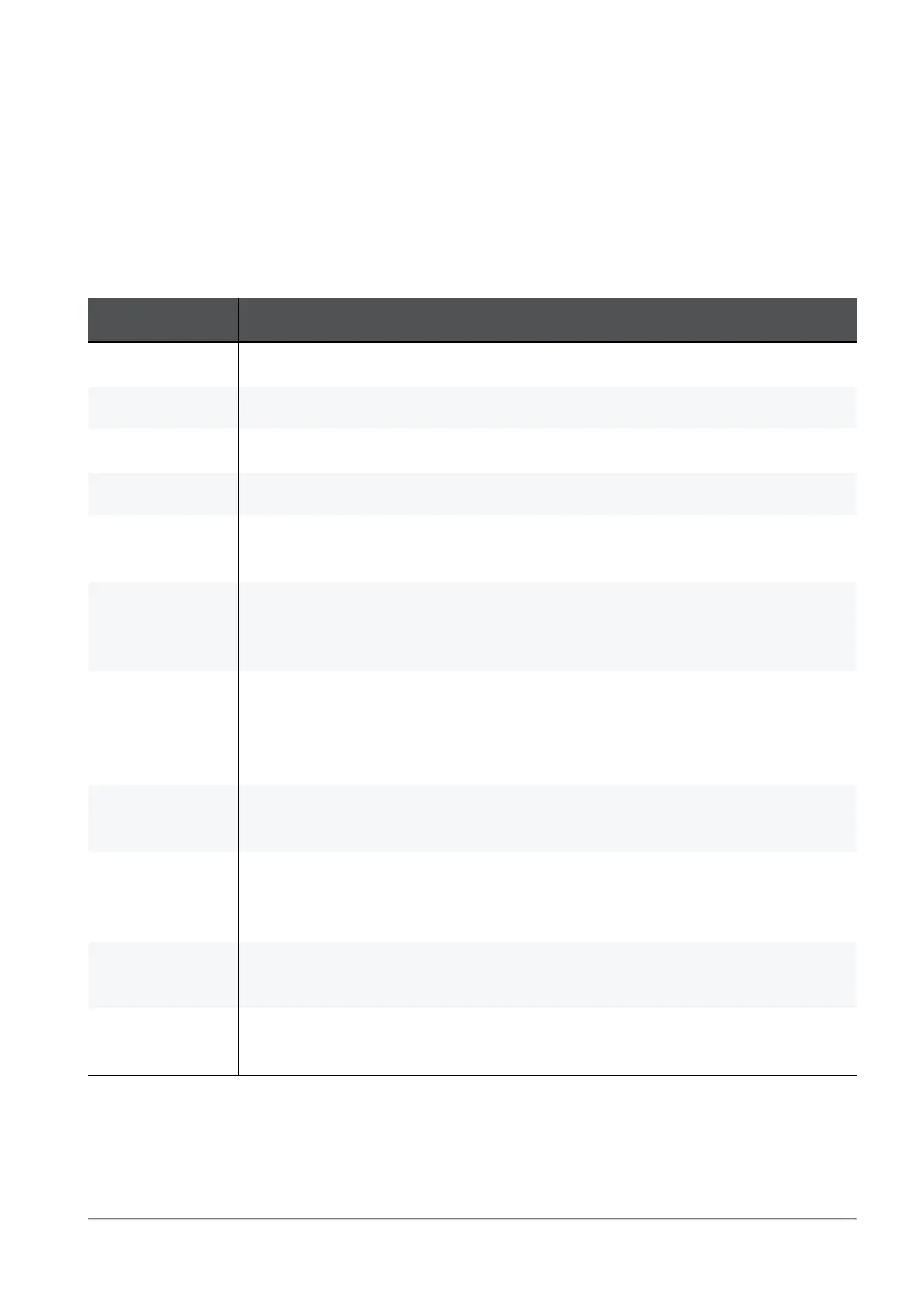
The table below shows the details of each tunnel configured:
Field Description
Status Indicates if a tunnel is up or is pending traffic to become active.
Site Name The VPN site name.
From The external interface the tunnel uses.
Peer Address Host name or IP address of the tunnel's destination gateway.
Tunnel
Creation Time
Date the tunnel was created.
Tunnel
Expiration
Time
Date the tunnel expires.
Community
Name
If the gateways are part of a community configured by Cloud Services,
the community name with which the tunnel is associated.
Visible when the Quantum Spark gateway is configured through Spark
Management on the Infinity Portal.
My Encryption
Domain
Indicates the tunnel's selectors (subnets/hosts) allowed from the source
gateway.
Peer's
Encryption
Domain
Indicates the tunnel's selectors (subnets/hosts) allowed from the
destination gateway.
Phase 2
Methods
Encryption and authentication methods used for the tunnel.
Connections
Per Instance
The number of connections associated with the tunnel per instance. This
lets you know if a tunnel is over-utilized.
To filter the list:
In the Type to filter box, enter the filter criteria.



 To Next Page