95
Appendix II, continued
Changing the Switching Codes
1. From the Main Menu, move the indicating
arrow to 1. Set-up and select OK.
2. Move the indicating arrow to 1. Valve Types
and select OK.
3. Scroll to the Valve type you need to change.
4. Select OK and OK again to activate the Switch
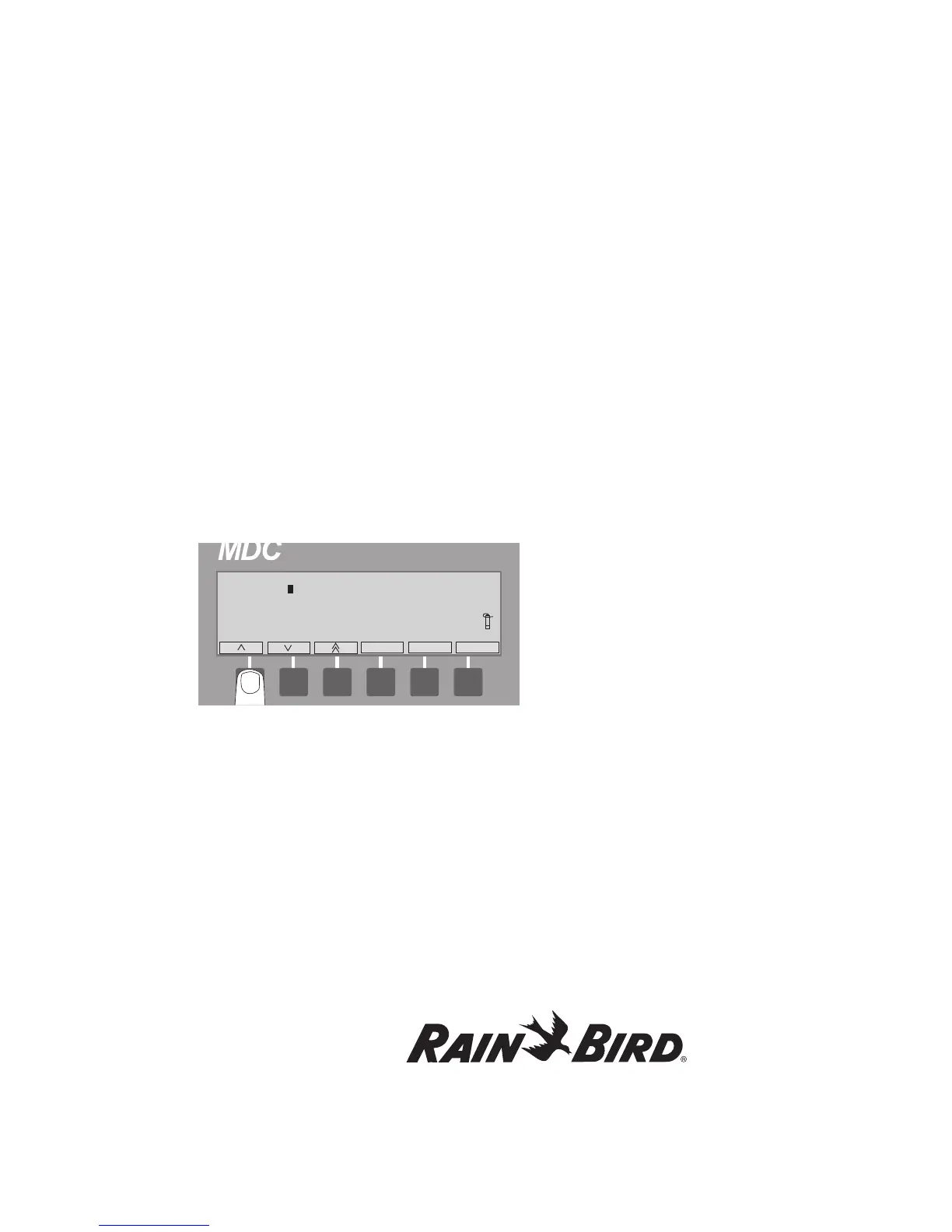
field. A blinking box shows the position of the
first character you are changing.
5. Select OK to move to the next character. The
box is replaced with an arrow pointing to the
character you can change.
Note: Change only the numbers and letters you
need to change.
Note: You need to continue selecting OK until the
up and down arrow labels switch to left and right
arrows. Only then is the Switch field no longer
active.
6. Use the right arrow to select OK, to return to
the Set-up menu. Selecting minus (-) cancels
the change and returns to its previous setting.















 To Next Page