Creating Irrigation Schedules, continued
55
Understanding Sensor Warning
Signs
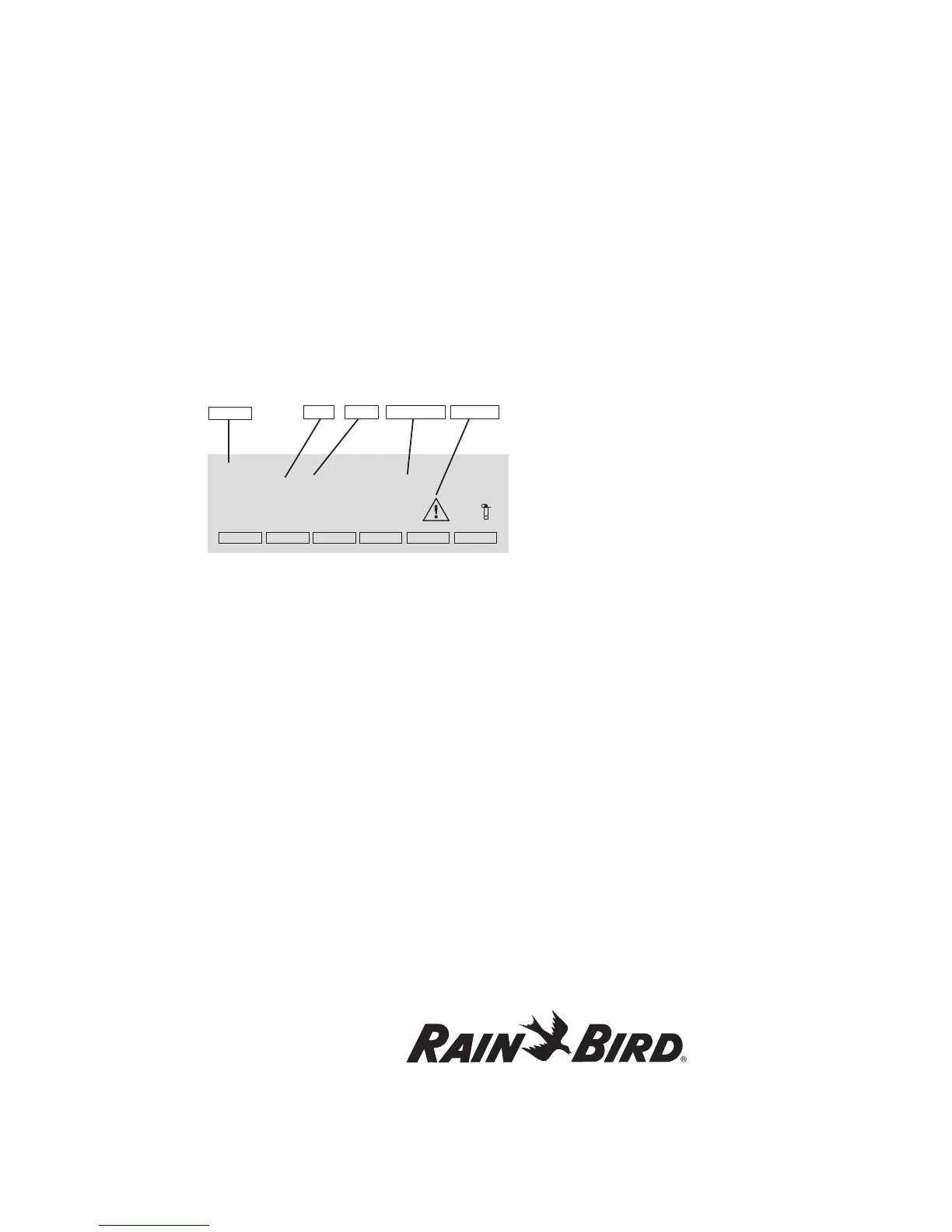
If a rain or auxiliary sensor shows an alarm or
warning condition, a message like this appears on
the display.
• Type of Sensor
• Date and time the Sensor activated (In:)
• Date and time the Sensor became deactive (Out:)
{If it is still active, there is no Out time}
• Warning sign—displays as long as Alarm
condition exists
Note: If a rain sensor activates, irrigation stops,
but the Program keeps running. If the rain sensor
is the self-emptying type, irrigation continues as
programmed once the sensor changes to Non-
Active. Selecting OK removes the message. As
long as the sensor is Active, the message will
appear again every time you select an Automatic
or Manual function.
Following are key warning indications that will
appear on the screen and in logs:
AL# (where # is from 1 to 10) is alarm 1 (occurs
while irrigation is in process) for flow sensors. This
can also be set up to provide a flow alarm, or as a
generic or on/off alarm.
al# (where # is from 1 to 10) is alarm 2 (occurs while
not irrigating). This can be set up as a flow alarm, or
as a generic or on/off alarm.
ALS indicates a flow SUM alarm that occurs while
irrigation is in process.
alS indicates a flow SUM alarm that occurs while
not irrigating.
SEF indicates SEUF (Seek and Eliminate
Unexpected Flow) overflow.
seF indicates SEUF underflow.
MPF is master pump failure. If this is detected,
currently running programs will be
automatically stopped.















 To Next Page