Programming and Operation, continued
37
Testing of Line Decoders
Once you install and program the line (field)
decoders into your system, you can then test to
make sure they are working properly. The MDC2
Controllers have a built-in decoder test that tries
each decoder in sequence.
Testing the operation of the decoders
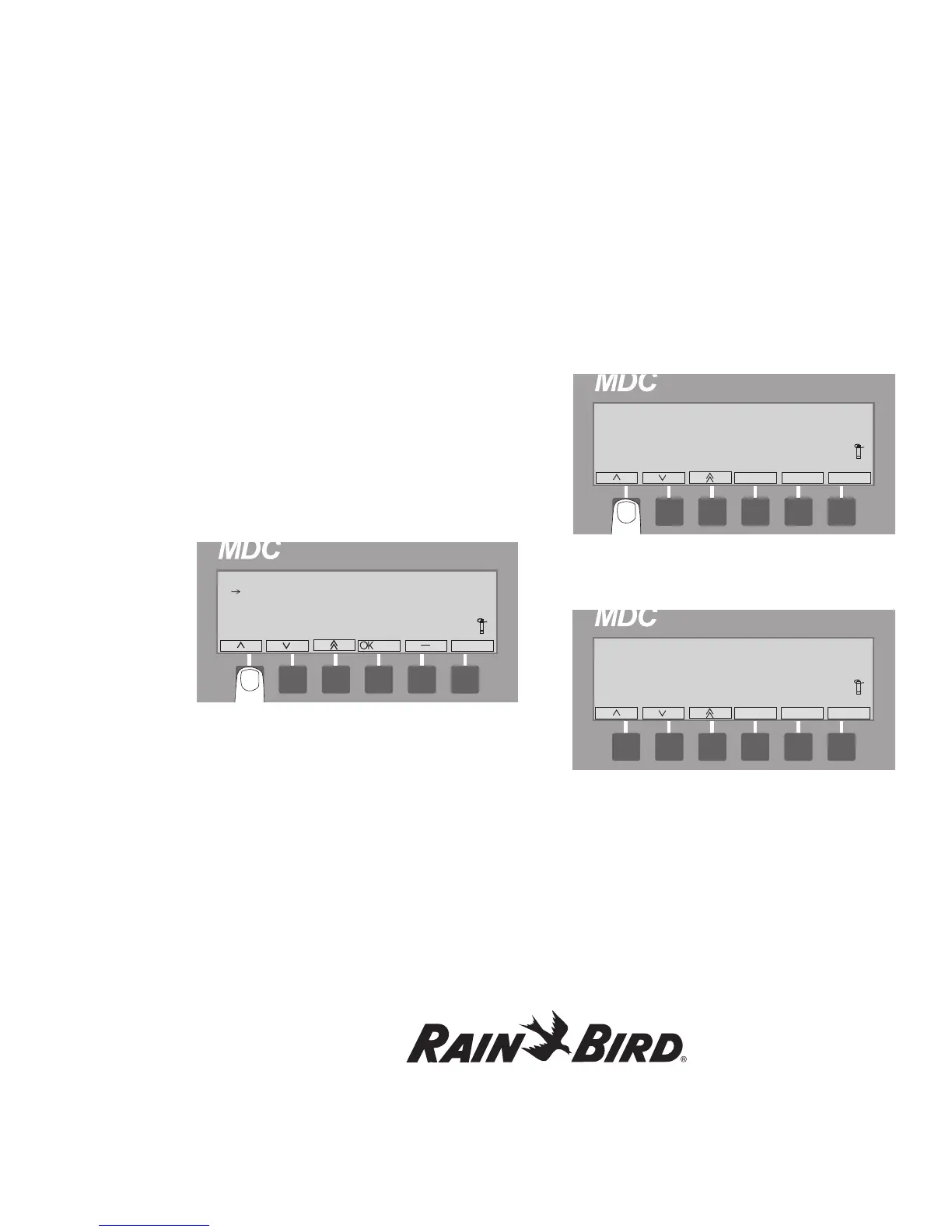
1. From the Main Menu, move the indicating
arrow to 4. Test and select OK.
2. Move the indicating arrow to 1. Test of Line
Decoders and select OK to reach the Decoder
Test screen.
Note: The controller tests the decoders in the order
you entered them into the system. The blinking
markers and box show the field is active.
3. Scroll up or down until you reach the decoder
you want to start the test and select OK to setup
the test. The controller will not test any decoder
that is listed before the one you select to start the
test.
4. Select OK to start the test. After a few seconds,
the screen displays the test results in three
current measurements (mA).
Note: The Before current refers to the standby
current, Inrush is the current the solenoid needs to
open and Hold is the holding current the solenoid
needs to stay open. The Before value depends on
the number and type of decoders your system uses,
Inrush should fall between 290 to 700 and Hold
should be 15 to 20 milliamps higher than the Before
value. If the decoder is connected to two or more
solenoids, the Inrush will be slightly higher and Hold
currents will be double in proportion (30-40 mA).















 To Next Page