Creating Irrigation Schedules, continued
50
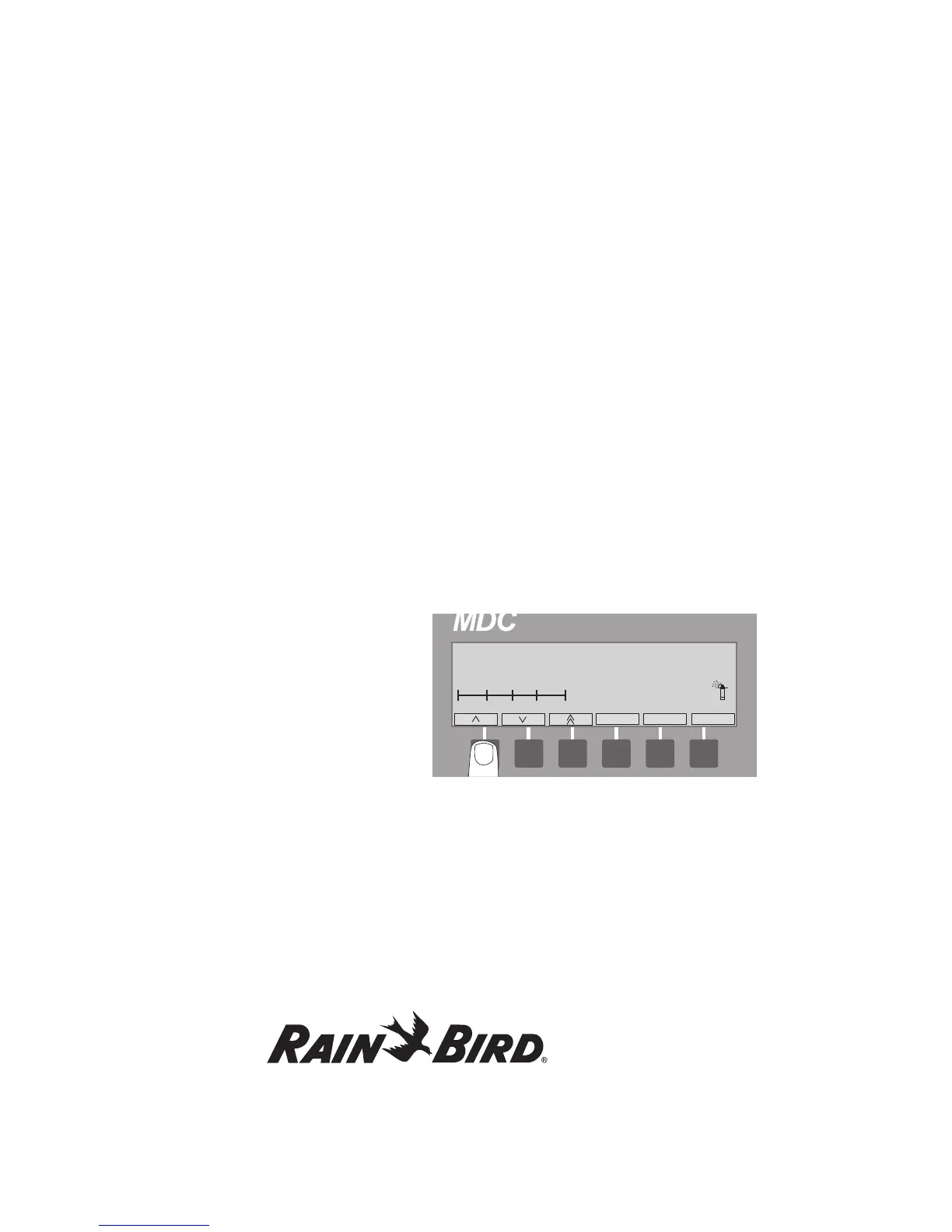
The Auto Display Screen shows:
• theProgram,
• theTotal run time,
• thecurrent time,
• thenameoftheActive Decoder(s)
(during a Schedule),
• thenumberofminutes the decoder is active
(during a Schedule),
• thedayandtimeofthefirstScheduled start time,
• theWB setting,
• thenumberofActive Dec.
(during a Schedule),
• thenumberoftimesthisSchedule Repeats,
• thelengthofPauses between repeats,
• theScheduled irrigation days in the
14-day cycle,
• atime line, separated in six-hour increments,
showing the Active time period of the Program
(indicated by a black block),
• asprinkler icon that “sprinkles” during irrigation
and,
• theAuto label is highlighted.
Note: If none of the 11 Programs are Active, the
message, **No Active Programs** appears on the
display screen.
Note: If no irrigation Schedule is currently running
while the controller is set in Automatic, 0 active
Decoders shows, until the first Schedule starts.
The Dec. and Auto labels are highlighted and the
sprinkler icon “sprinkles” when a Schedule starts.
2. Selecting Pause temporarily stops the
Automatic irrigation Schedule. Select Pause
again to return to Automatic.
3. Pressing the button pointing to the Auto label
stops the irrigation Program and returns you to
the Main Operating Screen.
Activating a Decoder in Auto Mode
While the controller is set in Automatic, you can
(manually) activate decoders before or in-between
programmed irrigation Schedules.
1. Select Dec. and scroll through the list of installed
decoders to find the one you want
to activate and select OK.
2. Scroll up and down to select how many minutes
you want the decoder to be active.
3. Select OK to lock the decoder in memory and
return to the Automatic Display Screen. Both
Dec. and Auto labels are highlighted and the
sprinkler icon “sprinkles.”















 To Next Page