Creating Irrigation Schedules, continued
46
Setting the Water Budget (WB)
Water budget lets you increase or decrease the
operating time for each decoder in your Schedule
from 0 to 250%. The water budget default setting
is 100%. The total run time also changes when you
change the water budget.
1. From the Main Operating Screen, scroll to the
Program you want.
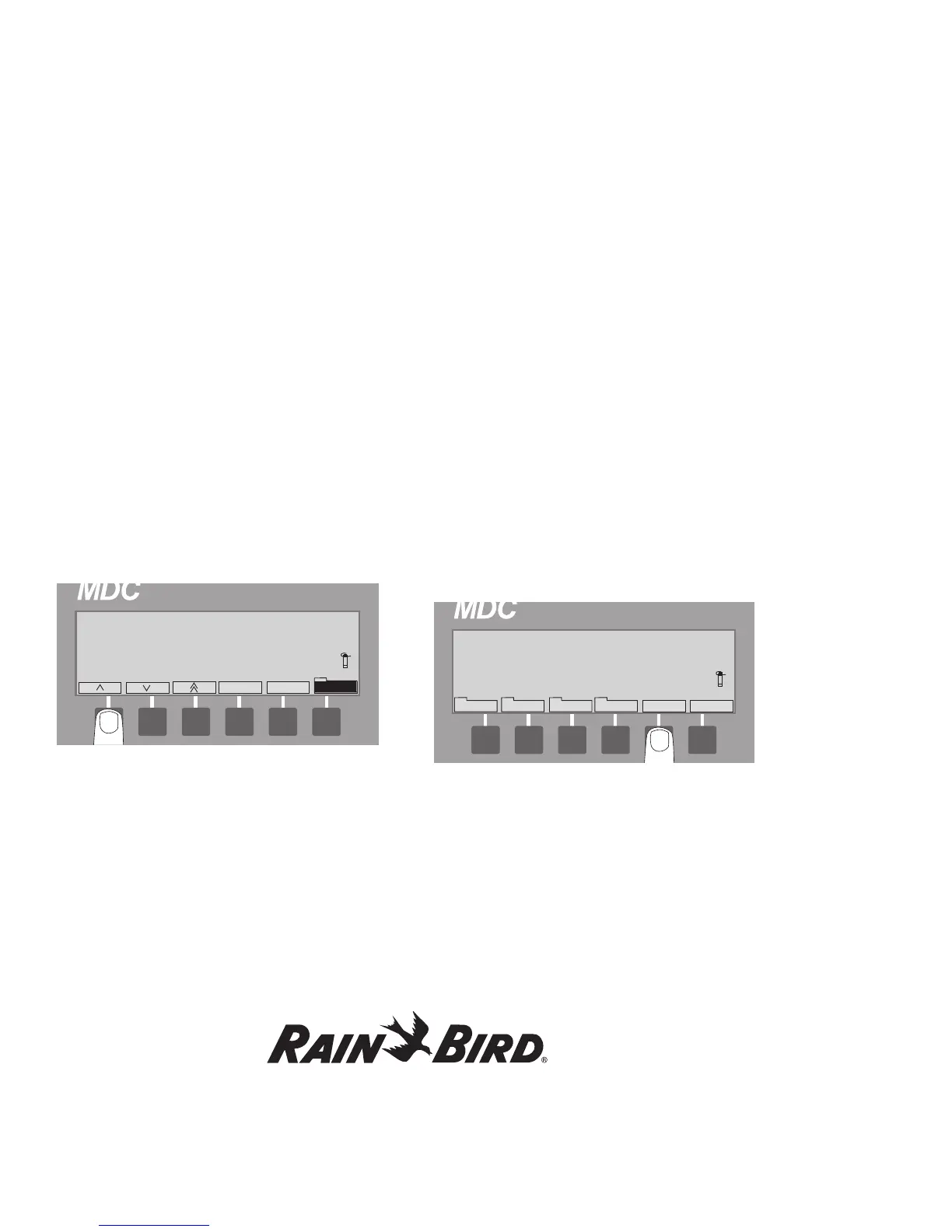
2. Select Sched. then WB to activate the water
budget field. Alternating blinking markers show
the field is active. The WB label is highlighted.
3. Use the up and down arrows to set the WB
between 0 and 250%.
4. Select WB to return to the Schedule Set-up
Screen.
Setting the Programs for Active
or Passive (A/P)
You can set each Program to be active (A) or passive
(P). Active means the Program (1-11) responds to
all automatic starts and stops if the controller is in
the Active Mode. Passive means it will not respond
to any automatic settings. If you do not wish to use
a Program at this time, (but may in the future) set it
to Passive.
1. From the Main Operating Screen, scroll to the
Program you want to set as Active or Passive
and select Sched.
2. Press the button pointing to the A/P label to
switch the Program between Passive and Active.
3. Select Next twice to return to the Main
Operating Screen.















 To Next Page