Creating Irrigation Schedules, continued
51
4. Follow steps (1-3) to activate additional
decoders.
5. You can now use the up and down arrow labels
to scroll through all the Active Decoders.
Note: When the time you set for each Active
Decoder runs out, the sprinkler icon stops and the
controller returns to the Automatic mode with only
the Auto label highlighted.
Activating an Irrigation Schedule
in Auto Mode
Just like starting a schedule manually by switching
the controller to the Manual mode, it is also
possible to start an irrigation schedule manually
when your controller is in Auto mode. When
you manually start an irrigation schedule, the
running programs are paused and the remaining
parts are stacked to run after the manually started
schedule(s) finish. It is possible to start up to three
(3) schedules manually and they will all be stacked
in the order that they are entered, but all prior to
the stacked auto-schedules. Unlike in the Manual
mode, you do not need to switch the controller’s
operating mode.
To start a schedule manually when the controller is
in Auto mode:
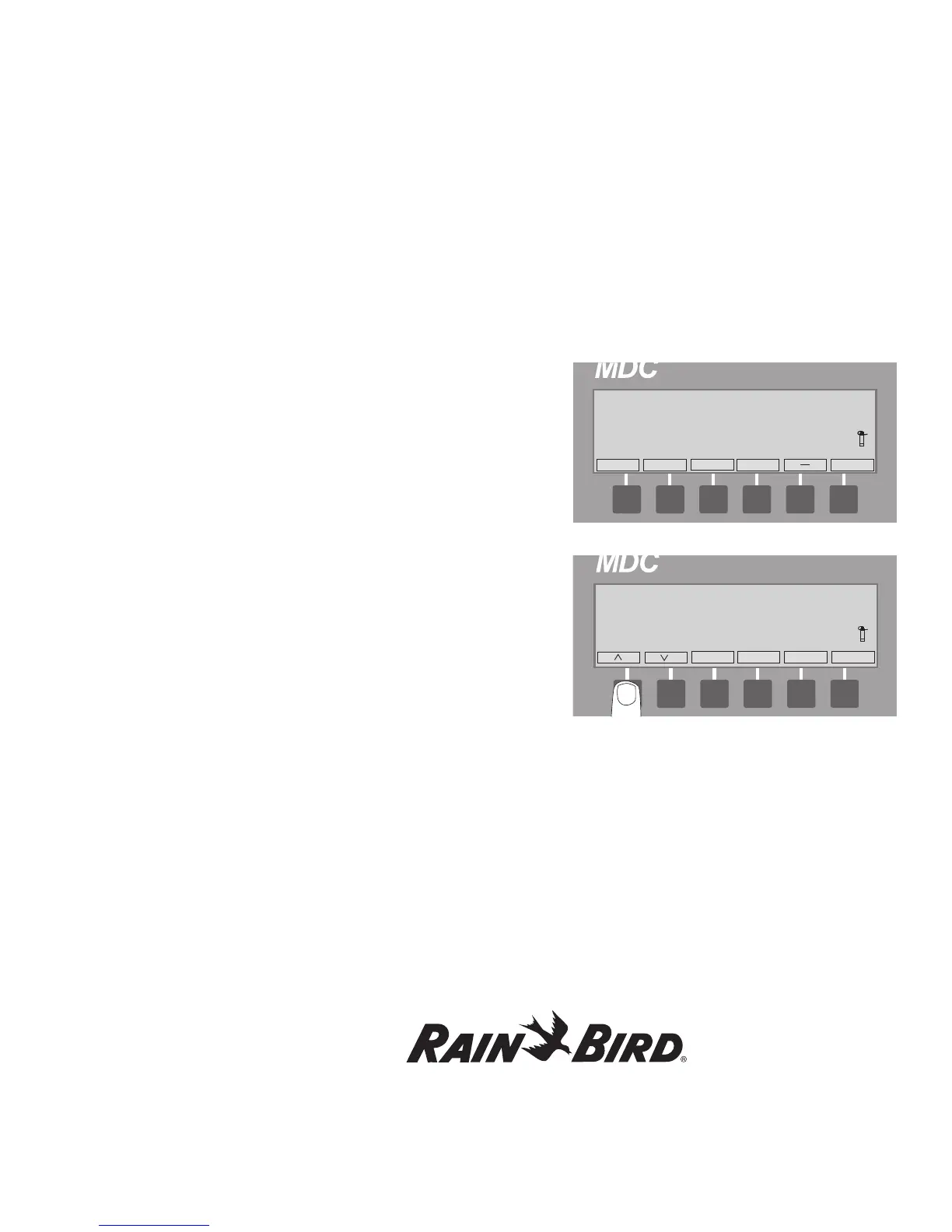
1. Select Program. You will see the following
message:
2. Select OK.
3. Use the up and down arrows to choose the
program that you wish to run manually and
select OK.
The number of active decoders as well as the
remaining run time will be displayed and the
sprinkler icon will “sprinkle”.
Note: Your controller remains in Auto mode during
the manually run irrigation schedule and resumes its
normal course of the stacked irrigation schedules
once the manually run schedule is over. Please note
that it is not possible to pause a manually activated
irrigation schedule.















 To Next Page