Creating Irrigation Schedules, continued
48
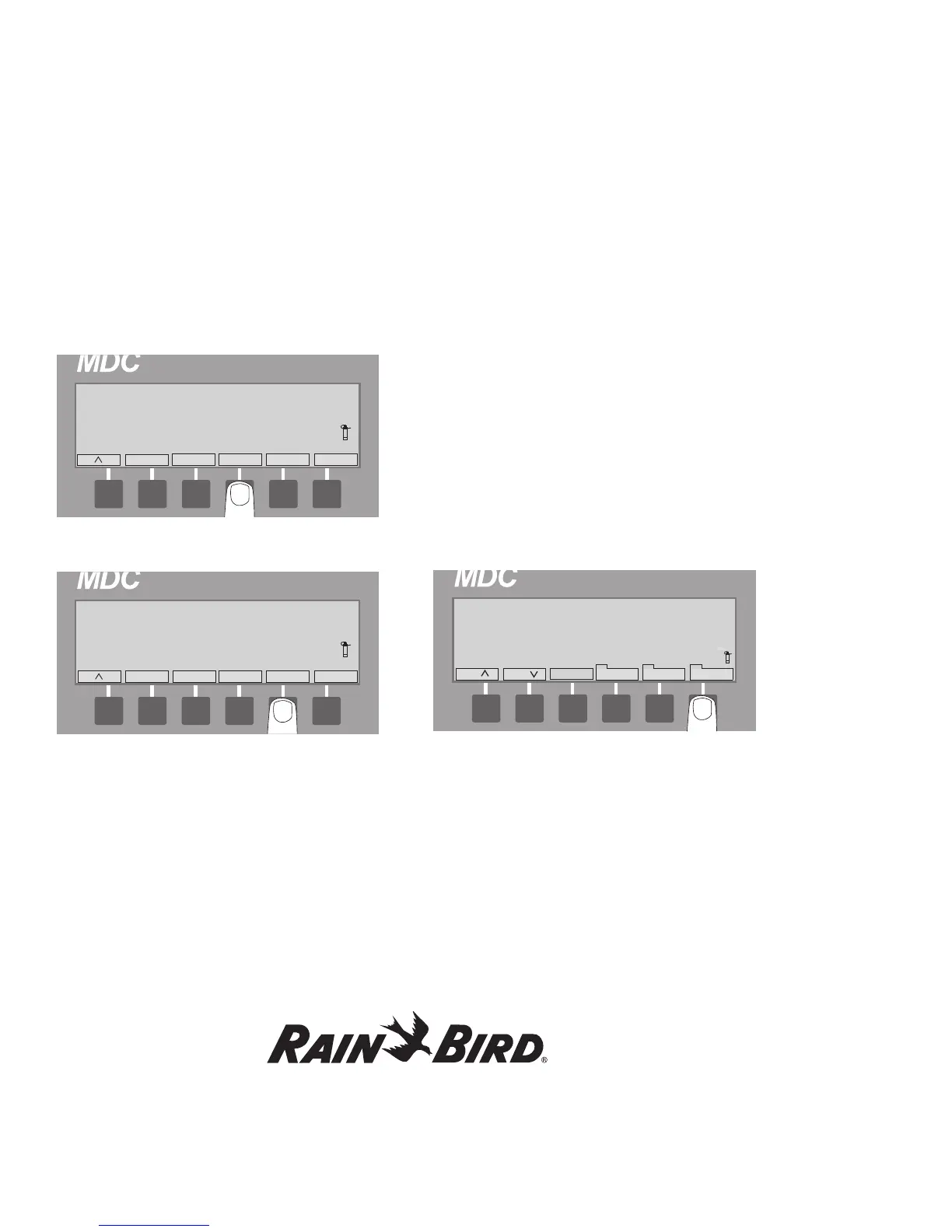
3. Press the button pointing to the Repeat label to
set the number of times you want the Program
to repeat. Holding down the button lets you
scroll quickly up to 99 repeat times.
4. Select Pause to set a timed pause between each
repeated Program.
Note: An arrow label next to Every shows the
direction you are scrolling. Press the button pointing
to the arrow label to change the direction you are
scrolling.
5. Select Next to return to the Main Operating
Screen.
Setting Up an Automatic
Test Program
The MDC2 Controller allows you to set up a Test
Program to automatically activate and test all
decoders (from the first one you installed to the
last), one by one. You can adjust the Decoder
Activation Time between 10 and 240 seconds. 240
seconds is especially useful if you wish to walk
through and visually inspect each decoder as they
activate.
1. From the Main Operating Screen, press the
button pointing to the Sch down label to reach
the Test Program.
2. Select Manual to reach the Select Program
or Decoder screen. The Manual label is
highlighted.















 To Next Page