Programming and Operation, continued
38
Example: If your system uses 100 FD102TURF Field
Decoders (each operating one solenoid output), then
test results should show a Before reading of about
50 mA, Inrush of 525 mA (which is within the 290-
700 range), and a Hold of 70 mA (which is 20 mA
higher than the Before reading).
Note: If the Before, Inrush and Hold values are
close, the decoder is not responding. Locate the
decoder in the field and make sure that it is wired
properly to the solenoid and communications cable.
You should also make sure you programmed in the
right Decoder Addresses (REC. NO.).
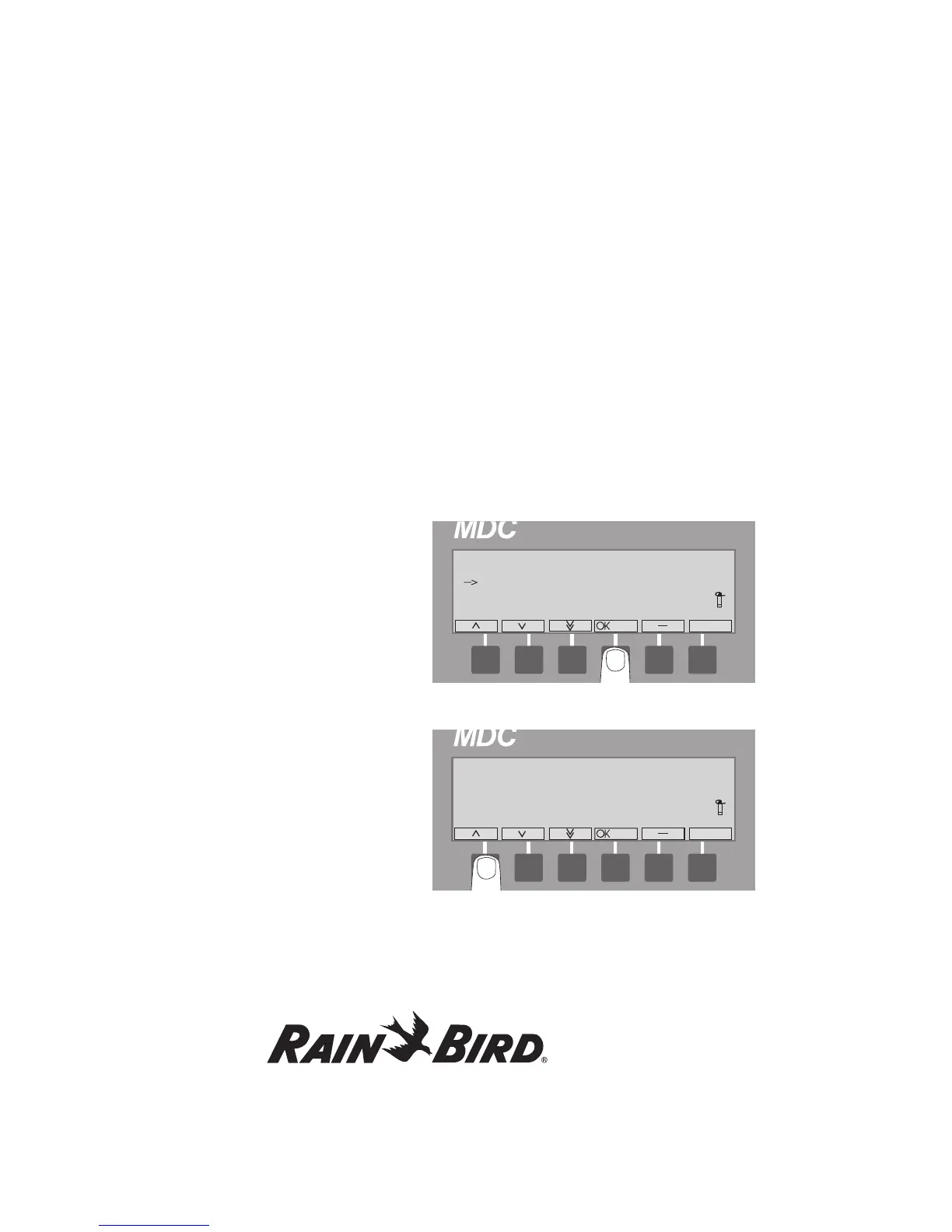
5. Press the button pointing to the OK label twice
to activate and test the next decoder in line.
6. The minus (-) label cancels the test at any time,
returning to the Test menu.
Note: To set up the MDC2 Controller to
automatically activate and test each decoder in
sequence, please see Setting Up an Automatic
Test Program on page 48.
Testing the Sensor Decoders
Once you install and program the sensor decoders
into your system, you can then test to make sure
they are working properly. The MDC2 Controller
has a built-in sensor decoder test that enables you
to test each sensor decoder.
1. From the Main Menu, select 4. Test and select
OK.
The Test Menu screen appears.
2.
Select 2. Test of Sensor Decoders and select OK.
The Test of Sensor Decoders screen appears.
3. Use the up and down arrows to choose the
sensor decoder to be tested and select OK.
The “Communicating with the SD, please
wait” message appears.















 To Next Page