Creating Irrigation Schedules, continued
45
Selecting a Start Time
You must select at least one start time for each
Program. You can have up to six start times for each
Program for each day.
1. From the Main Operating Screen, scroll to the
Program you want.
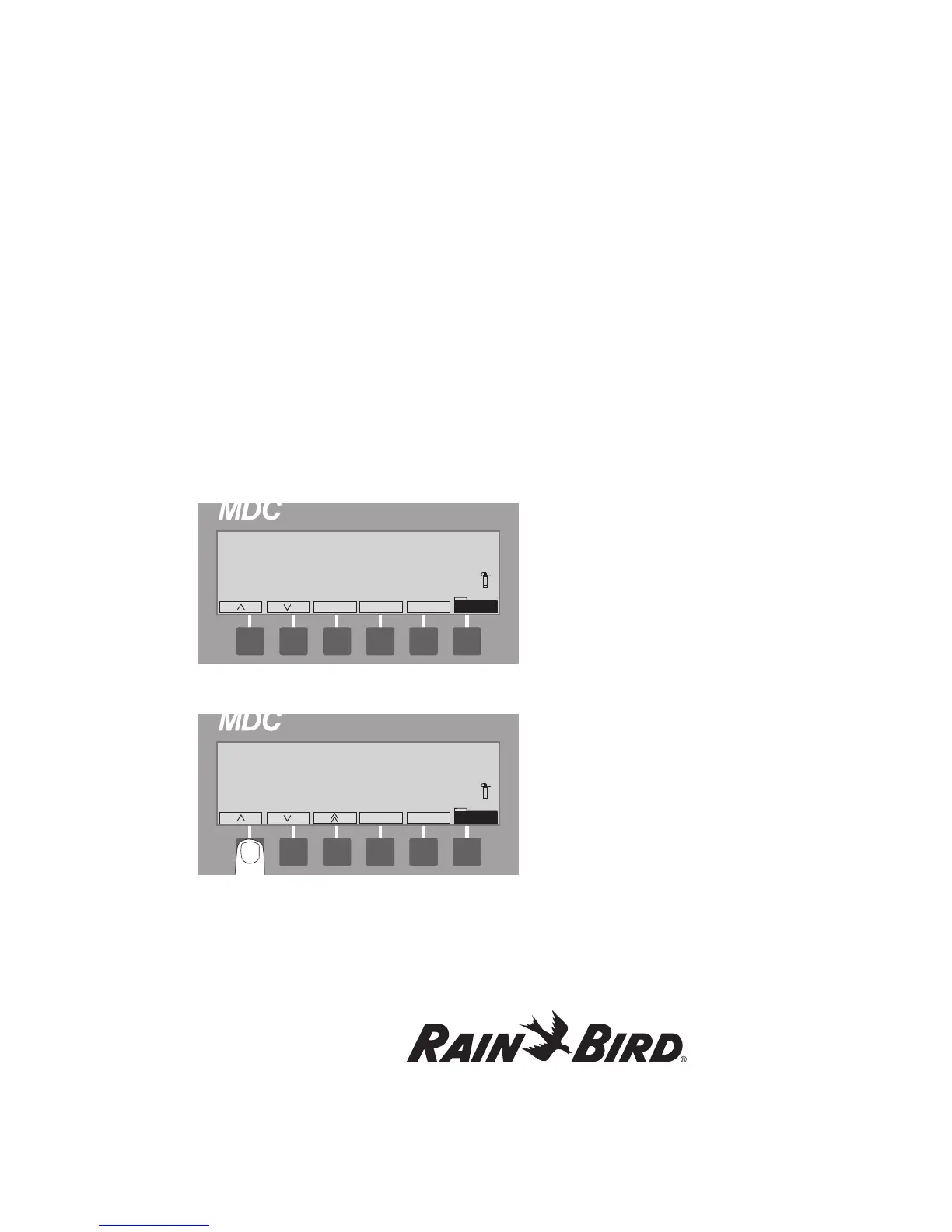
2. Select Sched. then Time to activate the Start
Time indicator (1-6) field. The blinking marker
shows the field is active. The Time label is
highlighted.
3. Scroll up or down to the first Start Time
indicator (1) and select OK.
4. Use the up and down arrows to set the first
Start Time.
5. Select OK to enter the Start Time into the
Schedule.
6. Scroll to the second Start Time indicator (2),
select OK and enter a second Start Time into
the Schedule. Continue until you are finished
(up to six).
7. Select Time to return to the Schedule Set-up
Screen.
Note: Start times must be separated by a minimum
of two minutes.















 To Next Page