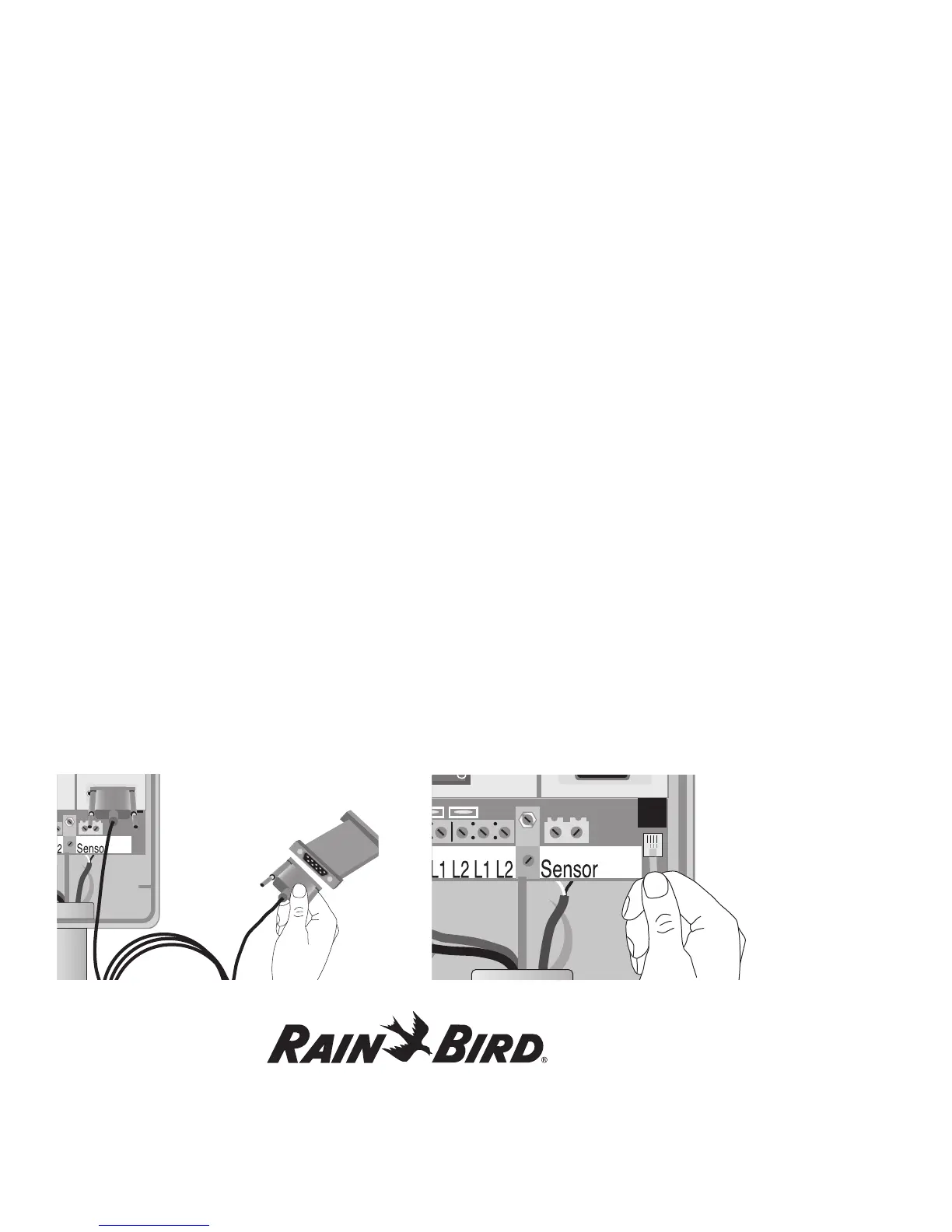
Using the Controller with a PC, continued
58
Linking your PC and Controller
To link your PC using the serial communication
port,
1. Open the MDC cabinet and remove the lower
panel.
Note: For serial communications, you will need
two nine-pin serial cables and an OLK-400
Optocoupler connection.
2. Attach one end of the first serial cable to the
MDC serial communication port and attach the
other end to the Optocoupler.
3. Attach one end of the second serial cable to the
Optocoupler and the other end to your PC serial
communication port.
Note: Rain Bird
®
recommends using the OLK-400
Optocoupler to protect your system against lightning
surges. However, you may use a Null-modem cable
as a temporary device.
To link your PC using the modem/telephone line
connection,
1. Open the MDC cabinet and swing open the
faceplate.
2. Feed a modem/telephone line through the
two-wire communications conduit or through a
separate access hole in the MDC cabinet.
3. Plug the phone clip into the corresponding jack.















 To Next Page