Creating Irrigation Schedules, continued
42
Setting the Steps for Each
Program
You can set between 1 to 100 individual Steps for
each Program. Each Step contains decoders (which
operate valves) and run times. You can have up to
10 decoders running at the same time, as long as
the hydraulics in your system can handle it. The
controller prevents you from including more than
10 decoders for each Step.
Completed Steps could look like this:
Step Decoders Run Time
1 T1, T2, T3 10
2 T4, T5, T6 10
3 T7, T8, T9 10
4 T10, T11, T12 10
5 T13, T14, T15 10
6 T16, T17, T18 10
In this example, the Program begins with Step 1,
activating Decoders T1, T2 and T3 and running the
valves (run time) for 10 minutes. After 10 minutes,
Decoders T1, T2 and T3 switch off and Step 2
begins. It continues until all the Steps are done.
Note: You may include the same decoder in as
many Steps as you want.
Note: If you want to stop irrigation between Steps,
you can set up a Step without naming a decoder.
To do this, simply program in a Run Time, or how
long you wish to Pause the irrigation Schedule.
Setting Up Steps
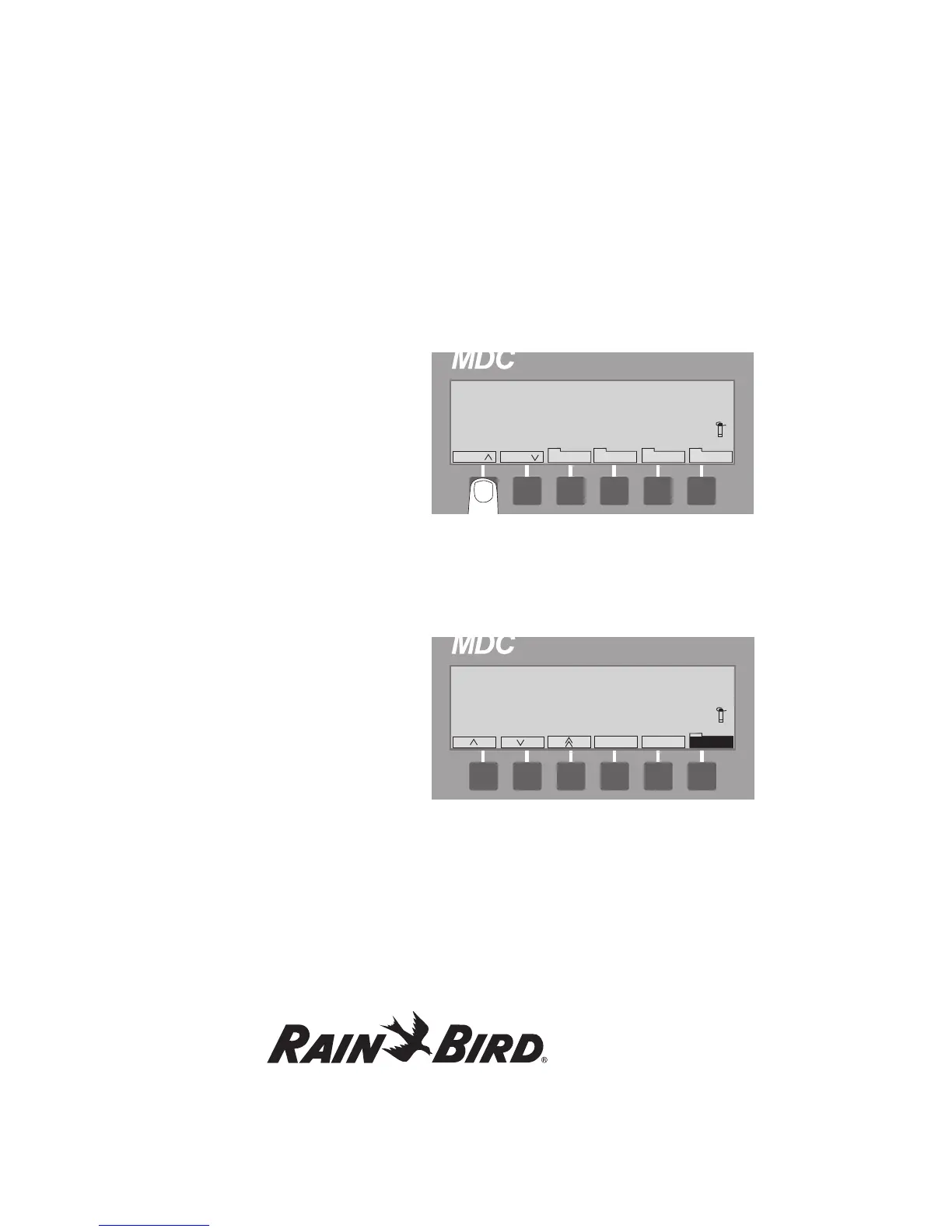
1. From the Main Operating Screen, select Sch to
reach the Program you want (1, 2, 3, etc.)
2. Select Sched. then Step to activate the Step
number. Alternating blinking markers show the
field is active. If you have already programmed
other Steps, you can use the up and down
arrows to scroll through each programmed
Step. The Step label is highlighted.
3. Select OK and OK again to activate the
Decoder field.
4. Scroll up and down through the list of
programmed decoders. Select OK to
choose the first decoder you want to
include in this Step.















 To Next Page