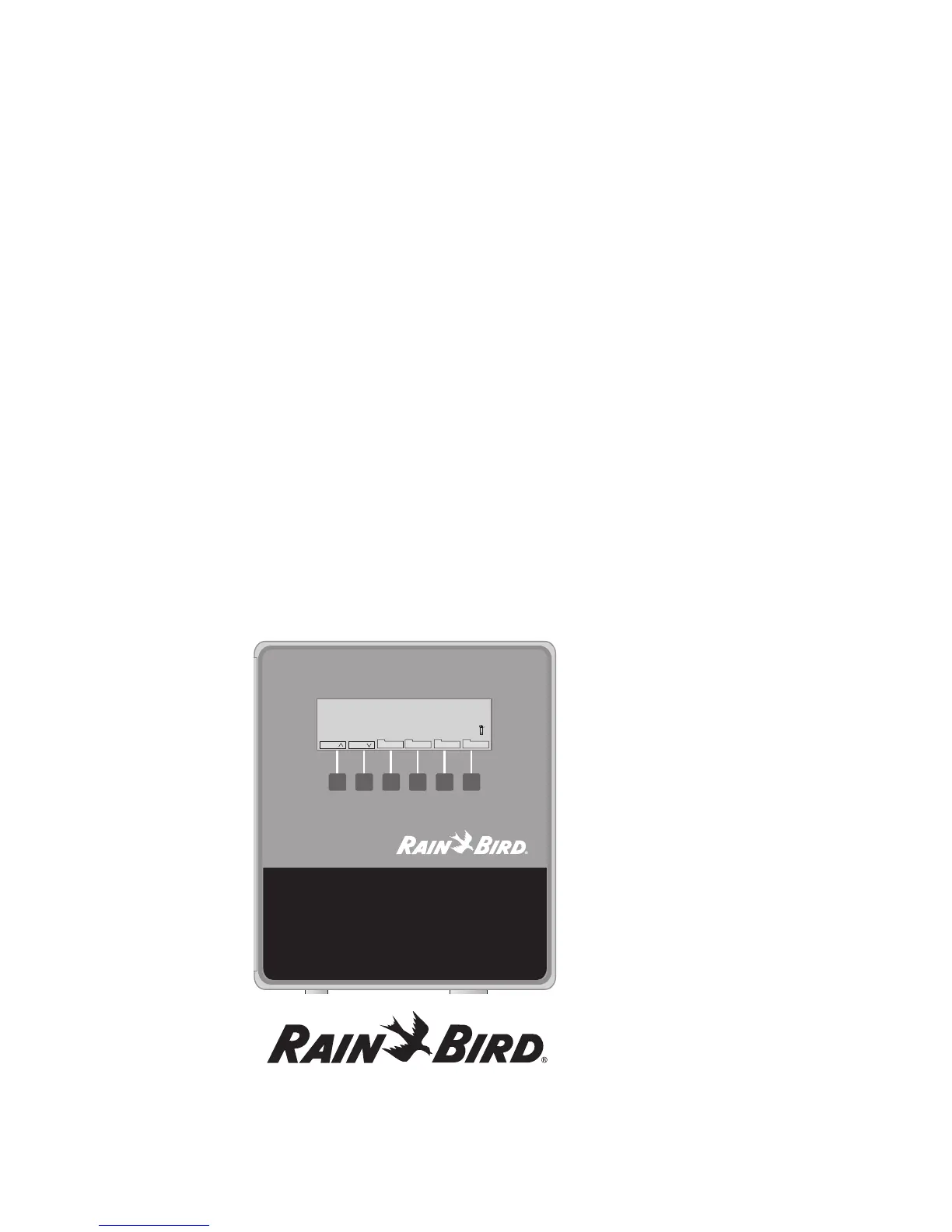
Familiarizing Yourself with the MDC2 Controller
Before beginning to program or operate your MDC2 Controller, take a moment to familiarize yourself with
the controller. Note that the location of the ON/OFF switch is behind the removable panel. Once you turn the
controller on, you can use the buttons to guide you through different display screens and functions on the (Liquid
Crystal Display) LCD.
Most screens show a row of labels at the bottom. These labels indicate the specific function of the buttons under
each label. As the labels change from one screen to the next, so does the function of the buttons. Labels with tabs
contain submenus.
A backlight lights the display while you operate the buttons. Once you stop, the backlight remains on for about 70
seconds then turns off. The information is still on the display, but the display is not lit. Pressing any button turns
the backlight on again.
Note: You must first turn on the backlight (press a button) before you can operate the controller.
Programming and Operation, continued
18
MDC
Program 1 Total 0:05 09:48:00
2 MTWTFSSMTWTFSS (2) 13:50 100% A
Run every 5. Day Repeat 6 times
First 2002-03-26 Pause: 1 Min.
Sched Menu Auto Manual
Sch
Sch















 To Next Page