Creating Irrigation Schedules, continued
47
Scheduling to Run on Specific
Days and Dates
You can program your controller to irrigate on
a selected day(s) and date(s) in a 14-day period,
instead of on the 14-day cycle (which begins on the
day you initially program the controller). You can
also set the first date you want to begin irrigating.
1. From the Main Operating Screen, scroll to the
Program you want.
2. Select Sched. then Next to reach the Run every
and First labels.
Note: Run every refers to which days you want a
specific Program to run (Run every 1st day; Run
every 2nd day; etc). First (which shows the year,
month and day) refers to the date you want the
sequence to begin.
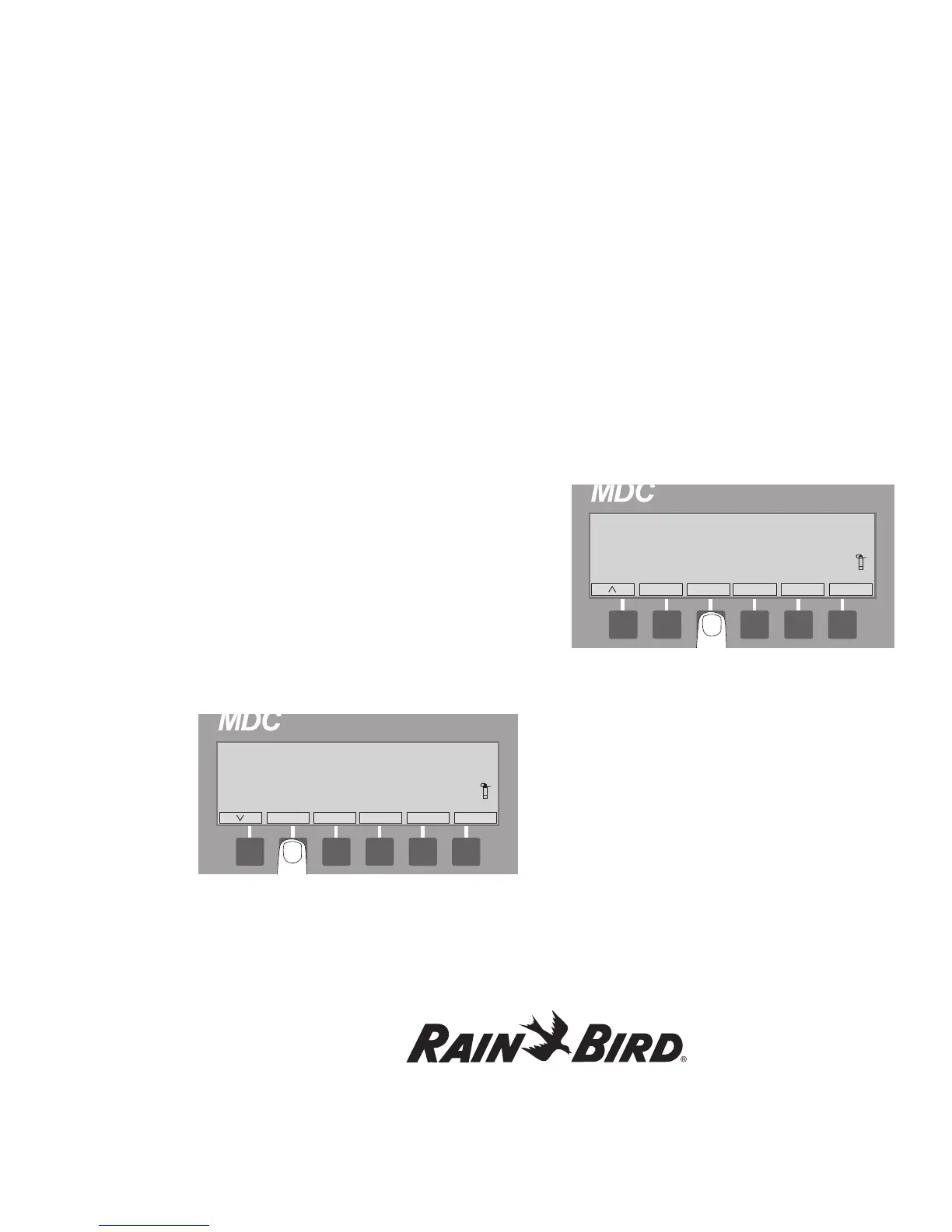
3. To change the Run every day, press the button
pointing to the Every label. Each time you press
the button, the day increases by one, up to Run
every 14th day (in the 14-day Schedule).
Note: You can see the 14-day Schedule change
each time you press the button.
Note: An arrow label next to Every shows the
direction you are scrolling. Pressing the button
pointing to the arrow label changes the direction
you are scrolling.
4. To change the date you want to start the
sequence, press the button pointing to the
First label. Continue to press the button to reach
the start date you want.
Note: An arrow label next to Every shows the
direction you are scrolling. Pressing the button
pointing to the arrow label changes the direction
you are scrolling.
Repeating and Pausing Programs
Once you set-up a Program, you can repeat it up to
99 times and set timed pauses (in minutes) between
each repeated Program.
1. From the Main Operating Screen, scroll to the
Program you want to repeat.
2. Select Sched. and Next to reach the Repeat
label.















 To Next Page