Creating Irrigation Schedules, continued
49
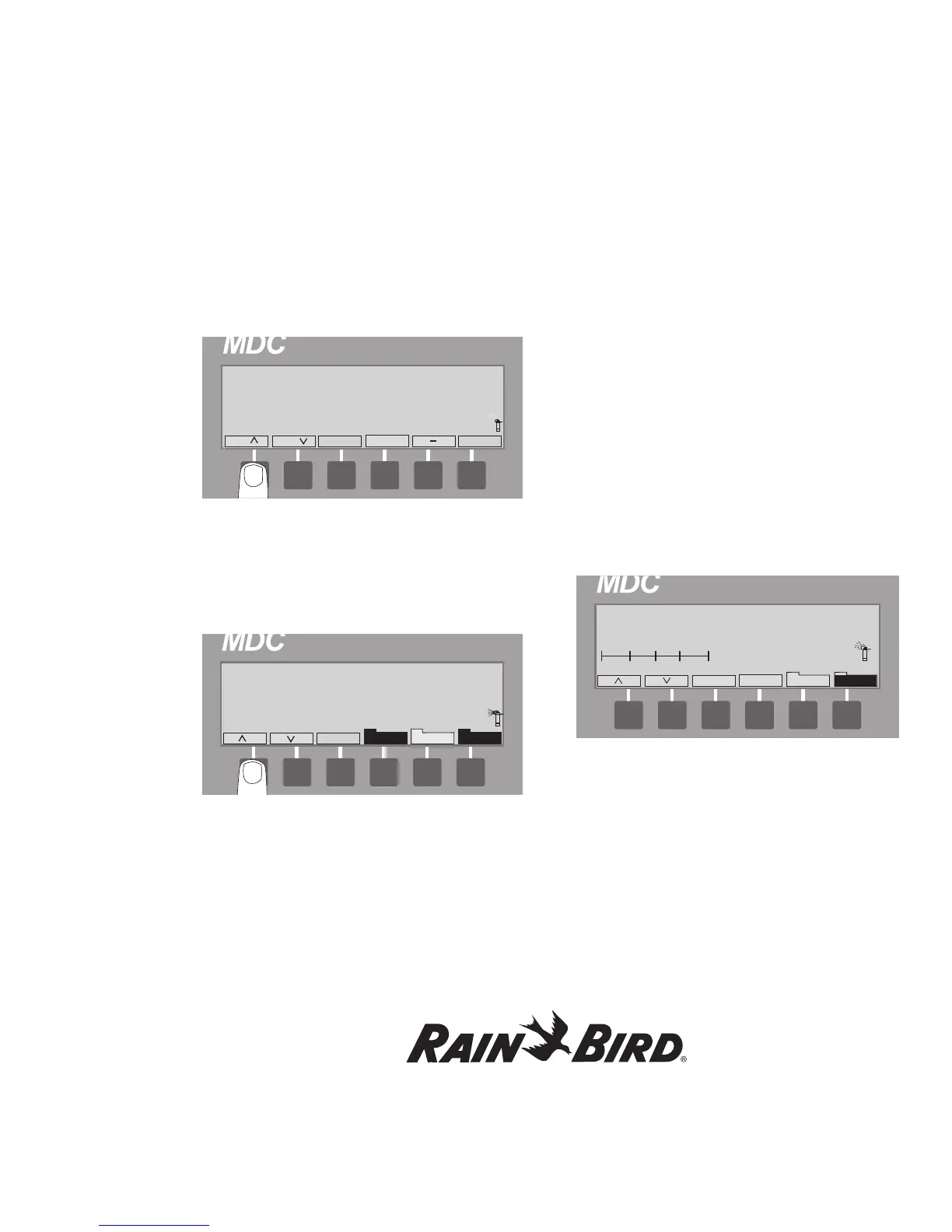
3. Select Prog. to reach the test screen and select
OK. Valve Active Time 120 Seconds appears on
the display screen.
4. Use the Sch up and Sch down arrows to set the
valve active time. Change the Valve Active Time
anywhere between 10-240 seconds.
5. Select OK. The Testing Display Screen
appears and the Program and Manual labels are
highlighted.
Note: The controller is now testing all active
decoders. The screen displays the three current
measurements (Before, Inrush and Hold) for each
decoder it tests.
6. You can cancel the test at anytime by selecting
Prog.
Operating the Irrigation Programs
You can operate the MDC2 Controller completely
automatically, completely manually or by a
combination of both.
Starting Automatic Irrigation Programs
When you start Automatic Irrigation, all Active
Programs will run according to the Schedule you
set up. The controller only runs Active Programs,
not Passive.
1. From the Main Operating Screen, scroll to
the Automatic Program you want to start
and select Auto.















 To Next Page