Programming and Operation, continued
39
After a few seconds the screen displays the test
result as seen below. This is a raw reading that
verifies the sensor decoder is working.
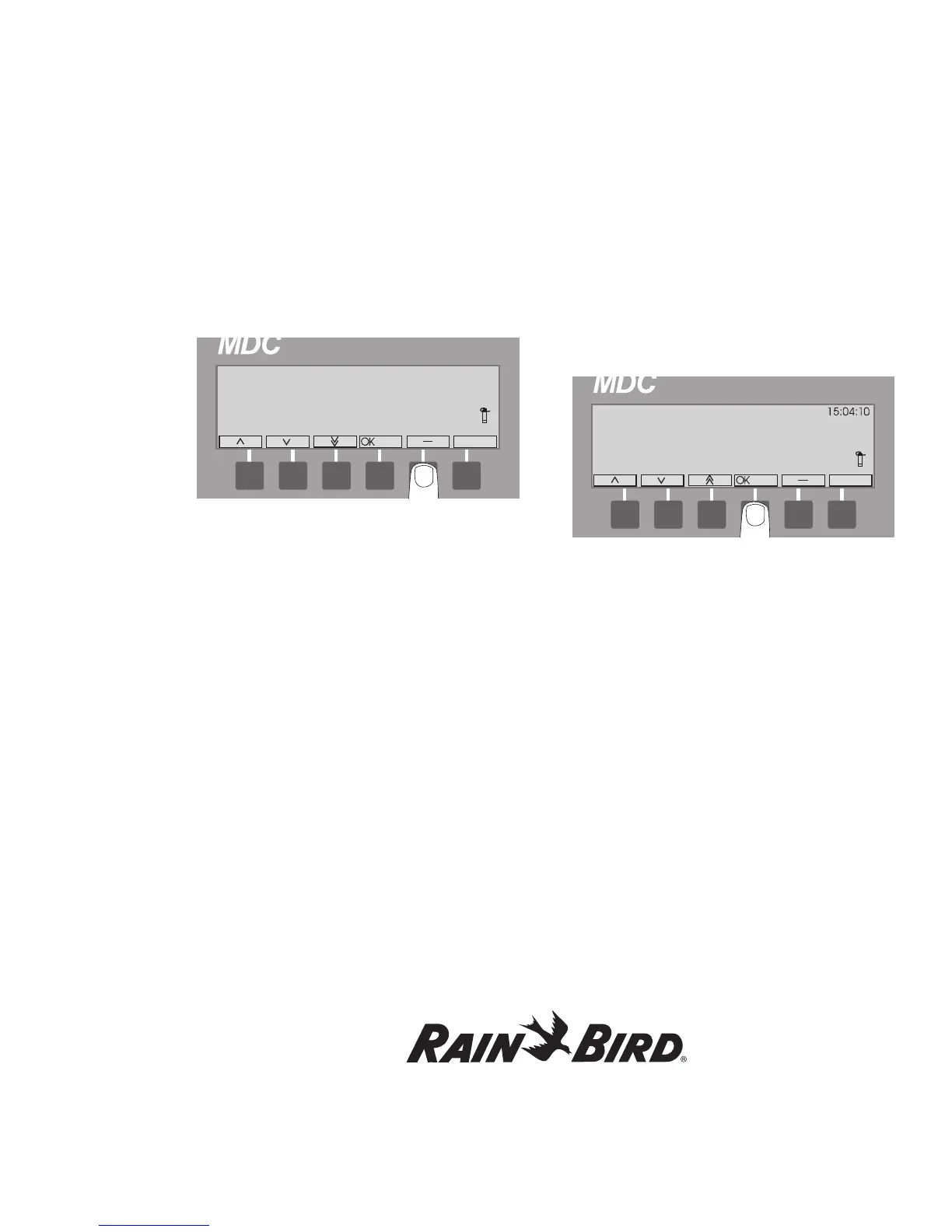
4. Click OK to return to the Test of Sensor
Decoders screen and use the up and down
arrows to choose another sensor decoder to test
and select OK.
5. Repeat Step 4. as necessary to test all the sensor
decoders or select ‘- ‘to return to the Main Menu.
Finding a short in the system
You can use the MDC2 Controller to help trace and
locate shorts in the lines.
1. Attach a clamp from a Clamp Amperemeter to
one of the communications wires connected to
either L1 or L2 terminals in the controller.
2. Turn on the controller and navigate to the Test
menu.
3. Move the indicating arrow to 3. Short Finding
and select OK to reach the Short Finding
screen. In Short Finding Mode, the MDC
changes the frequency of the line voltage from 1
to 50 Hertz (Hz).
4. Check that the Clamp Amperemeter reads the
current supplied by the controller. If the reading
is higher than you expected, you have either a
short or an overload in the system.
Note: If the short takes a high current, the MDC2
Controller automatically limits the current to a safe
value of 200 mA. When this happens, the controller
will go into the 50 Hz mode and a Short Circuit
Warning shows on the display. Please see Sensing
a Short Circuit on page 55.
5. To locate the short, “follow” the current from
the controller to the decoders in the field.
6. Watch the reading on the Clamp Amperemeter
closely. The reading disappears the moment you
pass the short.
7. Once you locate the short, press any button on
the controller to return to the Test menu.















 To Next Page