Installation, continued
12
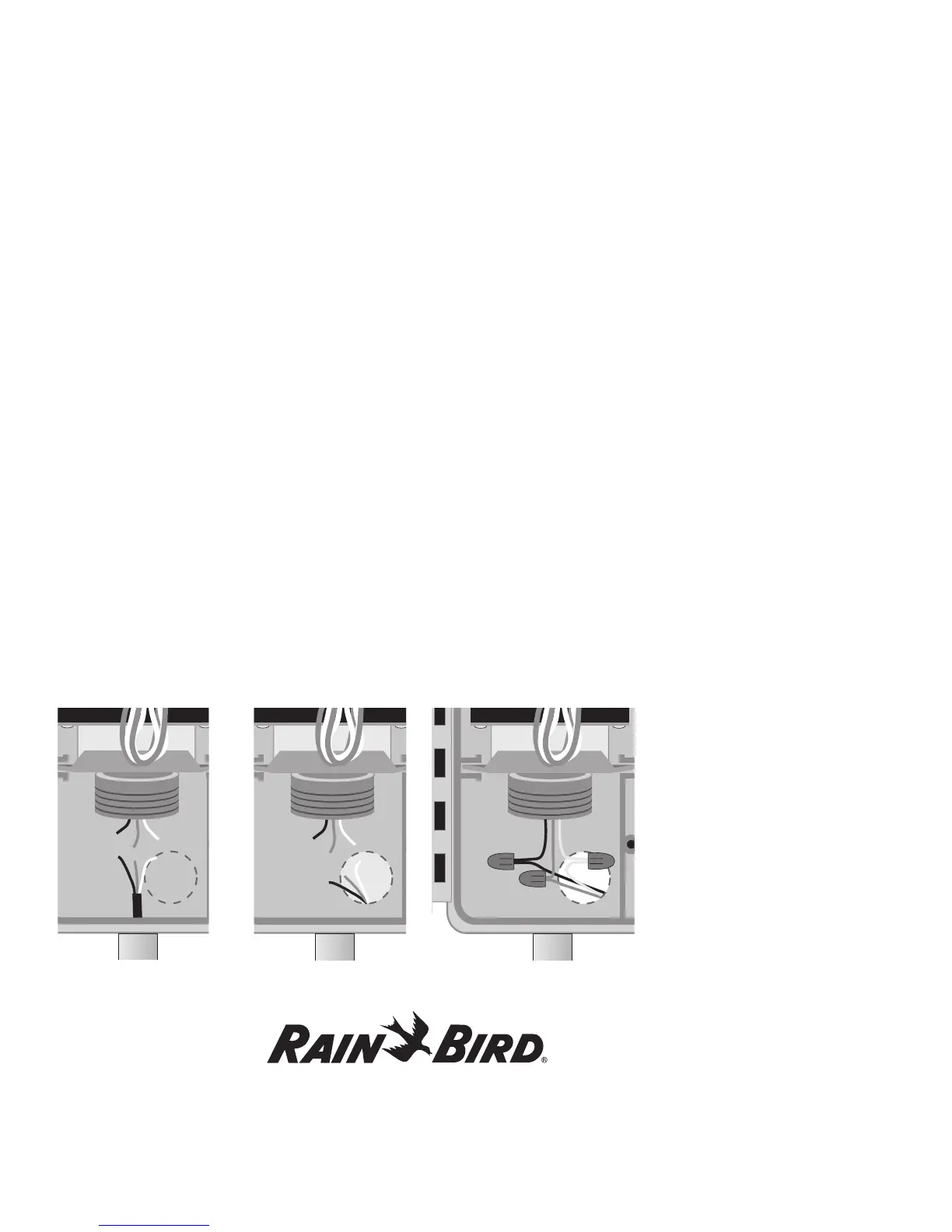
2. Feed the Mains 120-Volt AC power wires into the
high voltage compartment through a separate
conduit.
Note: You can also connect the Mains 120-Volt AC
power and transformer wires inside a junction box
located outside the controller cabinet.
OR
Feed the Mains 120-Volt AC power wires through
the 1/4” knockout hole on the back of the cabinet.
You also need to cut out the scored hole in the high
voltage compartment’s fiberboard liner.
To connect to the Main power source,
1. Strip about 1/2” of the insulation off the ends of
the power wires.
2. Using code-approved wire nuts, connect the
black (HOT) wire to the black transformer wire,
the white (neutral) wire to the white transformer
wire and the green (ground) wire to the green
transformer wire.
3. Tug on the connections to make sure they are
tight, then close the high voltage compartment
cover and replace the screw.
OR















 To Next Page