Programming and Operation, continued
26
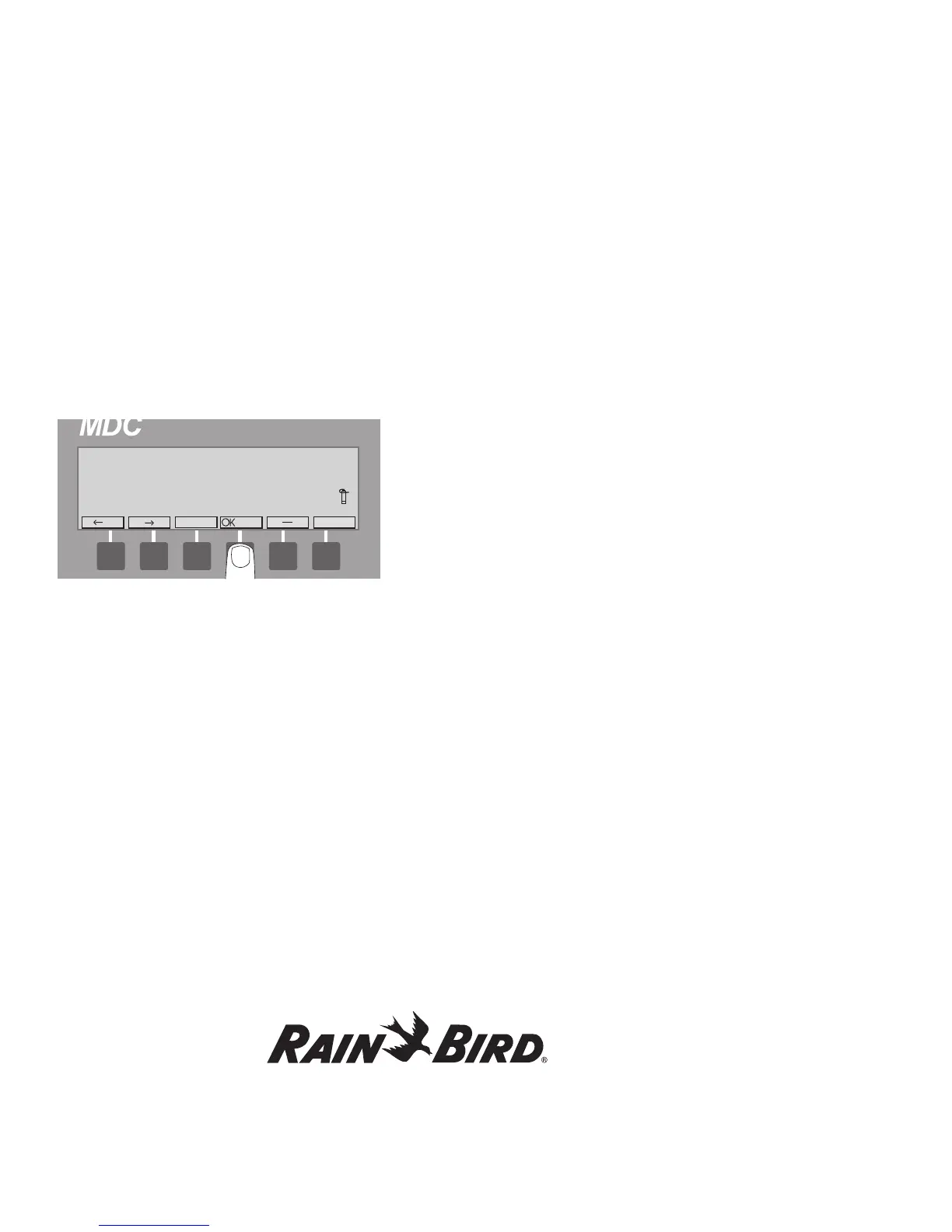
3. Select OK to add or change a decoder. The
screen now shows four columns or fields with
the titles: Name; Type; Address; Booster and
Flow. A pair of markers points to the Name
field. Use the buttons pointing to the left and
right arrow labels to move the markers from
one field to the next and back again.
4. Position the markers under Name and select
OK to activate the Name field. The left and
right arrow labels now switch to up and down
arrows and the two markers alternate blinking,
indicating the field is active.
5. Use the up and down arrows to change each
character one at a time, from left to right. A
blinking box shows the position of the first
character you are changing. The box disappears
when you begin scrolling through the characters.
An arrow then, points to the character you are
changing.
Note: The double arrow label lets you move
through the alphanumeric characters quickly.
Pressing the button pointing to the double arrow
label one time increases or decreases the characters
by five numbers or letters. To switch the direction of
the double arrow, press the button pointing to the
up and down arrows. Holding in the button pointing
to the double arrows quickly scrolls through the
characters.
6. Change each character one at a time. OK
accepts the change and moves to the next space.
Continue to select OK until the markers stop
blinking, deactivating the field. The up and
down arrow labels will also switch to left and
right arrow labels.
Note: The controller will not allow you to enter a
duplicate name. If you do, the message Decoder
already exists appears briefly and the controller
returns you to the beginning of the field.
Note: Selecting minus (-) while you are still in an
active field cancels the changes you made and
returns the field to non-active.
7. Move the markers to the Type field. Here, you
will select the type of valve (solenoid) connecting
to the decoder.
Note: The decoder’s Type correlates directly to the
valve type used to set the switch codes.















 To Next Page