Programming and Operation, continued
34
Non-Water Window
It is possible to enter a “Non-Water Window” where
irrigation is inhibited. This means the schedules
will run but the decoders will not activate. To select
a specific time frame that does not allow irrigation:
1. From the Main Menu, choose Set-up Data and
select OK.
You will be taken to the Set-up Data Menu.
2. Navigate to 7. Non-Water Window and select
OK. The Non-Water Window appears.
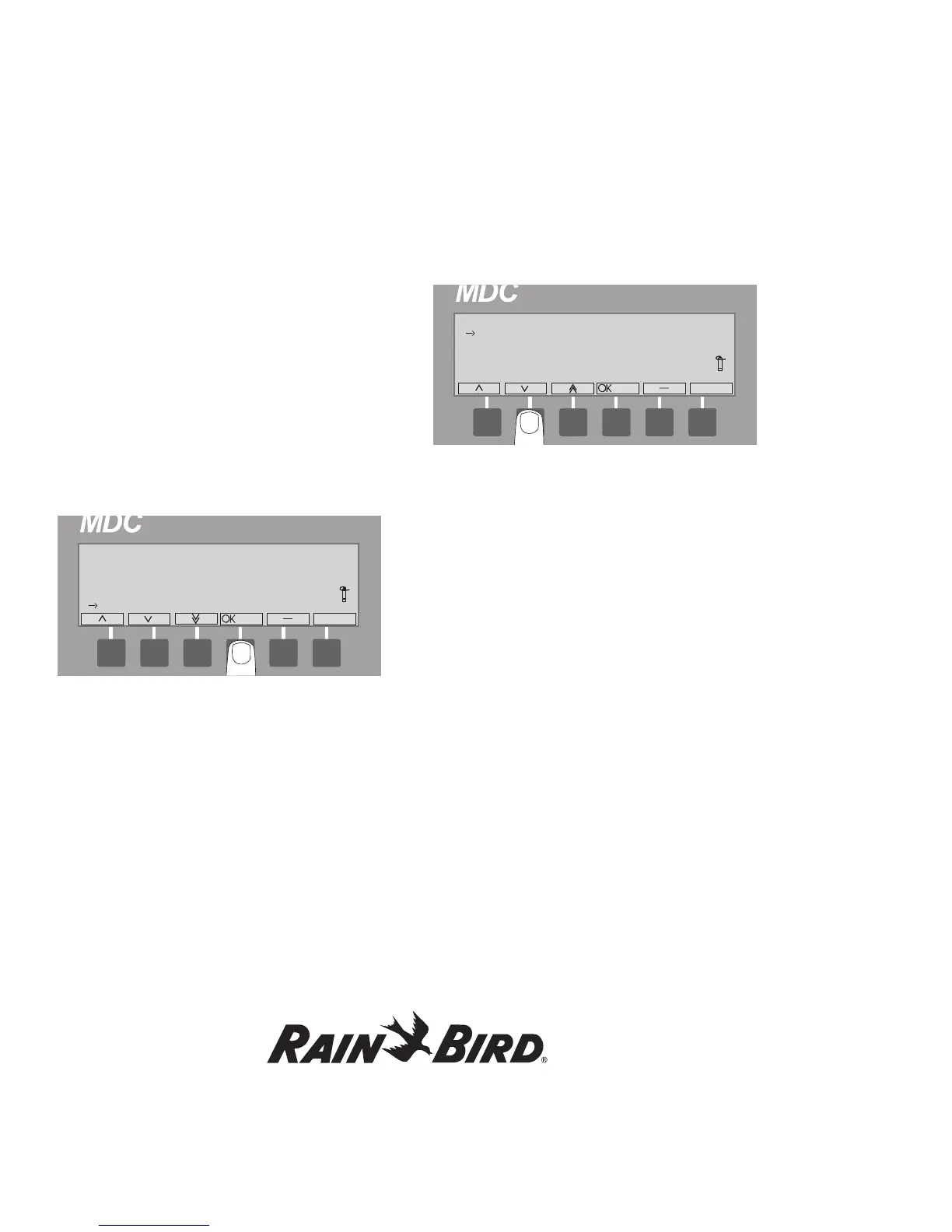
3. Select OK to activate non-watering starting time.
The active field is the hour, which is indicated
by alternating blinking arrow markers.
4. Use the up and down arrows to change the hour
and select OK. The alternating blinking arrow
markers move to the minutes.
5. Use the up and down arrows to change the
minutes and select OK.
Now, you need to set the non-water window
ending time.
6. Repeat steps 4 and 5 to set the ending time.
7. Select - to exit.















 To Next Page