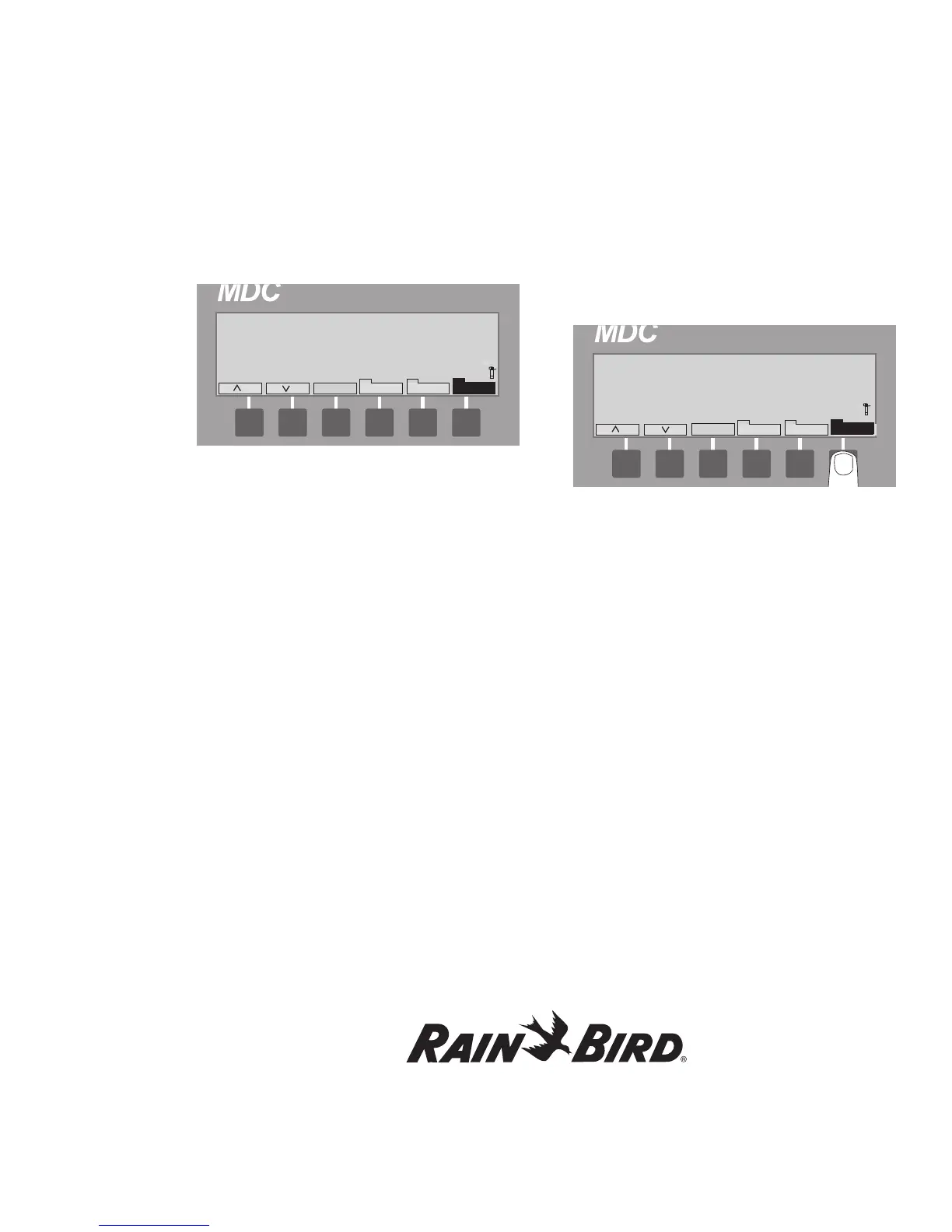
7. Select Pause. Pausing appears on the display,
showing the command registered. Irrigation
continues until the next full minute. At the full
minute mark, all activated sprinklers stop and
the display reads Paused.
8. Select Resume to continue irrigating. The
display asks if it is OK to Resume Current
Schedule. Cancel returns the controller to the
Pause state.
9. Select Resume to return to the Manual Display
Screen and continue with the scheduled
irrigation Program.
Once the irrigation is over, the screen again asks
you to Select a Program or Decoder for manual
activation.
To resume the normal automatic mode after
the manual irrigation is over:
10. Press Manual to return to the Main Operating
Screen.
11. Press Auto to put the controller back in the Auto
mode.
Creating Irrigation Schedules, continued
53















 To Next Page