Advanced Fea u s
To brighten the subject quickly, press the
BACKLIGHT button on top of the camera
in automatic exposure mode (this is also
the rewind button), The [] icon is
displayed and the subject is brightened
If pressed again, [] disappears and the
brightness returns to the previous level
Backlight has no effect when using
manual exposure.
+3 exposure value has the same effect as
using the backlight button.
Using backlight may cause the light
around the subject to become too bright
and the subject too overexposed
When manual exposure is used, Spotlight
and Snow also have no effect.
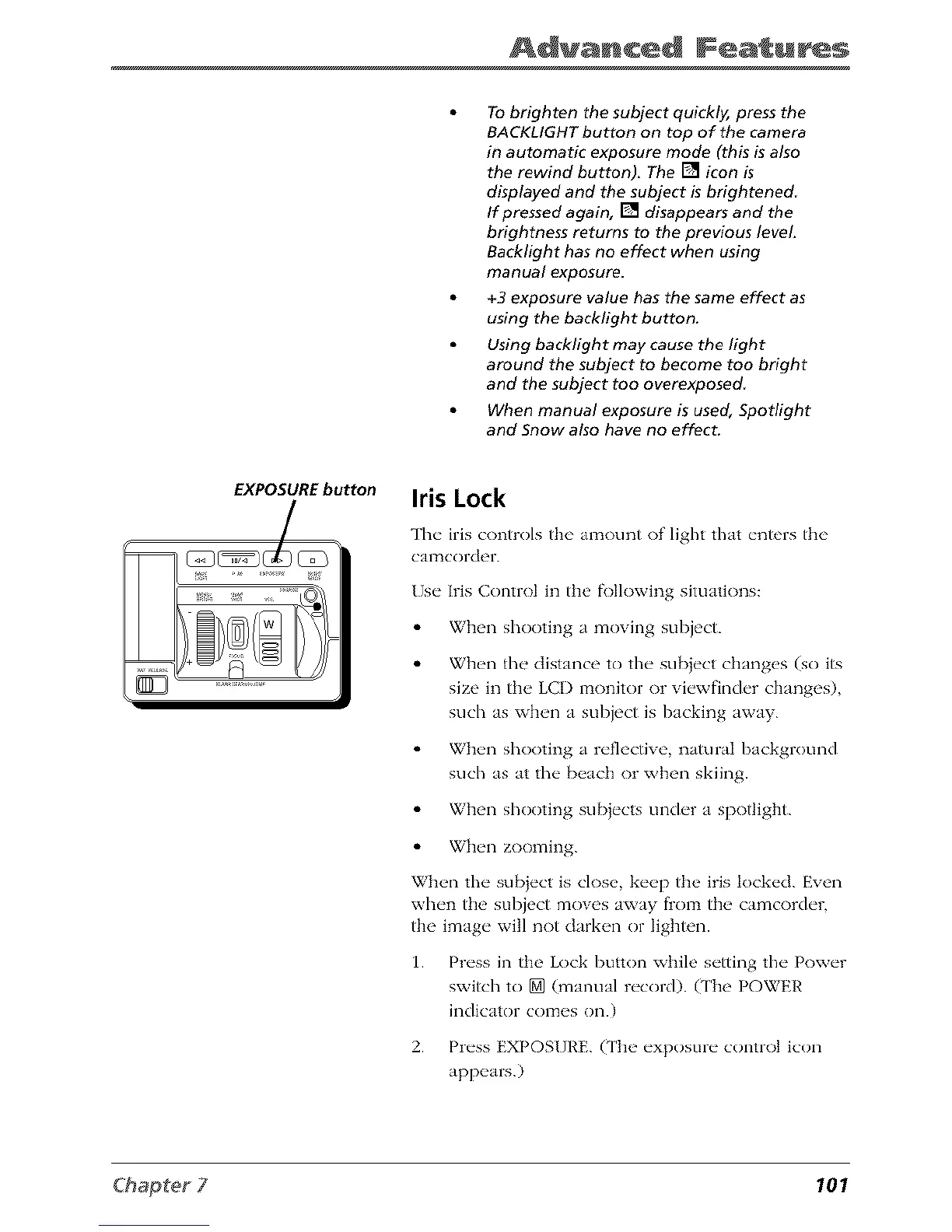
EXPOSURE button
Iris Lock
The iris controls the amount of light that en_rs the
calTtcorder.
Use Iris Control in the fi)Ilowing situations:
When shooting n moving subject.
When the distance to the sul)iect ch_mges (so its
size in the LCD monitor or viewfinder ch_mges)
such as when J subject is backing awJy.
When shooting n reflective natural background
such as at the beach or when skiing.
When shooting sul)jects under a spotlight.
When zooming.
When the subiect is close, keep the iris locked. Even
when the subject moves away flom the camcorder,
the image will not darken or lighten.
1. Press in the Lock button while setting the Power
switch to [] (manual record). (The POWER
indicator comes on.)
2. Press EXPOSURE. (The exposure control icon
appears.)
101



 To Next Page