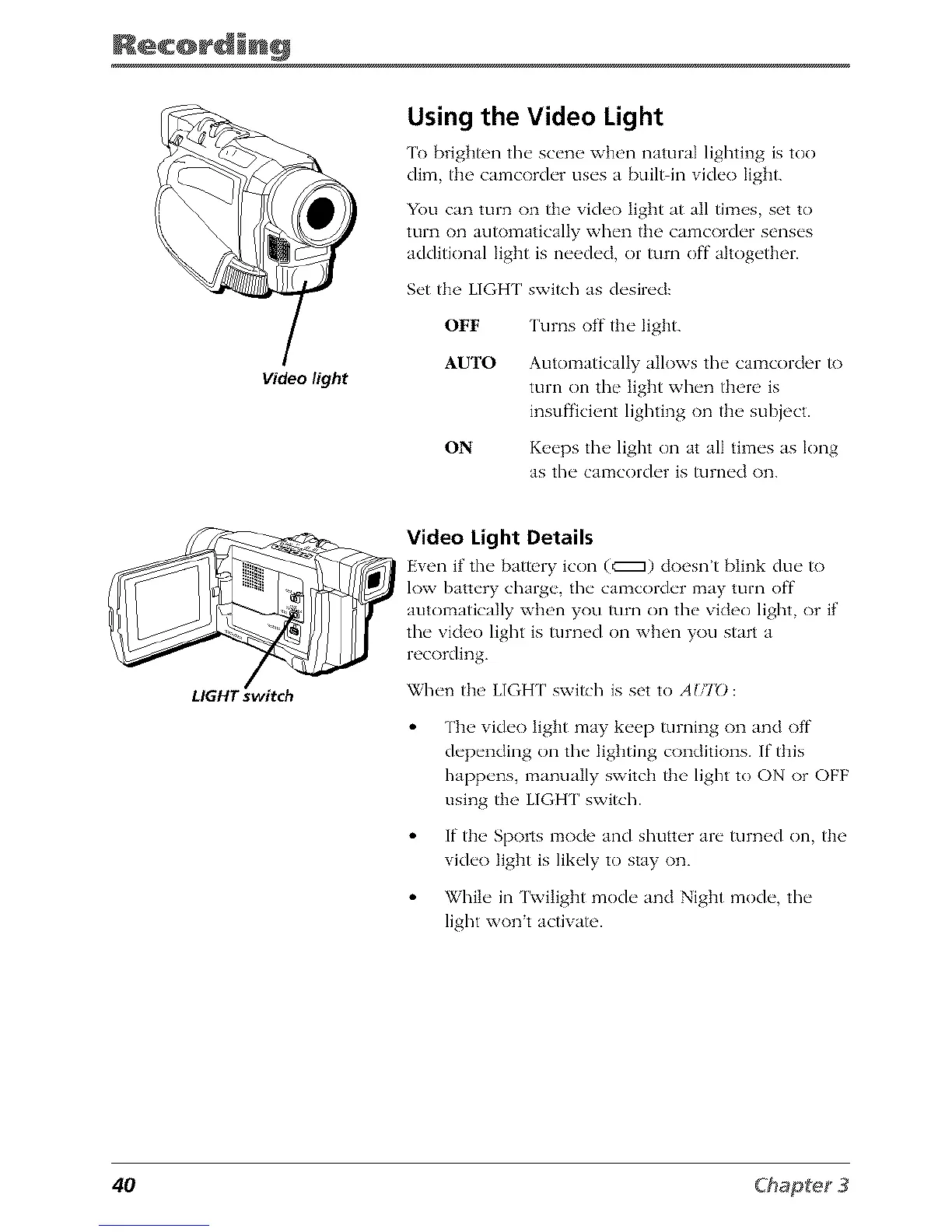
Video light
Using the Video Light
'lb brighten the scen_ wh_'n natural lighting is too
dhll the camcorder uses a bui]_in vkh'o light.
You can turn on the' video light at all tim(,s set to
turn on automatica]Iy when the cnmcorder senses
additkma] light is ne_,ded, or turn off ahogether.
Set the LIGHT switch as desired:
OFF Turns off the light.
AUTO Automatically allows the camcorder to
mm on the light when there is
insufficient lighting on the subject.
ON Keeps the light on at all times as long
as the CalTtcorder is turned on.
LIGHT switch
Video Light Details
Even if the bakery icon (c::::::_)doesn't blink due _)
low battery charge, the calzacorder may turn off
automatically xvh_'n you turn on the video light, or if
the video light is turned on when you start a
recording.
When the LIGH[' switch is set to AUID:
Tim vide<) Iigllt may keep turning on and off
depending on the lighting conditions. If this
happens, manually switch the light to ON or OFF
using the LIGH [' switch.
If the Sports mode and slmtter are turned on, the
vide<) light is likely to stay on.
While in [wilight mode and Night mode, the
light wont actiwm'.
40



 To Next Page