Using the @nit@rs
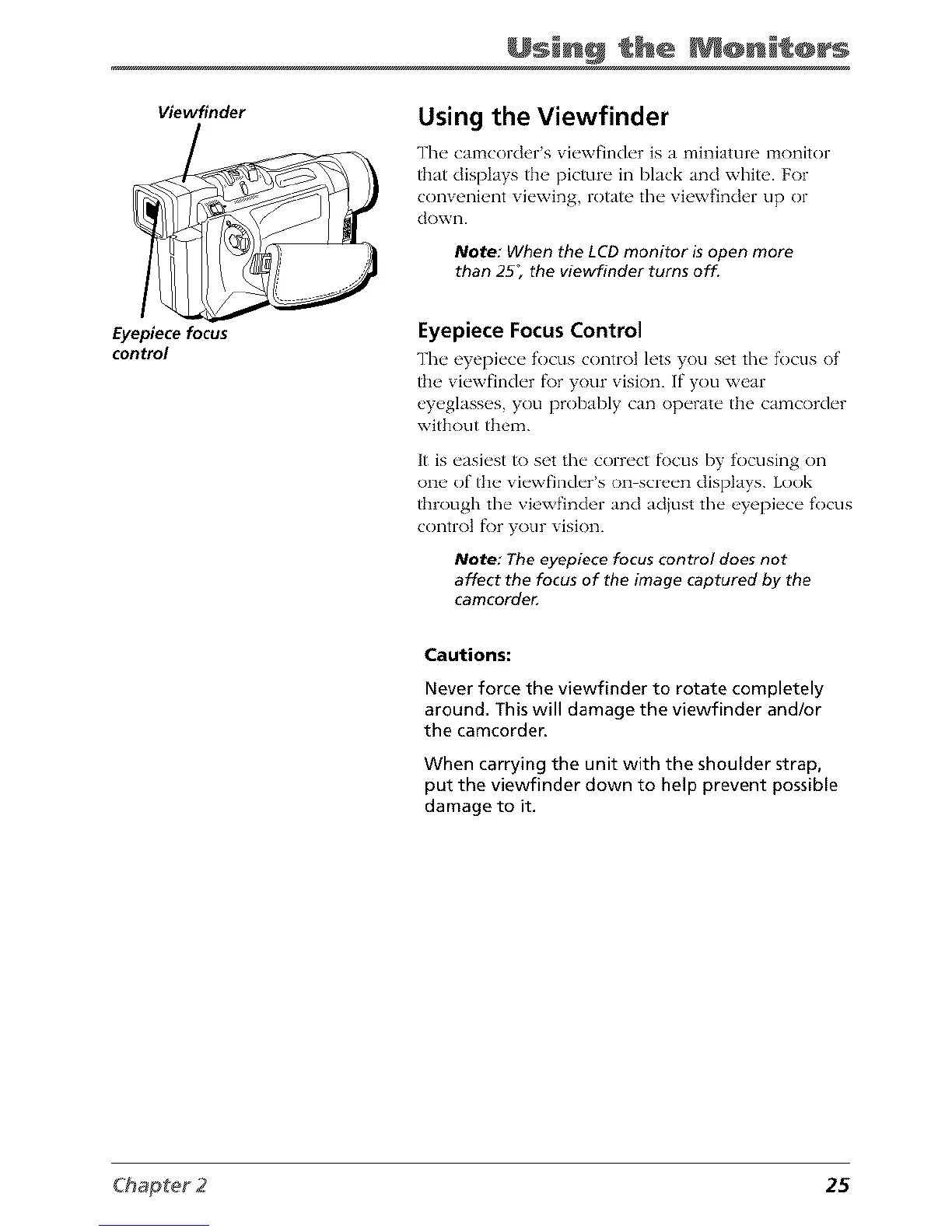
Viewfinder
Eyepiece focus
control
Using the Viewfinder
The camcorder's viewfinder is a miniature monitor
that displays the picture in black and white. For
convenient viewing, rotate the viewfinder tip or
dowI].
Note: When the LCD monitor is open more
than 25_ the viewfinder turns off.
Eyepiece Focus Control
The eyepi_'c_" focus control h'ts you set tlw focus of
the, vi_'wfinch'r f\)r your vision. If"you xw>ar
%_,g]ass_,s you probab]y can opt'raw the camcorch'r
without them.
It is easiest to set the correct fl)cus by focusing on
one of tlm viewfinder's on screen displays. Look
through the viewfinder and adjust the eyepiece focus
control fi)r your vision.
Note: The eyepiece focus control does not
affect the focus of the image captured by the
camcordeg
Cautions:
Never force the viewfinder to rotate completely
around. This will damage the viewfinder and/or
the camcorder.
When carrying the unit with the shoulder strap,
put the viewfinder down to help prevent possible
damage to it.
25



 To Next Page