Self-Recording
You can even record yourself while viewing your
own image in the LCI) moniR)r. Open the LCD
moniR)r and tilt it upward 180° so that it faces
t'ol_vard, then point the lens toward yourself and start
recording.
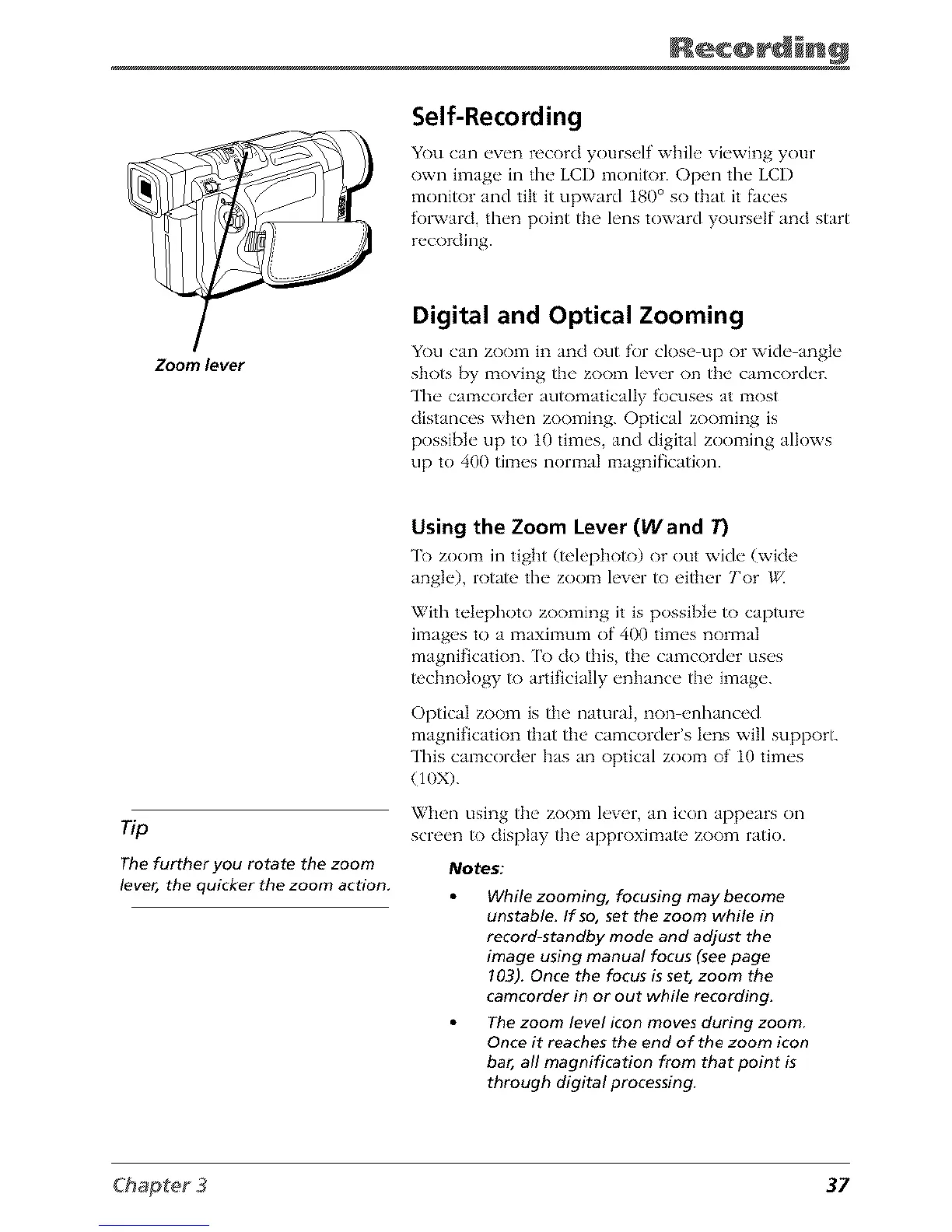
Zoom lever
Digital and Optical Zooming
You can zoom in and out for close up or wide angle
shots [_y moving the zoom lever on the camcorder.
The camcorder auR)matically focuses at most
distances when zooming. Optical zooming is
possible up to 10 times, and digital zooming allows
up to 400 times normal magnification.
Tip
The further you rotate the zoom
lever, the quicker the zoom action.
Using the Zoom Lever (Wand T)
"1"OZOOITIin tight (telephoto) or out with" (wide
angle), rotate the zoom lever to either Tor
With telephoto zooming it is possible to capture
images to a maximmn of 400 times normal
magnification. [b do this, the camcorder uses
tcchnotogy to artificially enhance the image.
Optical zoom is the natural, non enhanced
magnification that the camcorder's lens will support.
This camcorder has an optical zoom of 10 times
(10X).
When using the zoom lever, an icon appears on
screen to display the approximate zoom ratio.
Notes:
While zooming, focusing may become
unstable. If so, set the zoom while in
record-standby mode and adjust the
image using manual focus (see page
103). Once the focus is set, zoom the
camcorder in or out while recording.
The zoom level icon moves during zoom
Once it reaches the end of the zoom icon
bar, all magnification from that point is
through digital processing.
37



 To Next Page