Still Camera
/
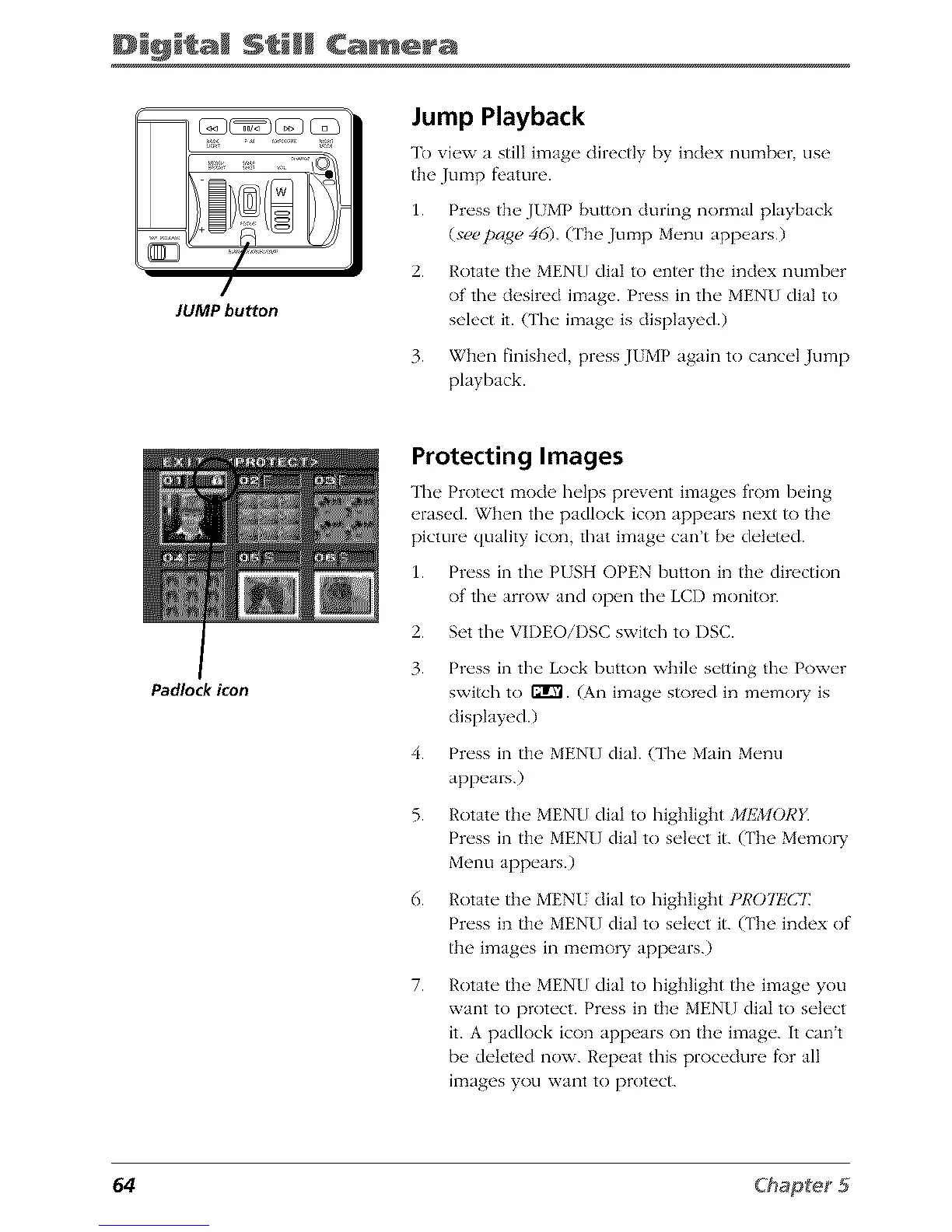
JUMP button
Jump Playback
To vi_'w a still image directly by index numb_,r use
the Jump fi'ature.
1. Press the JUMP button during normal playback
(see page 46). (['he Jump Menu appears.)
2. Rotate the MENU dial to enter the index number
of the desired image. Press in the MENU dial to
select it. (The image is displayed.)
3. When finished, press JUMP again to cancel Jump
playback.
Padlock icon
Protecting Images
The Protect mode helps prevent images from being
erased. When the padlock icon appears next to the
picture quality icon, that image can't be deleted.
1. Press in the PUSH OPEN button in the direction
of the arrow and open the LCD monitor.
2. Set the VIDEOiI)SC switch to I)SC.
3. Press in the Lock button while setting the Power
switch to rifle. (An image sh)red in memo1T is
displayed.)
4. Press in the MENU dial. (The Main Menu
appears.)
5. Rotate tile MEN[] dial to highlight 2/IIL_40RE
Press in the MENU dial to select it. (The Memo1T
Menu appears.)
6. Rotate the MENU dial to highlight t'R07I!C7:
Press in the MENU dial to select it. (The index of
the images in memory appears.)
7.
Rotate the MENU dial to highlight the image you
want to protect. Press in the MENU dial to select
it. A padlock icon appears on the image. It can't
be deleted now. Repeat this procedure f\)r all
images you want to protect.
64



 To Next Page