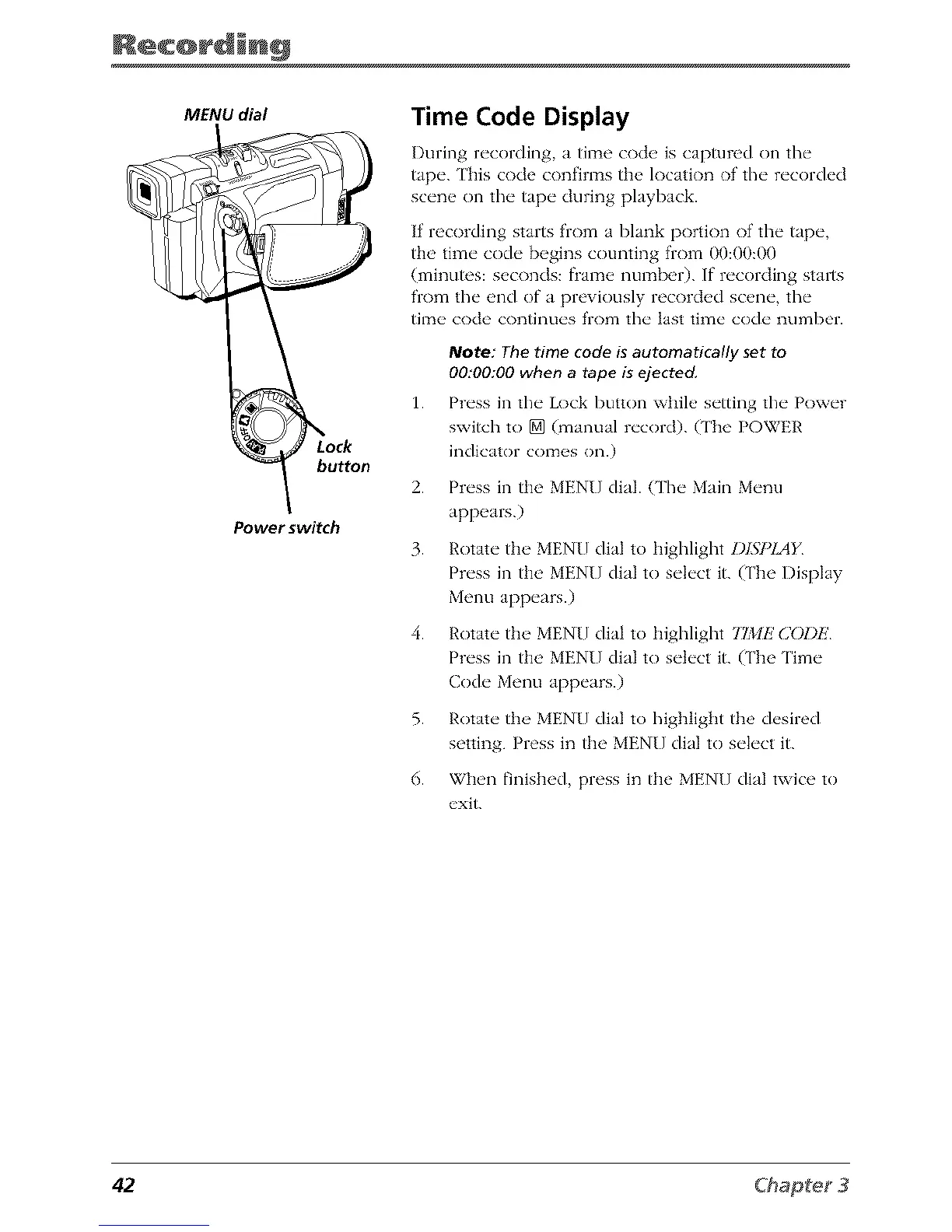
MENU dial
button
Power switch
Time Code Display
During recording, a time code is captured on the
tape. Ehis code confirms the location of the recorded
scene on the tape during playback.
If recording starts from a blank portion of the tape,
tile time code begins counting from 00:00:00
(minutes: seconds: flame number). If recording starts
from the end of a previously recorded scene, the
time code continues from the last time code number.
1.
Note: The time code is automatically set to
00:00:00 when a tape is ejected,
Pn'ss in tlw Lock button whih, s_'tting tlw Pow_'r
switch to [] (manual n'cord). ('lIb{_ POWER
indicator comes on.)
2. Press in the MENU dial. (The Main Menu
appears.)
3. Rotate tile MENU dial to lliglllight Z)ISPIAF
Press in the MENU dial to select it. (The Display
Menu appears.)
4. Rotate the MENU dial to higlllight TIME C()DE
Press in the MENU dial to select it. (The Time
Code Menu appears.)
5. Rotate the MENU dial to highlight the desired
setting. Press in the MENU dial to select it.
6. When finished, press in the MENU dial twice to
exit.
42



 To Next Page