Still Camera
Setting the Digital Print Order
Format (DPOF)
Your camcorder is compatible with the DPOF (Digital
Print Order FormaO standard for future printing
services and devices which records infk)rmation
about tile still images you want to print (such as the
number of prints to make).
The I)POF feature can be used one of two ways: by
selecting all still images and requesting one print
each, or by selecting individual images from the
I)POF index screen and requesting up to 15 prints
each.
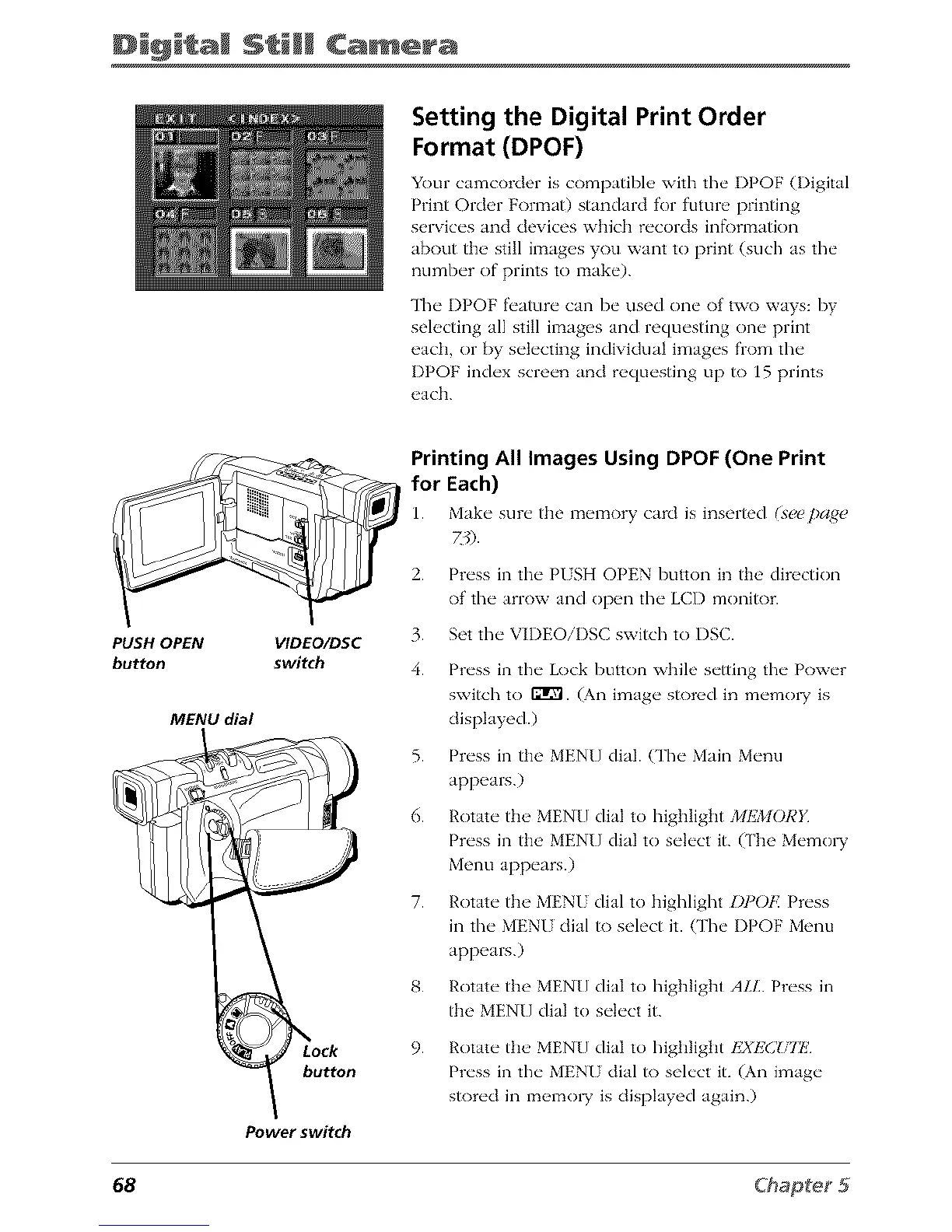
PUSH OPEN
button
VIDEO/DSC
switch
MENU dial
button
Power switch
Printing All Images Using DPOF (One Print
for Each)
Make sure the memory ca_ is inser_d _ee ])a_e
1.
2.
3.
4.
5.
6.
7.
Press in the PUSH OPEN button in tile direction
of the arrow and open the LCD monitor.
Set the VIDEOiI)SC switch to I)SC.
Press in the Lock button while setting the Power
switch to fflg'l. (An image stored in memo1T is
displayed.)
Press in tile MENU dial. CFheMain Menu
appears.)
Rotate tile MENU dial to highlight )/IEMORI /
Press in tile MENU dial to select it. (The Memo1T
Menu appears.)
Rotate the MENU dial to highlight I)POF. Press
in the MENU dial to select it. (The I)POF Menu
appears.)
Rotate tile MENU dial to highlight ALL Press in
tile MENU dial to select it.
9. Rotate the MENU dial to highlight I£XEC!,iE'
Press in the MENU dial to select it. (An image
stored in memo1T is displayed again.)
68



 To Next Page