Usin@ the _@nit@rs
_--_p
Focus Icons
&4_i
Appears when you select shutter wipe over the prevk)us screen.
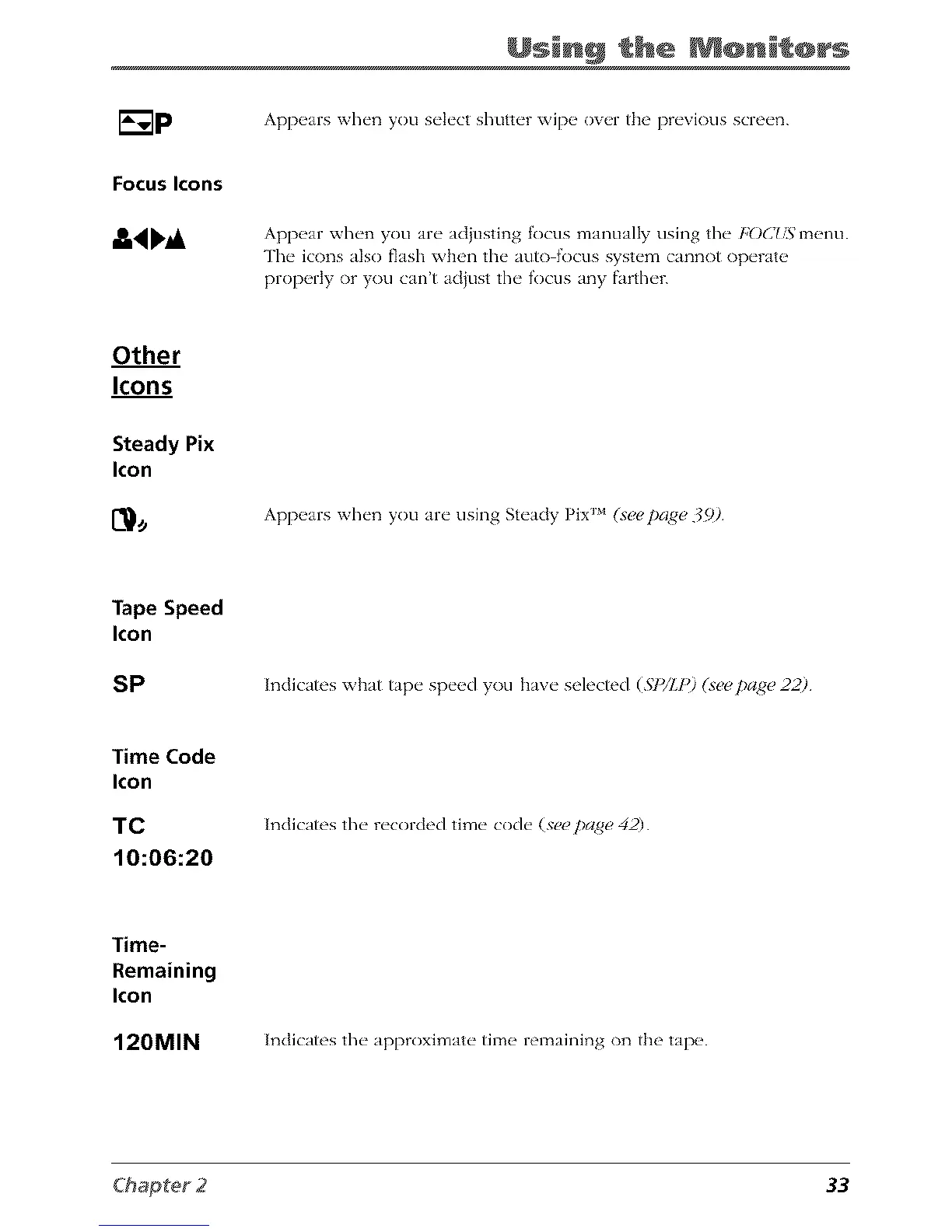
Appear when you are adjusting focus manually using the FOC75menu.
The icons also flash when the auto focus system cannot operate
properly or you can't acljust the focus any farther.
Other
Icons
Steady Pix
Icon
Appears when you are using Steady Pix _ (s_!_!t)a_e 39)
Tape Speed
Icon
SP
Indicates what tape speed you have selected (.ST_/l.p)(s_pa#e 22)
Time Code
Icon
TC
10:06:20
Indicates the recorded time code (see pangs, 42)
Time-
Remaining
Icon
120MIN Indicates the approximate time remaining on the tape.
33



 To Next Page