¢@nnec_@ns _ Setup
Getting Started
['his sectk)n describes the basics on how to set up your c uncorder to r_cord for the first
time. Ref_,r to the other sections for cletai]ed operation and feature options.
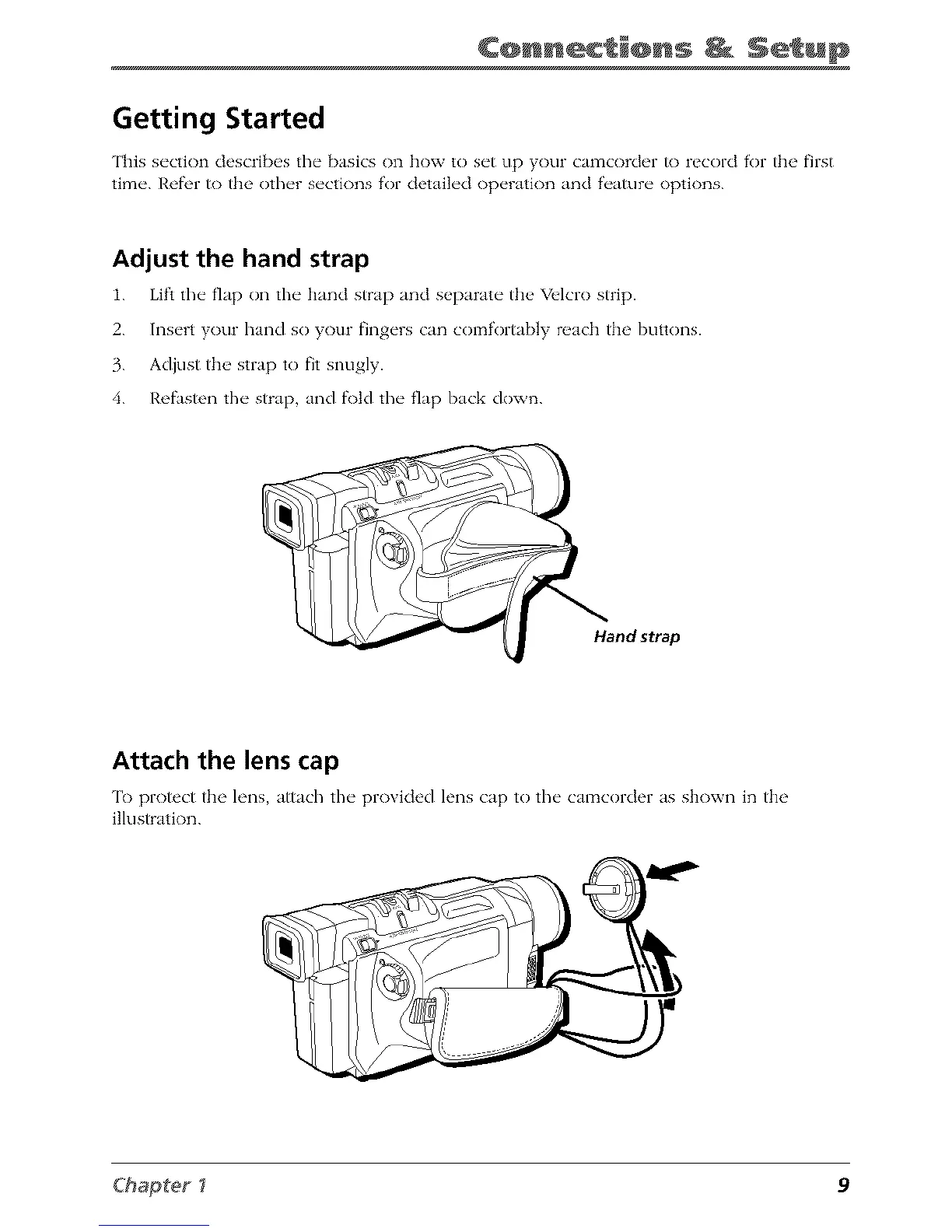
Adjust the hand strap
1. Lift the fl_lp on the h_md strap _md separJte the" Velcro strip.
2. Insert your hand so your fingers can comfort_bly reach the buttons.
3. Adiust the strap to fit snugly.
4. Refasten the strap, Jnd f\)td the fl_lp back down.
Hand strap
Attach the lens cap
['o protect the h'ns attach the pro\ided h'ns cap to the camcorder as shown in the
illustration.
Chapter_ 9



 To Next Page