Di@i ai Still Camera
Slide Show
You can automatically look at all the" images ston'd in
m_'moi T in ntlm_'rical orch'r.
1. Make" sun" the m_qnory card is inserted (s_c pa_(_
2. Pr_'ss in the" PISH OPEN button in the direction
of the" arrow and ()p_qa the" LCI) monitor.
3. Set tlw VII)EOiI)SC switch to I)SC
4. Press in the Lock button while setting the Power
switch to I"a_. (Air images stored in memoi T is
displayed.)
5. Press _/11(Pkw Pause button) to start the
stideshow.
6. When finished, press • (Stop button).
PUSH OPEN
bu_on
VIDEO/DSC
switch
Index
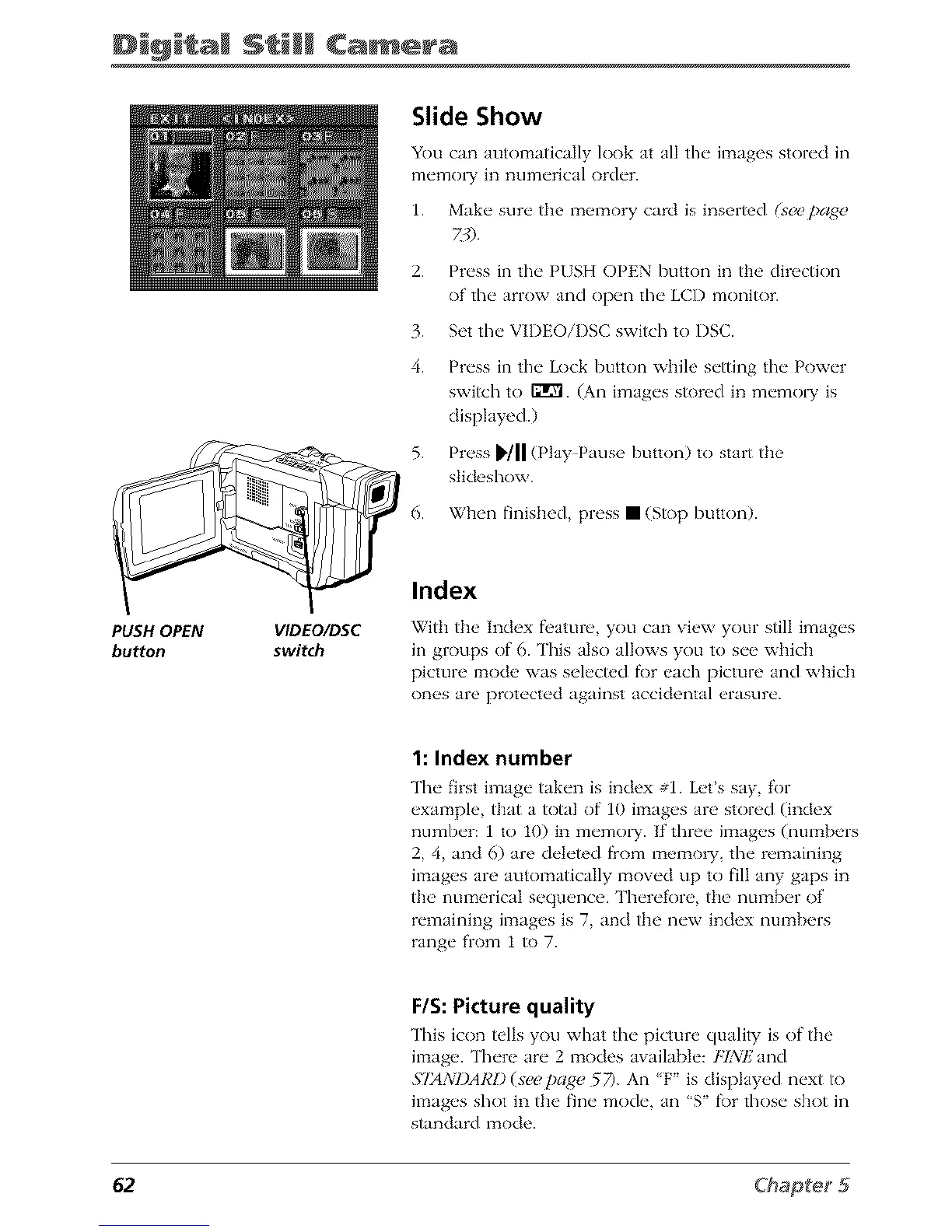
Witt_ the Index fi'ature, you can view your still images
in groups of 6. This also alk)ws you to see wifich
picture mode was select_,d fi)r each picture and which
ones are protected against accidental erasure.
1: Index number
The first image taken is index #1. Let's say, for
example, that a total of 10 images arc stored (index
number: 1 to 10) in memoi T. If three images (numbers
2, 4, and 6) are deleted from memow, the remaining
images are automatically moved up to fill any gaps in
the numerical sequence. Therefore, the number of
remaining images is 7, and the new index numbers
range from 1 to 7.
F/S: Picture quality
This icon tells you what the" pictun, quality is of the
imag_'. Th('re ar(" 2 modes availabl(': FIsXiF_and
.S'I24WI)ARl)(s_pagc_ 57). Air is dispkw_,d n_'xt to
images shot in the fine mode, an'S f\)r those shot in
standard mode.
62



 To Next Page