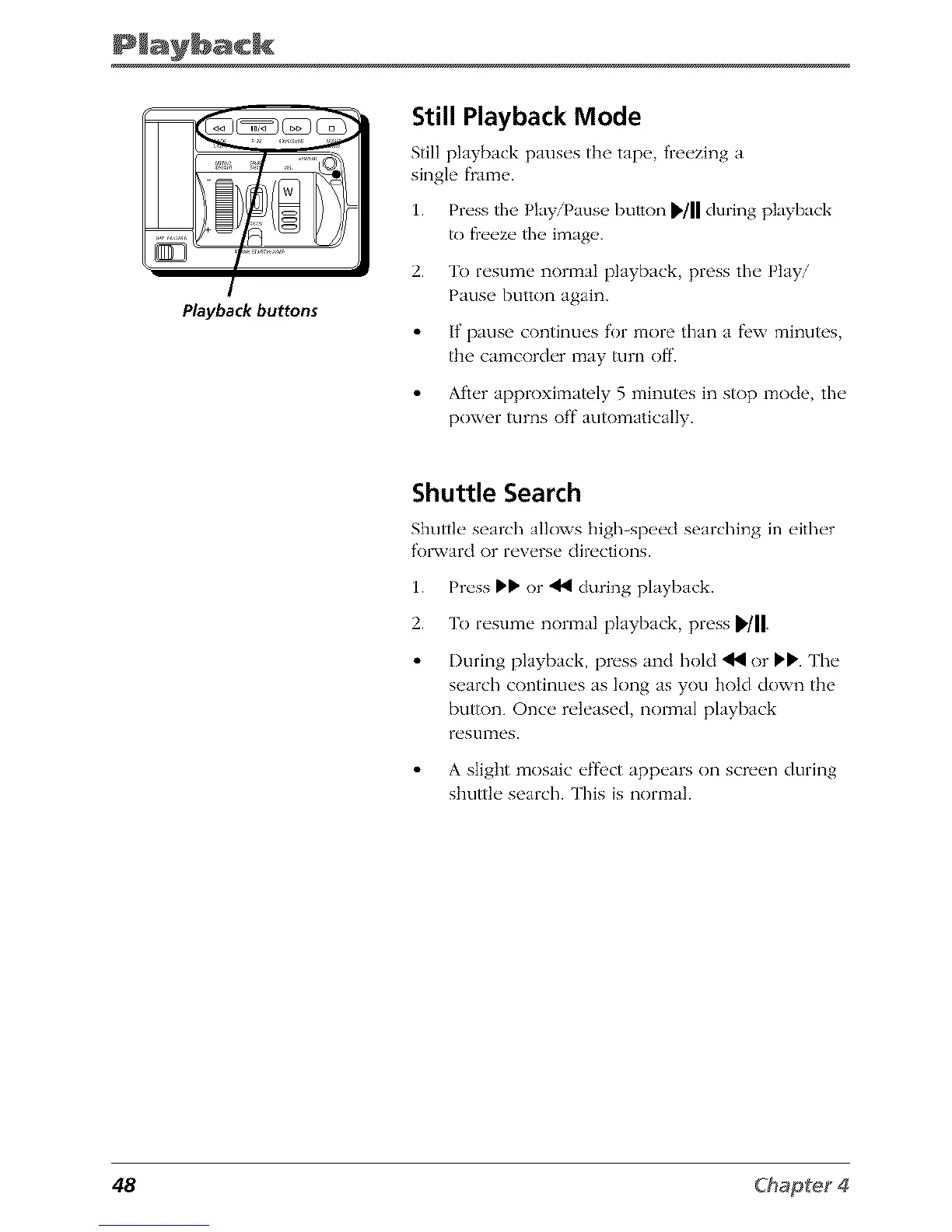
Playbackbuttons
Still Playback Mode
Still playback paus_'s the tap__ fi'e_'zing a
single flame.
1. Prt'ss the Play/Pause button _/11 during playback
to fieeze file image.
2. To resume normal playback, press the Play/
Pause button again.
If pause continues for more than a fl'w minutes,
the camcorder may turn off.
After approximately 5 minutes in stop mode, the
power turns off automatically.
Shuttle Search
Shuttle" search alk)ws high-sp_'_'d searching in _'ith_'r
f'olxvard or reverse directions.
1. Press !_!_or _ during playback.
2. To resume normal playback, press _'/11.
I)uring playback, press and hold _ or !_IP. The
search continues as long as you hold down the
button. Once released, normal playback
restllTles.
A slight mosaic el:fi,ct appears on screen during
shuttle search. This is normal.
48



 To Next Page