Tips
The playback picture can be viewed
in the viewfinder (with the LCD
monitor shut), on the LCD monitor,
or on a connected TV (see page 50).
You can also view the playback
picture on the LCD monitor with it
flipped over and retracted
When the Power switch is set to
and the LCD monitor is opened at an
angle of 25 °or more, the LCD monitor
switches on and the viewfinder switches
off automatically to save power
If a blank portion on the tape is played
back, the screen may become black This
is not a malfunction.
LCD monitor/viewfinder indications:
• When power is supplied from a
battery _] appears. When power is
supplied through the power supply,
does not appea_
• When a tape isstopped, no icons
appear
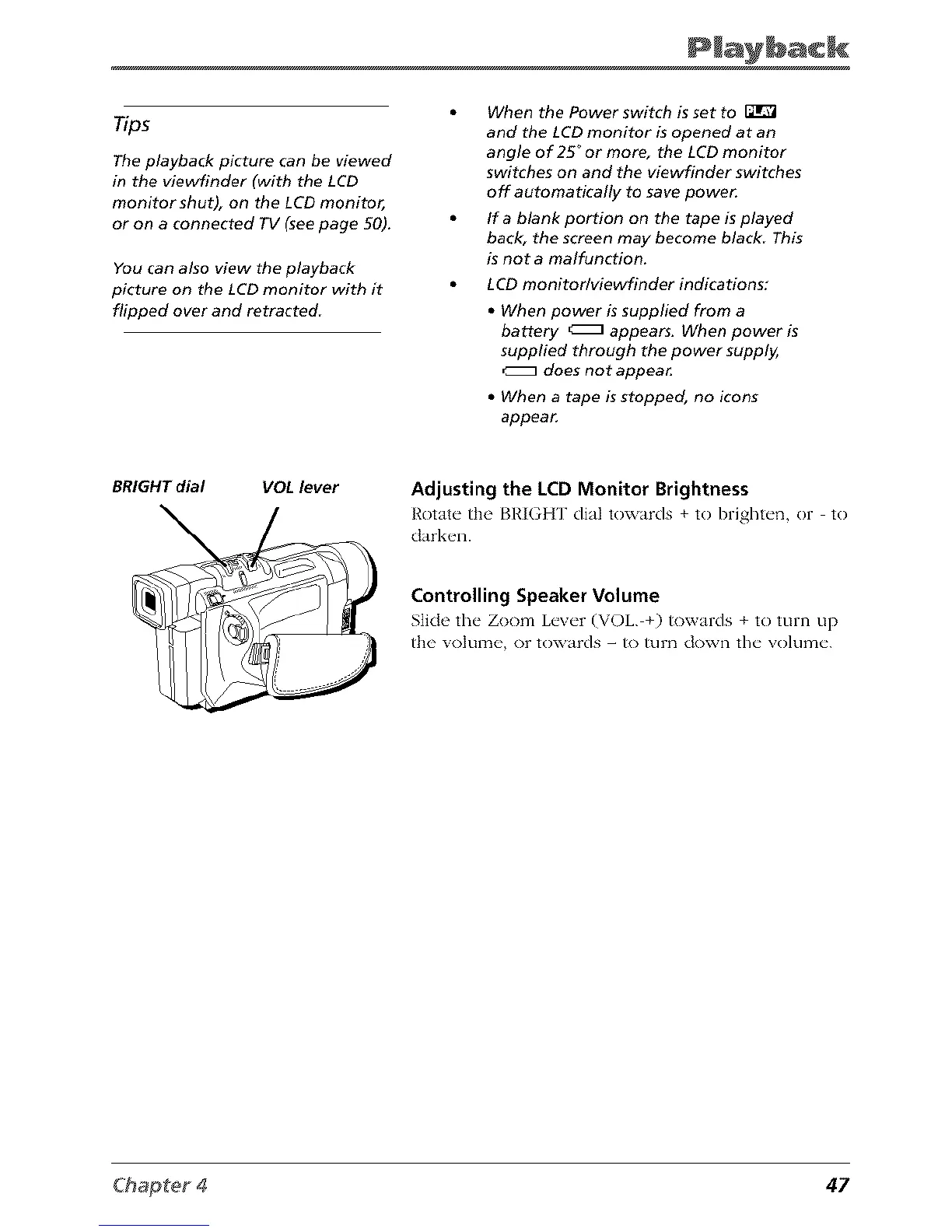
BRIGHT dial VOL lever
Adjusting the LCD Monitor Brightness
Rotate" the [31,']GHT dial towards + to bright_'n, or to
dark_ql.
Controlling Speaker Volume
Stidc the" Zoom L_'v_'r (VOL +) towards + to turn up
the volume, or towards - to turn down the w)lurne.
47



 To Next Page